Terrain Tiles
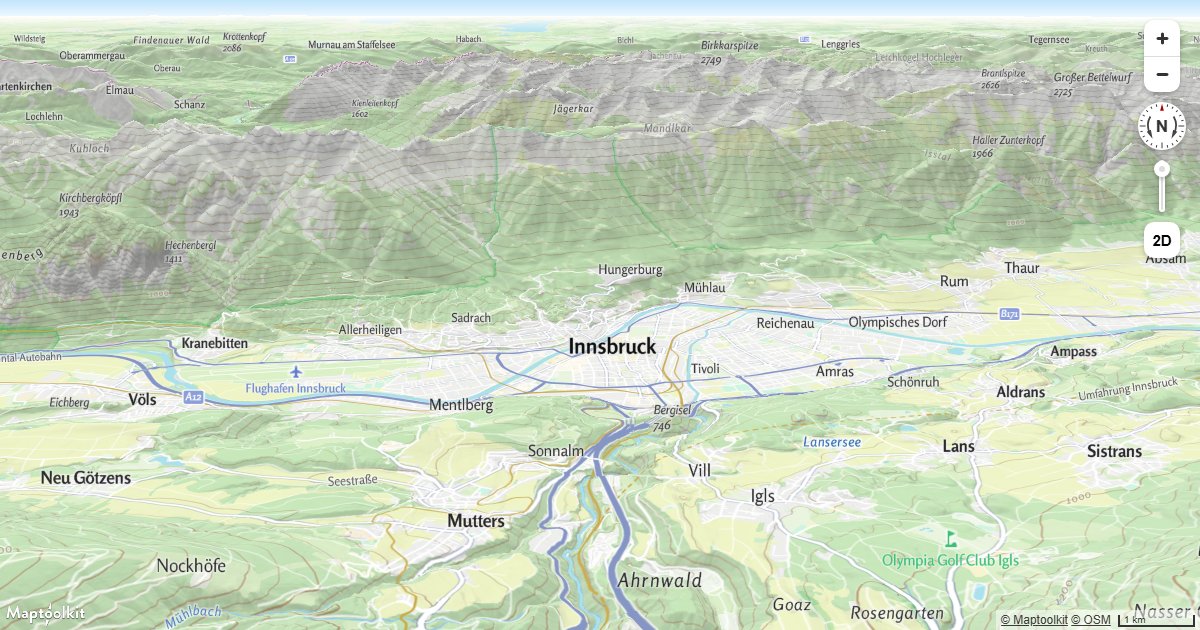
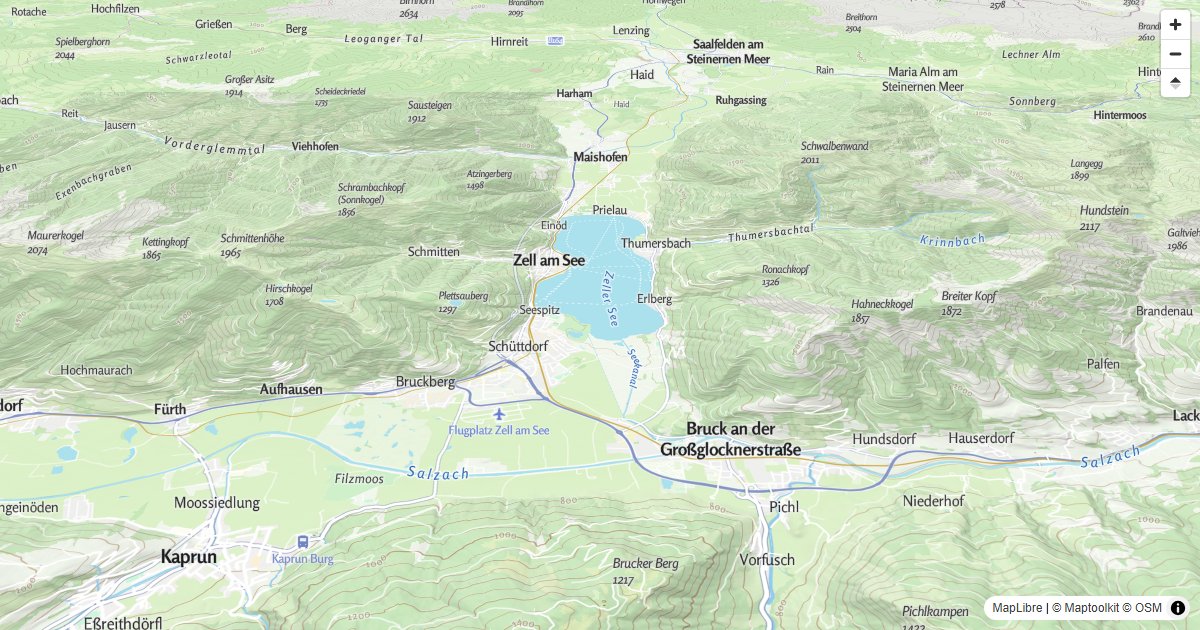
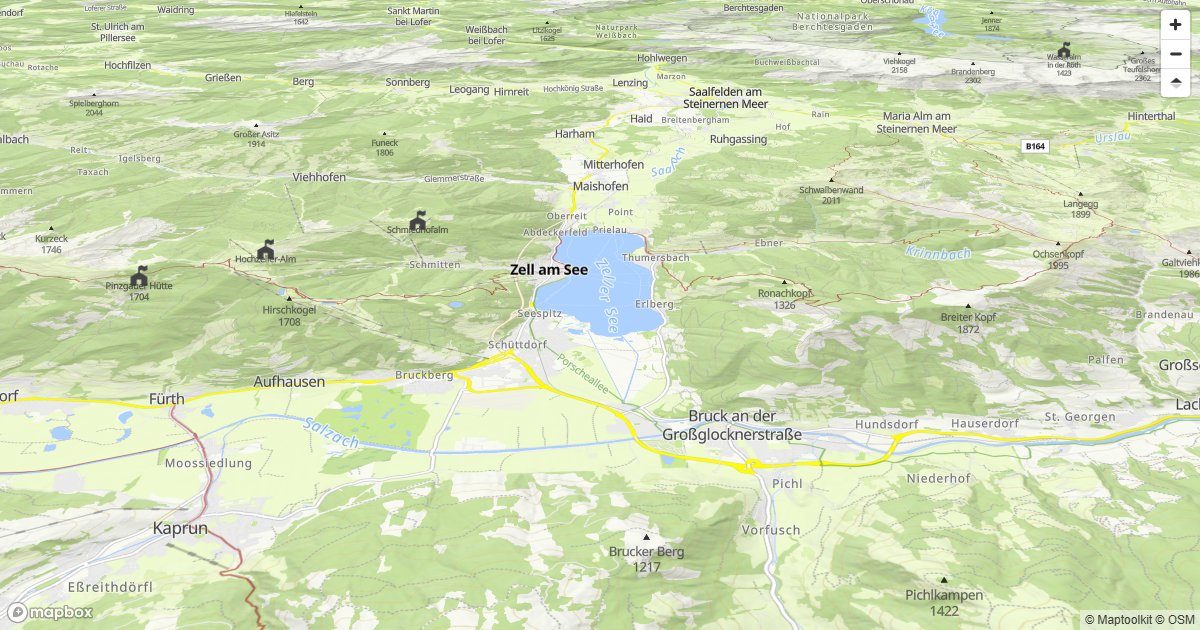
Terrain tiles provide elevation data and hillshading overlays for 3D map rendering. Add them on top of a vector tile map in MapLibre GL or Mapbox GL.
Authentication
Add your API key as ?api_key=YOUR_API_KEY to every request. See Authentication for details.
Hillshading
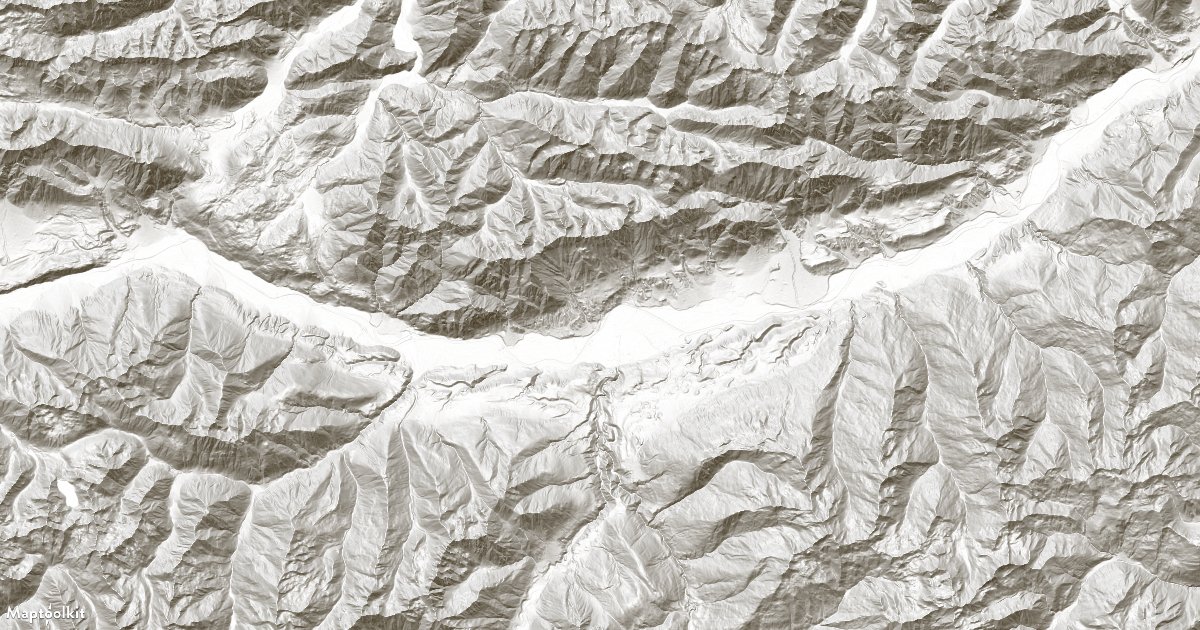
A raster hillshading overlay you can add on top of any vector map. Maximum zoom level: 14.
https://vtc-cdn.maptoolkit.net/hillshading/{z}/{x}/{y}.png?api_key=YOUR_API_KEYAdd hillshading as a layer in MapLibre GL:
map.on('load', () => {
  map.addSource('shading', {
    type: 'raster',
    tiles: ['https://vtc-cdn.maptoolkit.net/hillshading/{z}/{x}/{y}.png?api_key=YOUR_API_KEY'],
    tileSize: 256,
    maxzoom: 14
  });

  map.addLayer({
    id: 'hillshading-layer',
    type: 'raster',
    source: 'shading',
    paint: { 'raster-opacity': 0.5 }
  });
});
3D Terrain
Elevation data encoded as a raster image (Terrarium encoding). Used for 3D terrain rendering in MapLibre GL and Mapbox GL. Maximum zoom level: 14.
https://tiles.maptoolkit.net/terrain/{z}/{x}/{y}.webp?api_key=YOUR_API_KEYAdd 3D terrain in MapLibre GL:
map.on('load', () => {
  map.addSource('terrain-rgb', {
    type: 'raster-dem',
    tiles: ['https://tiles.maptoolkit.net/terrain/{z}/{x}/{y}.webp?api_key=YOUR_API_KEY'],
    encoding: "terrarium",
    tileSize: 256,
    maxzoom: 14
  });

  map.setTerrain({ source: 'terrain-rgb', exaggeration: 1.5 });
});
Examples
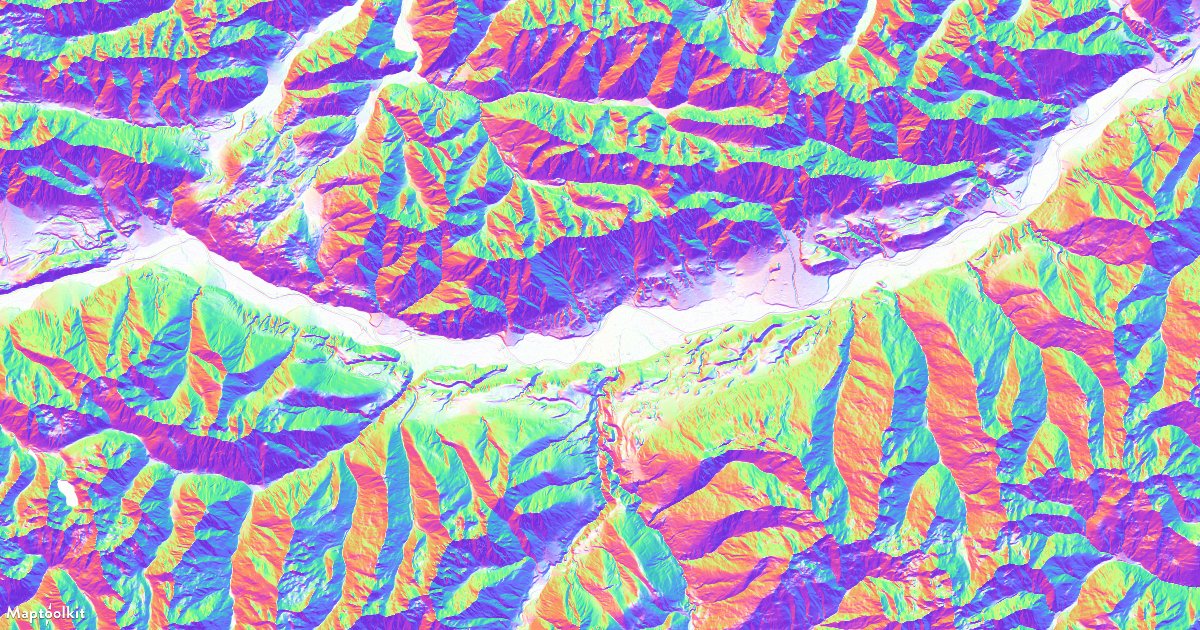
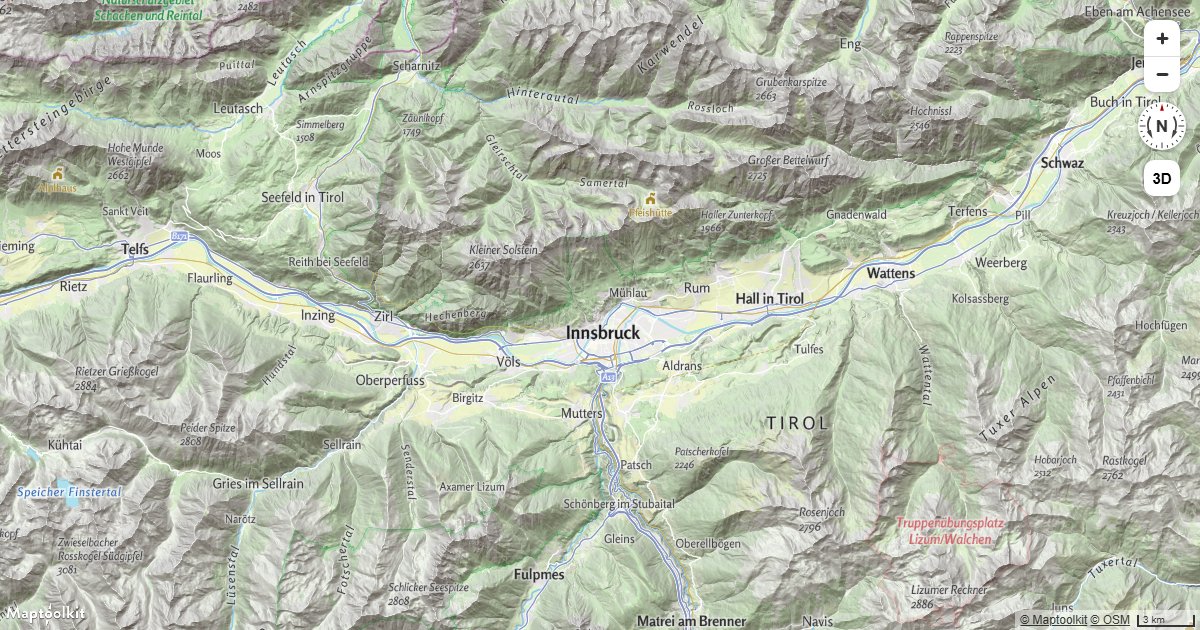
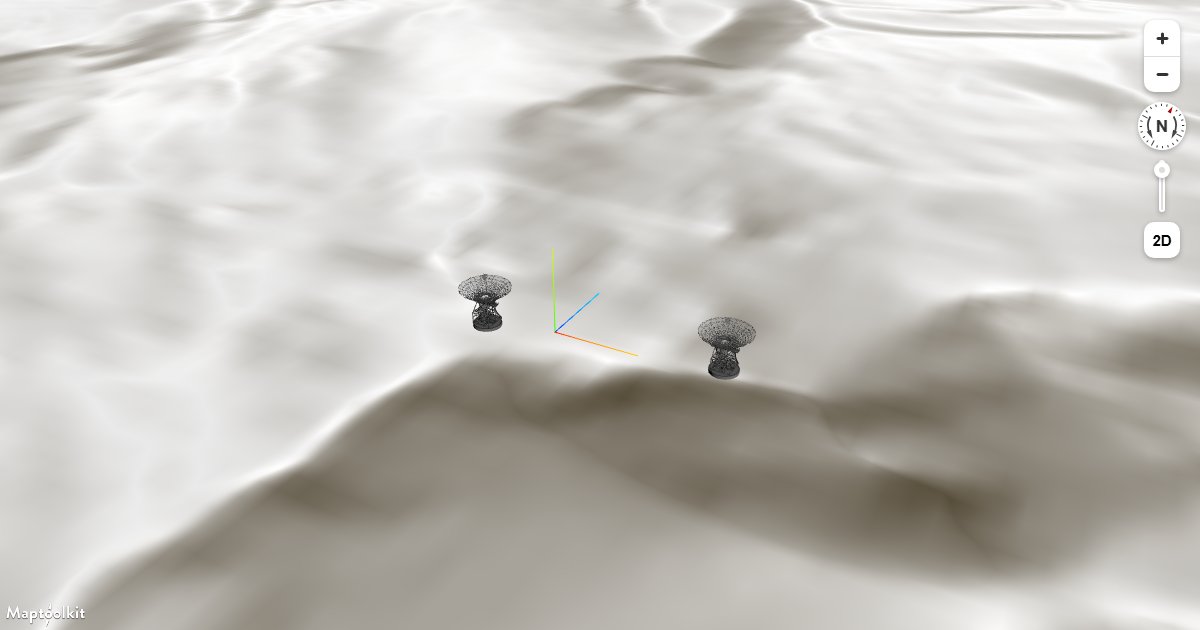
Working examples for this API, each with copyable source:

Errors
Errors return the HTTP status code with a plain-text message in the body.
| Status | Meaning |
|---|---|
403 | The API key is missing (Access denied!) or not recognized (Api-key not found!). See First Steps. |
404 | Tile source not found. The tileset name in the URL does not exist. |
500 | Internal server error. |
Rate limits
Limits are monthly request quotas tied to your plan rather than a per-second rate: the
service returns no RateLimit-* or Retry-After headers. Current allowances are on the
pricing page.
The free Basic plan has a hard limit, so requests are refused once it is reached. On Pro and Ultra, requests past the allowance are billed rather than refused. Enterprise plans use a flexible limit.
Tile requests are metered separately from API requests and at a lower rate, so a map-heavy application is budgeted differently from one making API calls.
Pricing
Self-service plans (Basic, Pro, and Ultra) are billed through RapidAPI; see RapidAPI for how to subscribe and authenticate. Plan limits and prices are listed on the Maptoolkit pricing page. Enterprise customers call the native hosts directly with a Maptoolkit API key.