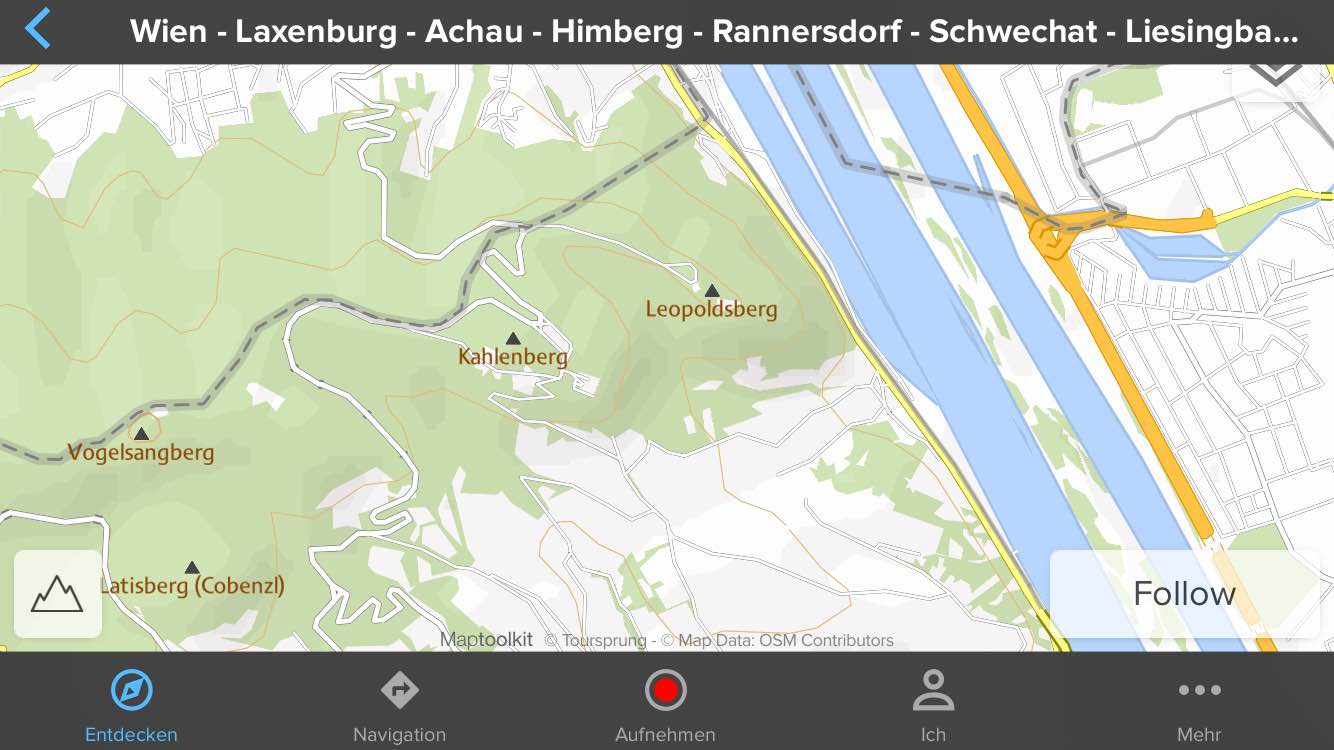
Mobile apps
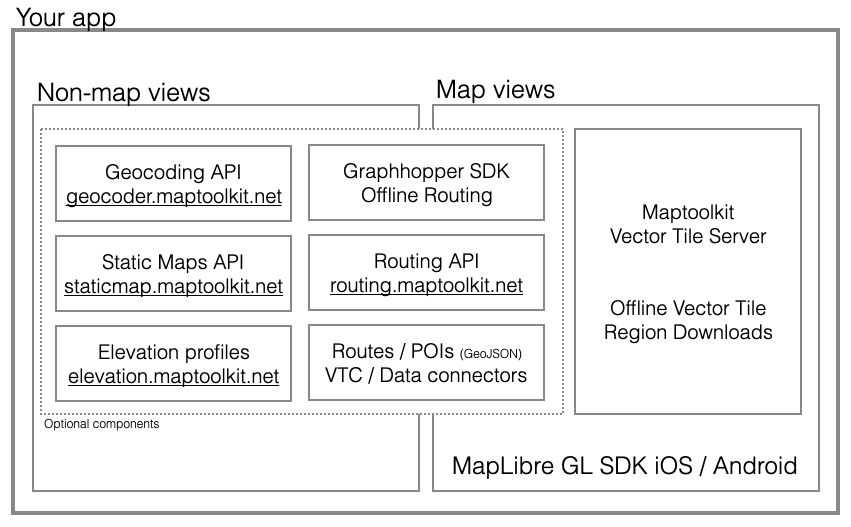
The Maptoolkit ecosystem works best with the open-source MapLibre GL SDK that exists for iOS, Android and other platforms.
Using custom cartography
You can use one of your standard GL stylesheets that models the Maptoolkit cartography as you know it from raster maps (including hillshading and contour lines). All necessary vector tile sources are already encoded in that stylesheet.
If you want to adapt the map styling to your needs or to your own brand, you can easily create your own map stylesheet in the Maptoolkit Style Manager. As soon as you click “publish”, a URL will be displayed that you can use.
Displaying geodata
The GL SDK can handle GeoJSON well (see specification), so all geodata from the Maptookit Connectors is being served as GeoJSON. For the display of clustering some client-side coding is required. We can supply code snippets on request.
Please refer to the Connector section for more information on how to retrieve data from our servers.
Routing and navigation
For Routing please refer to the documentation of the Maptoolkit Routing API. You are free to implement your own routing/navigation user interfaces, or use the opensource MapLibre Navigation SDK for Ios and for Android, a fork of the Mapbox Navigation SDK.
Correct attribution within apps
Please make sure to include the following attribution on map screens of your app, along with the small Maptoolkit logo:
© Maptoolkit - © Map Data: OSM
Logo file:
Example: