Maptoolkit Maps JS Examples
Getting Started
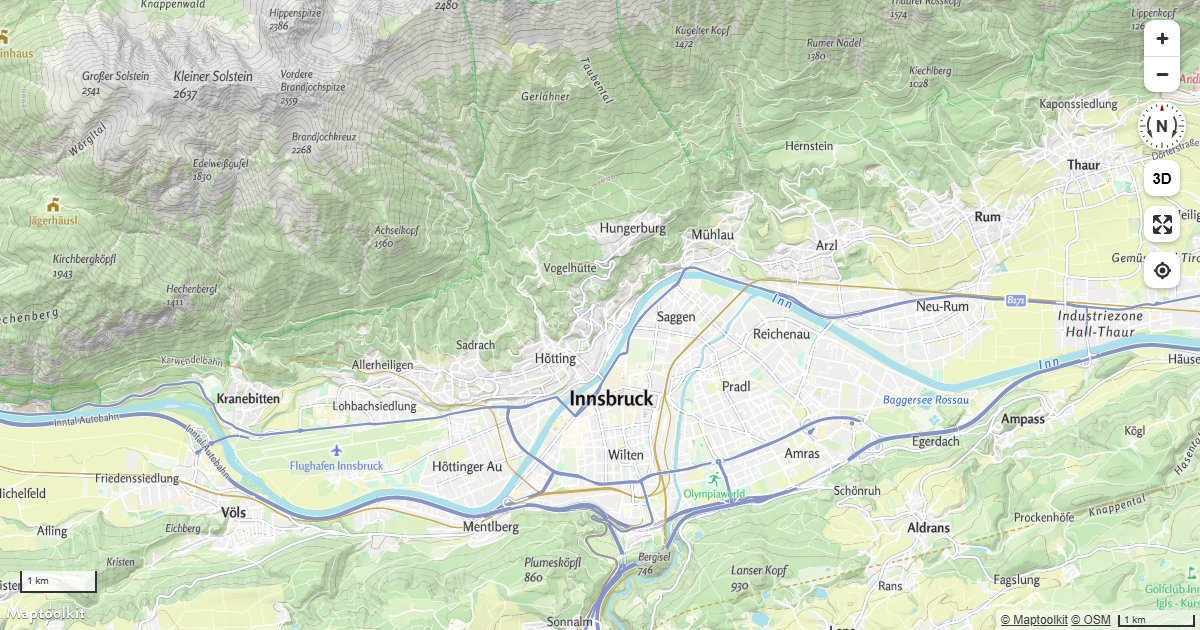
Display Map Navigation Controls
Add zoom, compass, scale, fullscreen, and geolocation controls to a Maptoolkit map using built-in control classes.
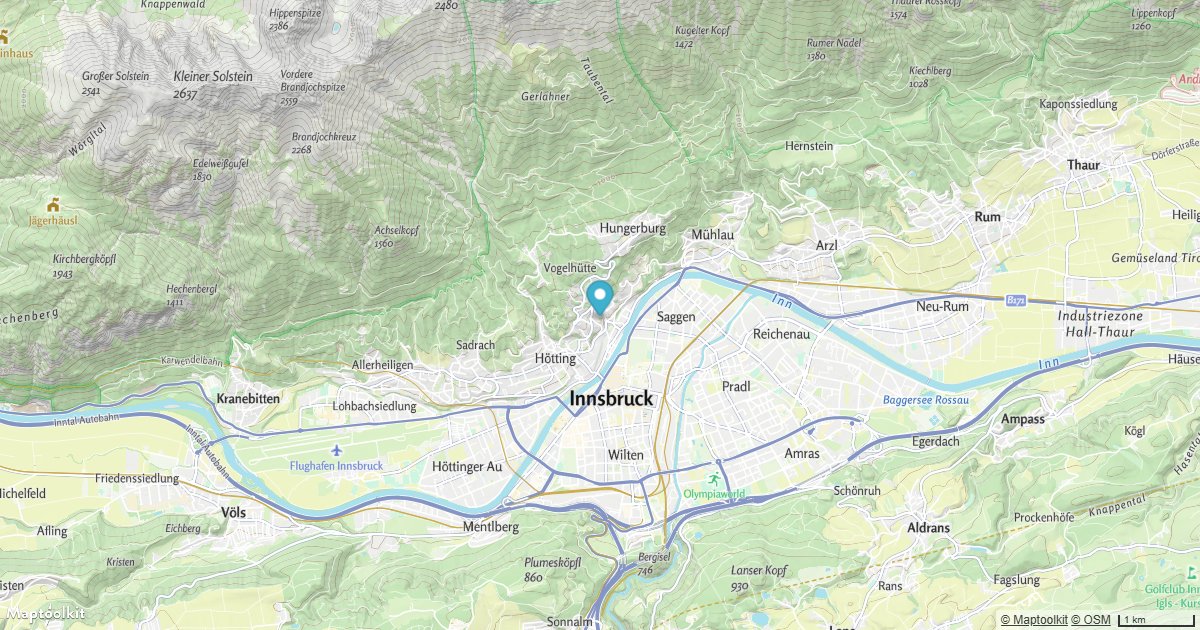
Add a Default Marker
Place a default Maptoolkit Marker at a fixed coordinate on an interactive map.
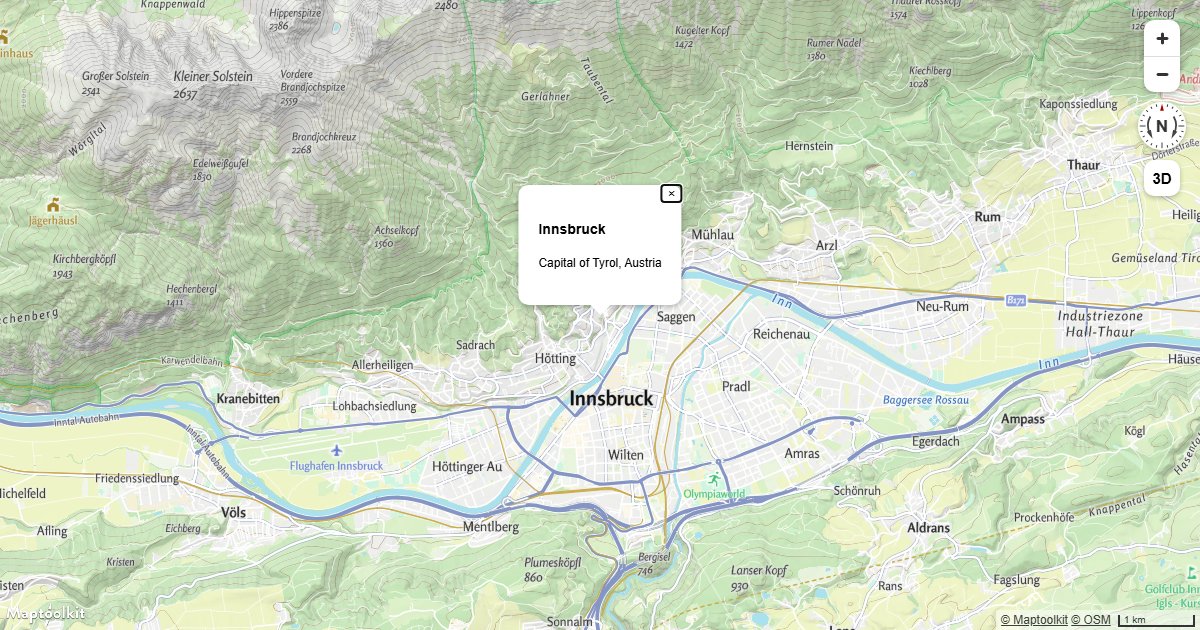
Display a Popup
Show a Maptoolkit Popup with custom HTML content at a fixed geographic coordinate.
Fly to a Location
Animate the Maptoolkit map camera to a new location with a smooth arc-based fly-to transition.
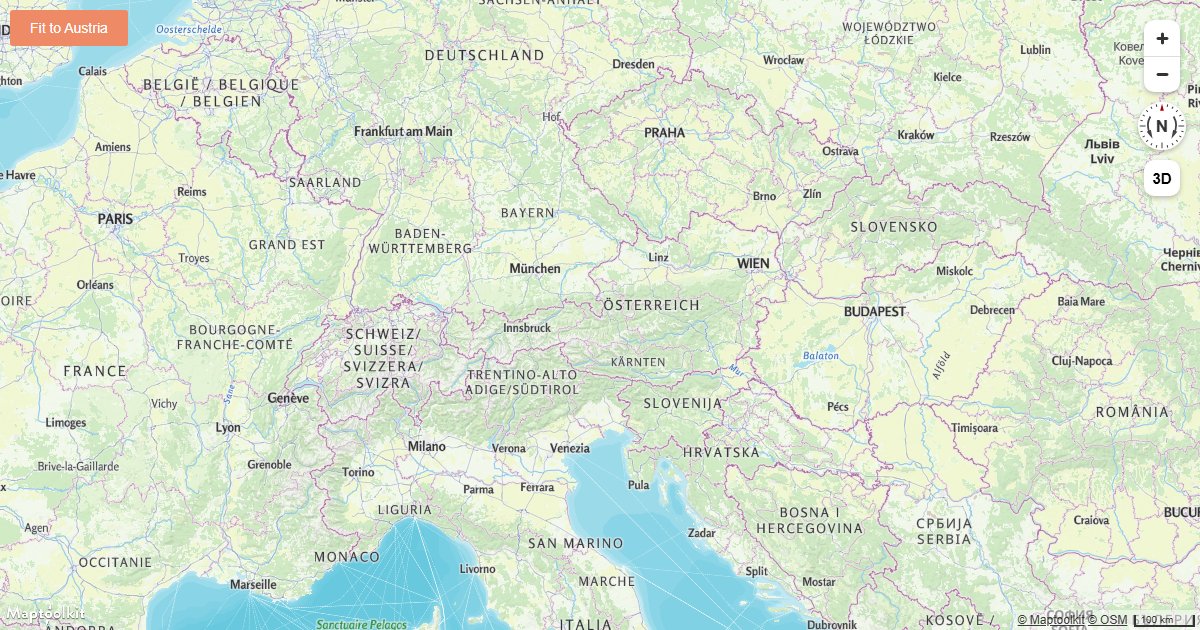
Fit a Map to a Bounding Box
Fit a Maptoolkit map view to a geographic bounding box using fitBounds with optional padding.
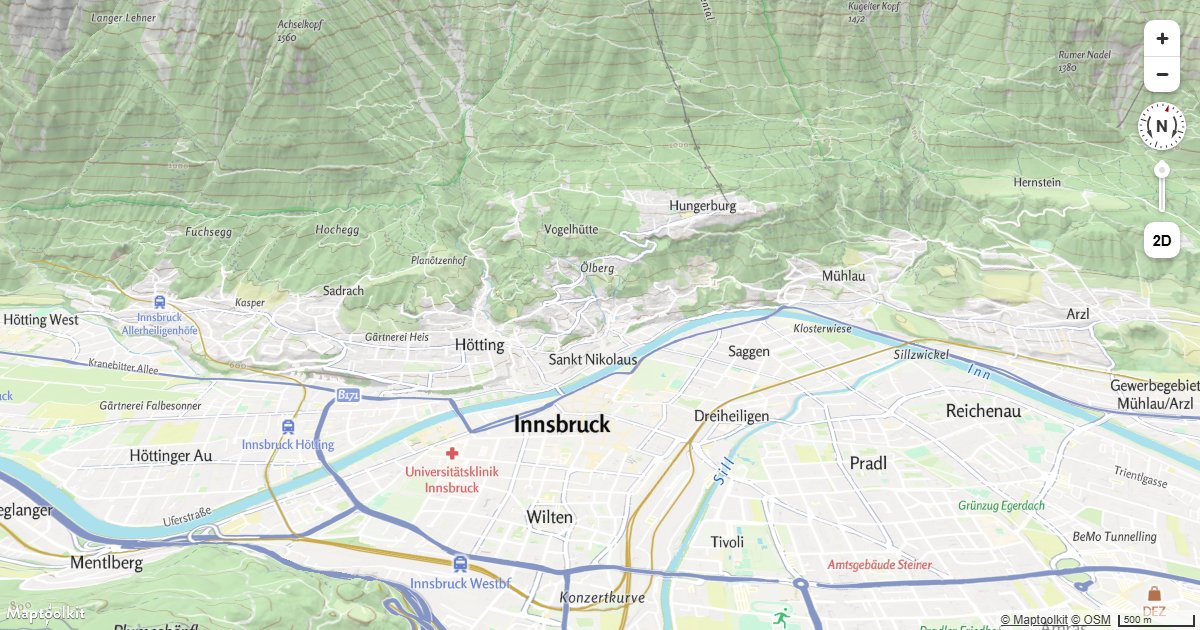
Pitch and Bearing
Initialize a Maptoolkit map with a custom pitch and bearing to set a tilted or rotated starting view.
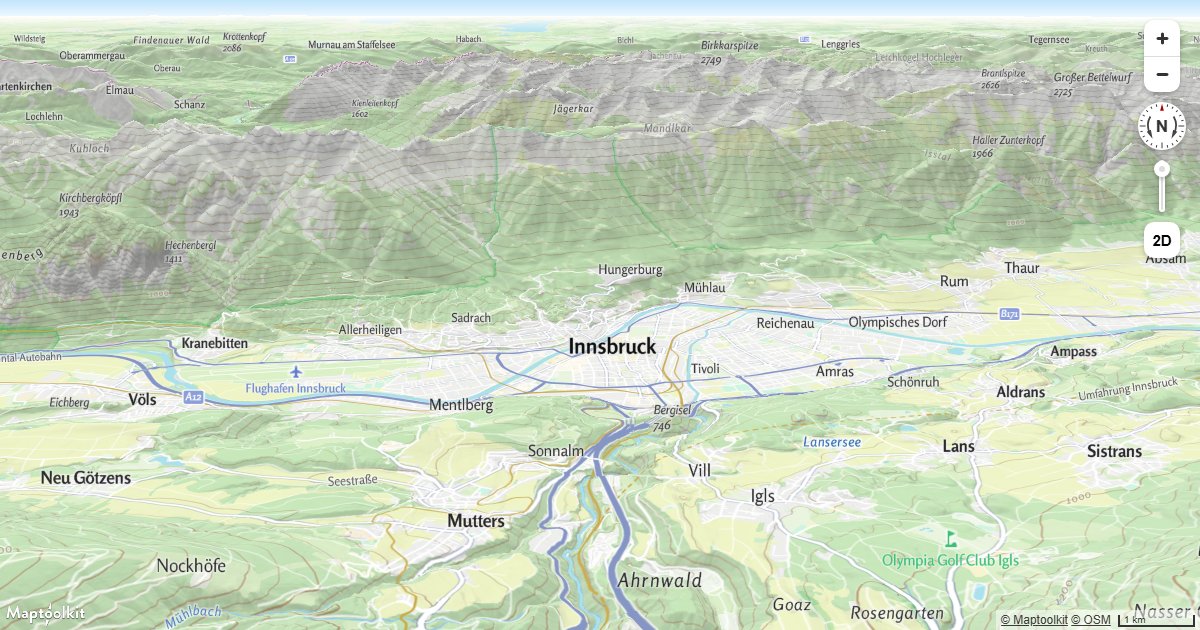
3D Terrain
Render real 3D terrain elevation on a Maptoolkit map using a raster-dem source and terrain exaggeration.
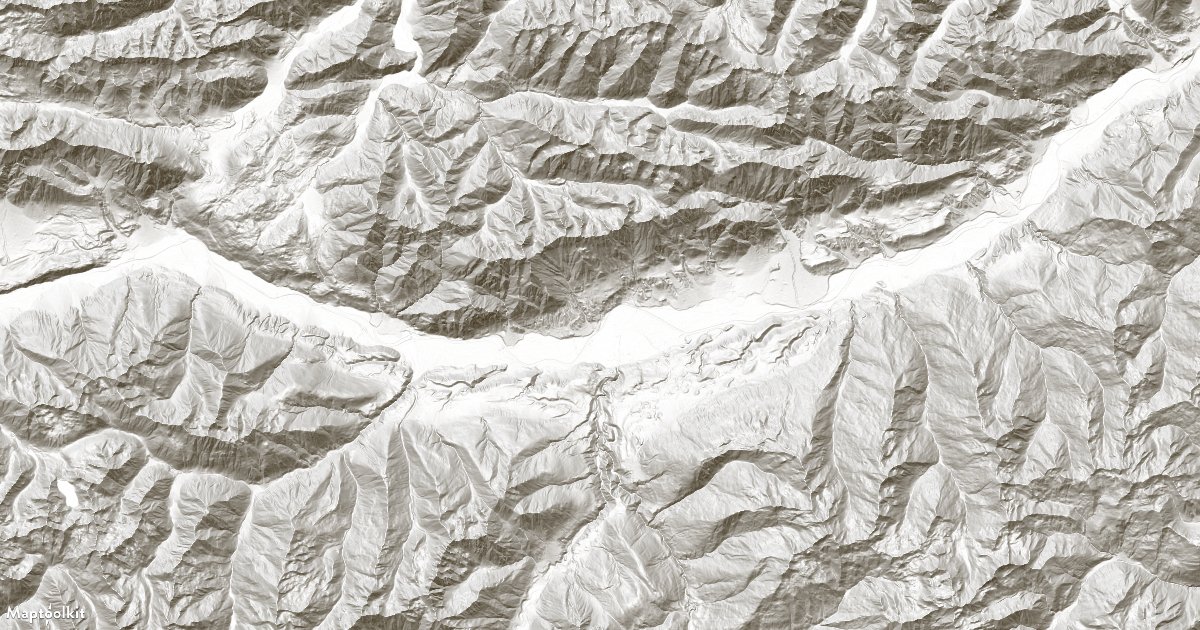
Add a Hillshade Layer
Add a hillshade layer to a Maptoolkit map to show terrain relief using shaded elevation data.
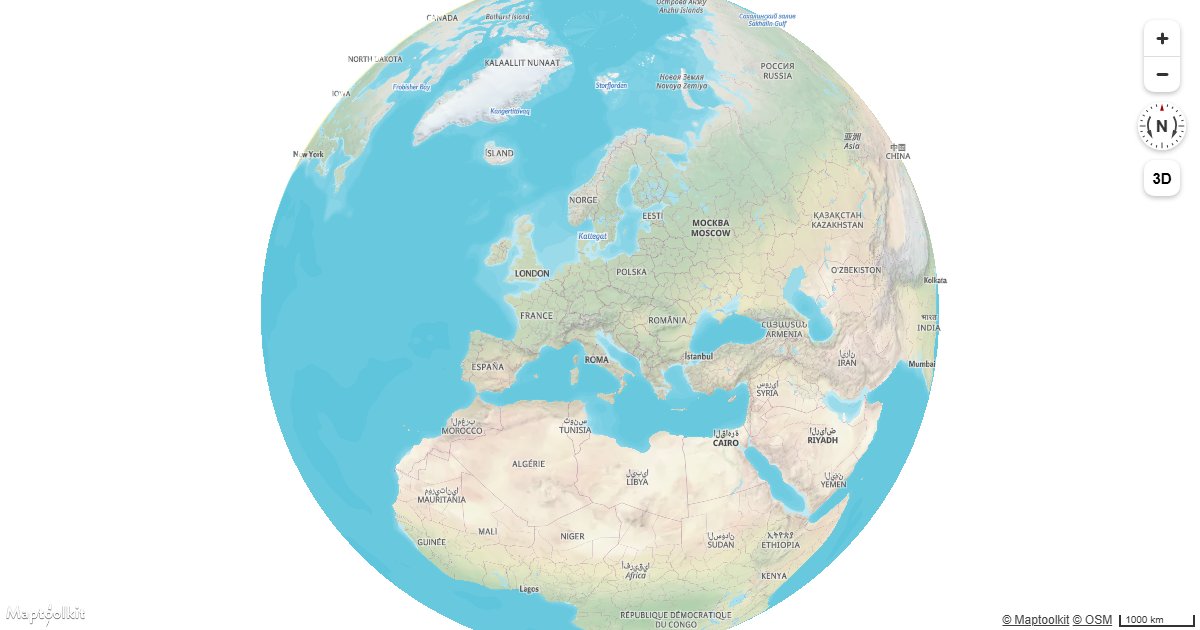
Display a Globe with a Vector Map
Render a Maptoolkit vector map as a 3D globe using the globe projection setting.
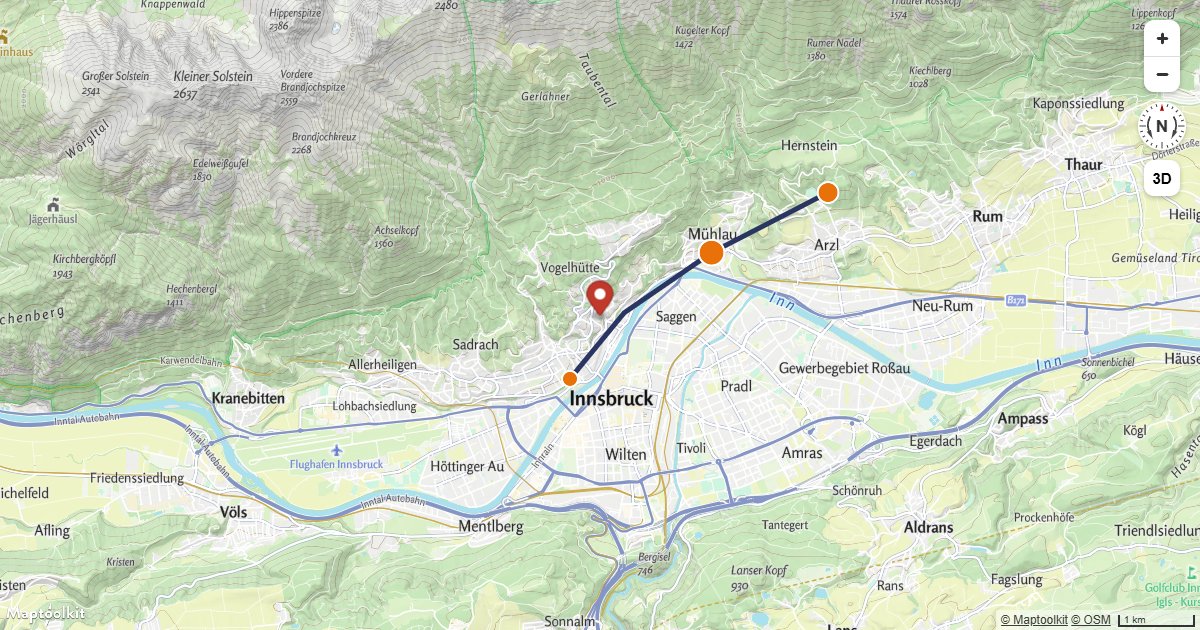
Migrate from Mapbox GL JS
A Mapbox GL JS map ported to Maps JS and running, with every line that changes marked and the rest shown untouched.
Markers & Popups
Add a Default Marker
Place a default Maptoolkit Marker at a fixed coordinate on an interactive map.
Display a Popup
Show a Maptoolkit Popup with custom HTML content at a fixed geographic coordinate.
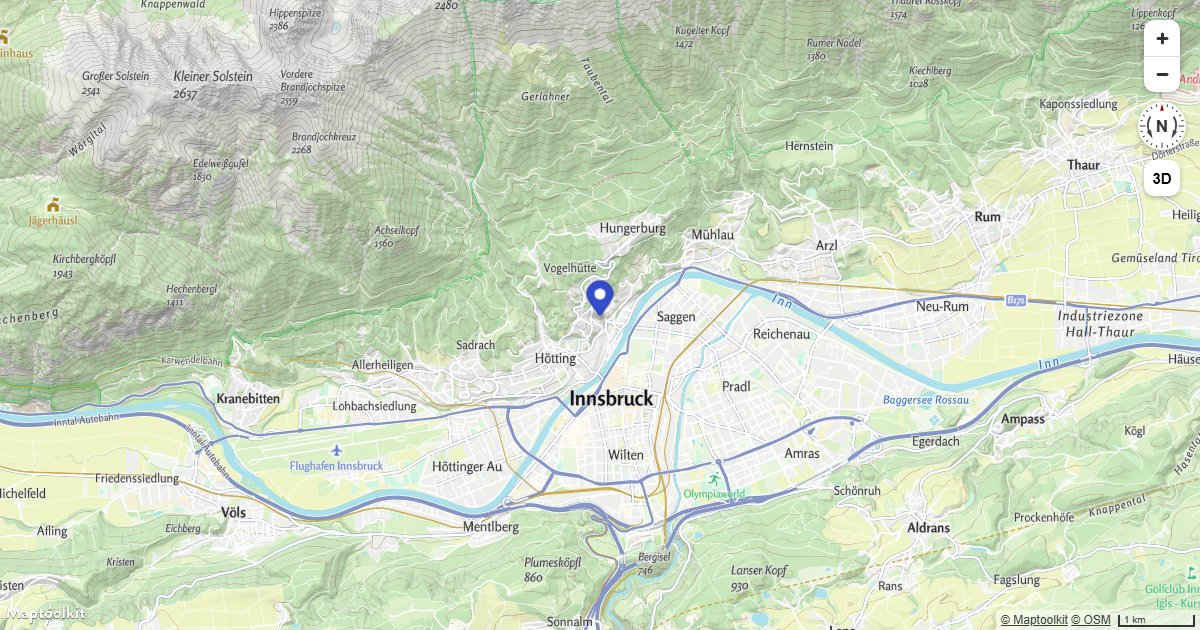
Attach a Popup to a Marker Instance
Attach a Maptoolkit Popup directly to a Marker so it opens and closes when the marker is clicked.
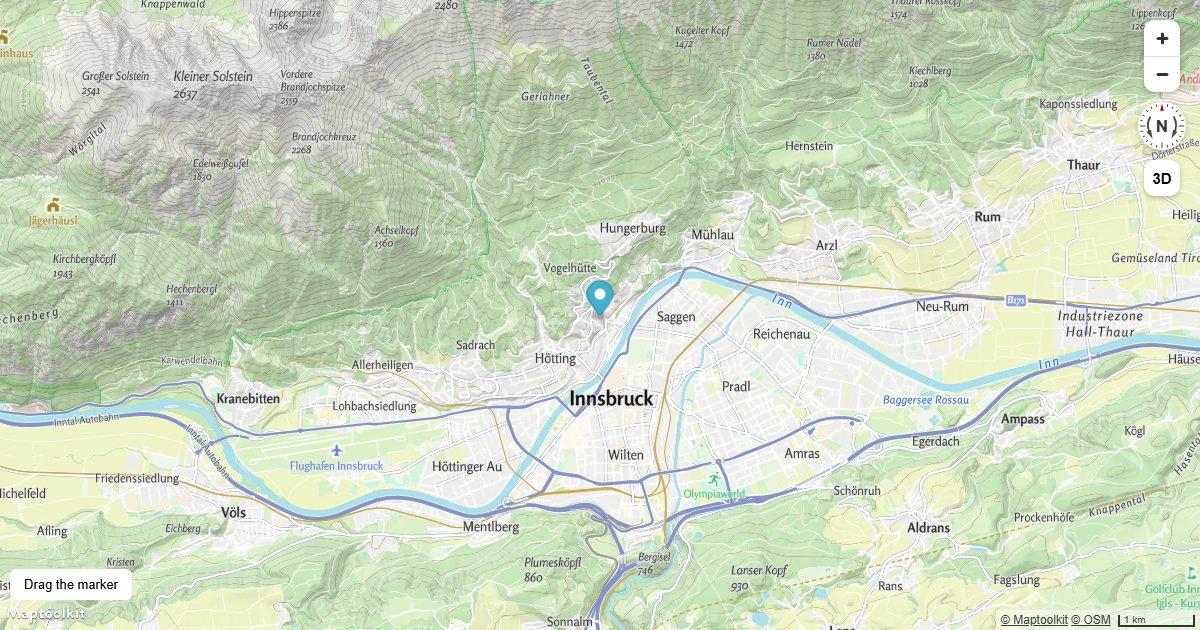
Create a Draggable Marker
Create a Maptoolkit Marker that the user can drag to any location, with live coordinate feedback.
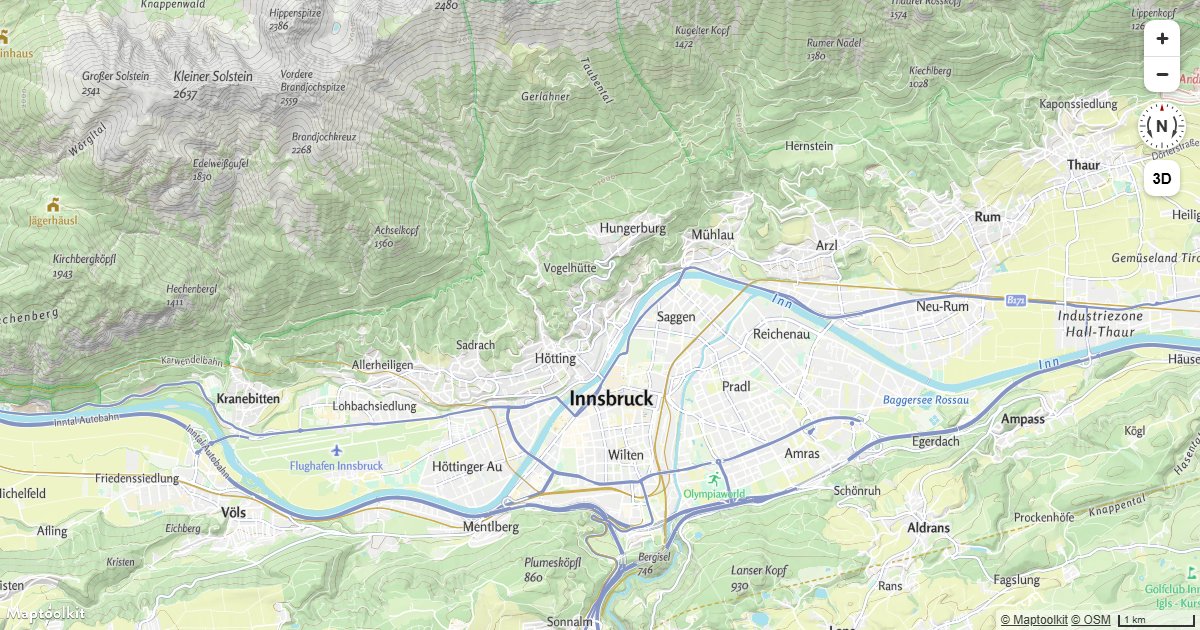
Display a Popup on Click
Show a Maptoolkit Popup with the clicked coordinates whenever a user clicks anywhere on the map.
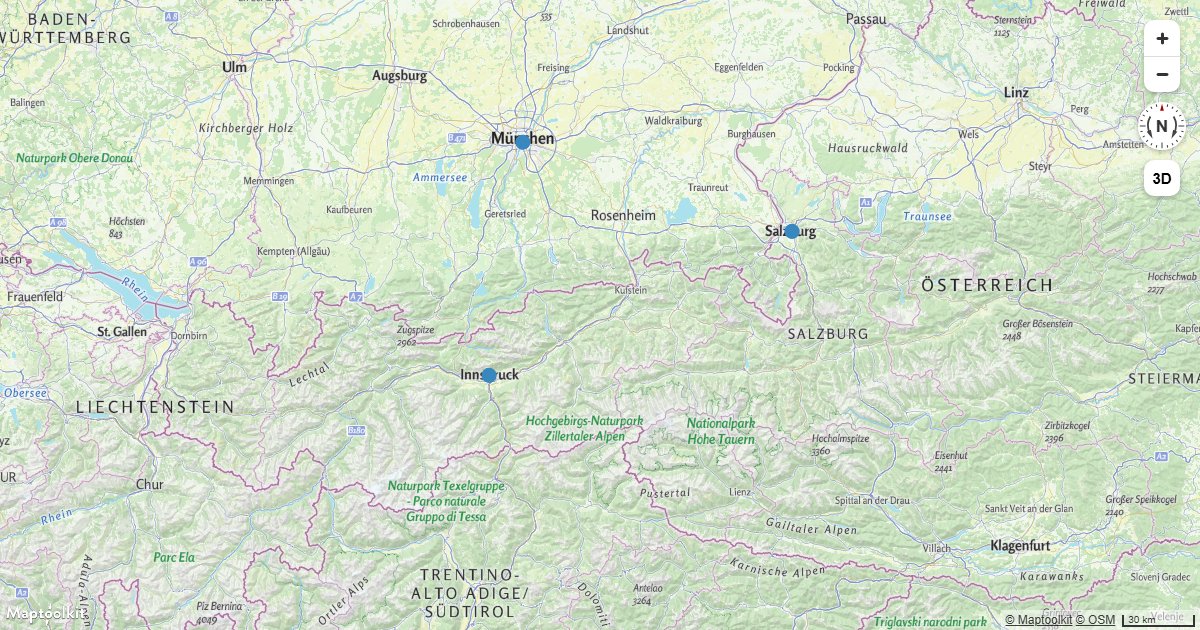
Display a Popup on Hover
Show a Maptoolkit Popup with feature properties when the user hovers over a point on the map.
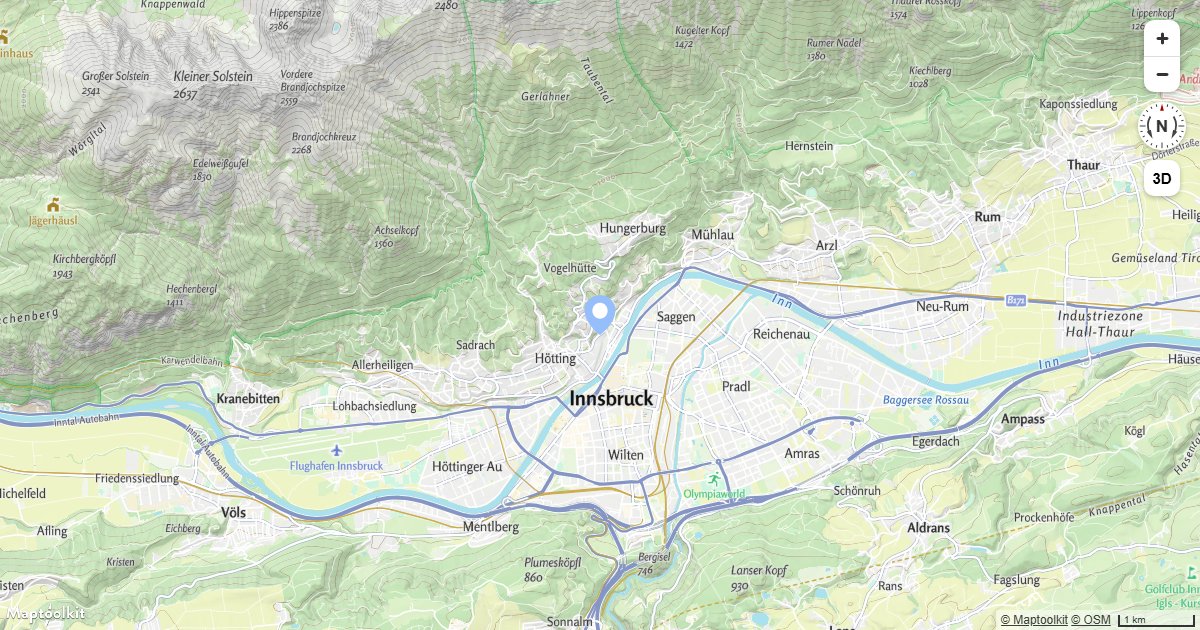
Add an Icon to the Map
Load a custom icon image into the map sprite and render it as a symbol layer on a Maptoolkit map.
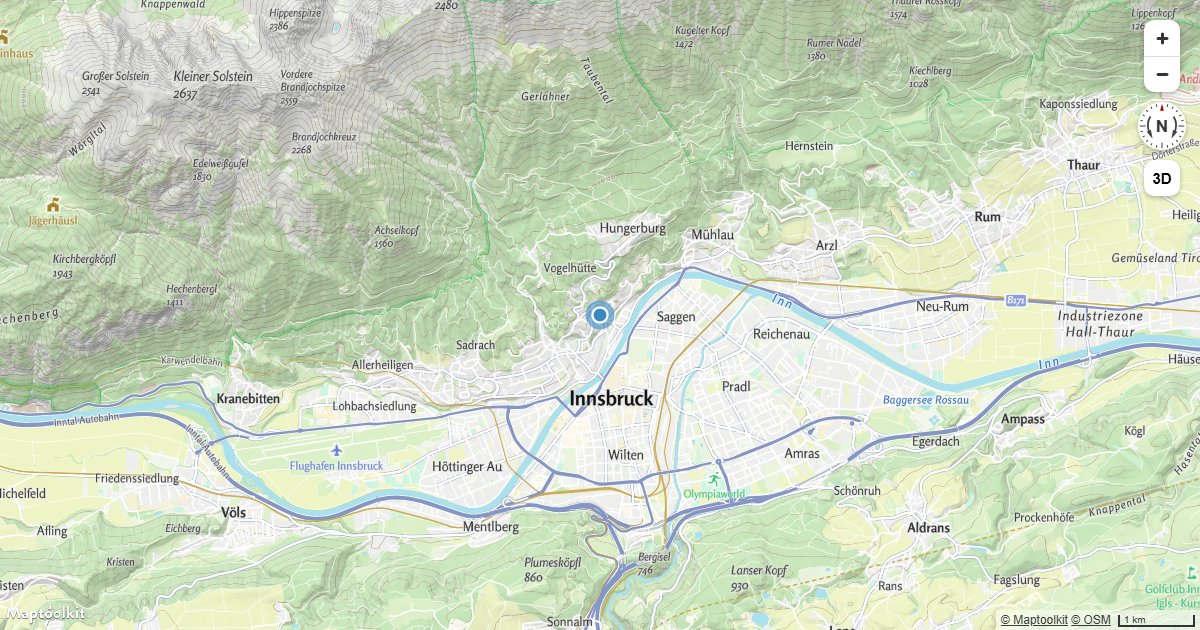
Add an Animated Icon to the Map
Create a pulsing animated icon on a Maptoolkit map using a custom image drawn with the Canvas 2D API.
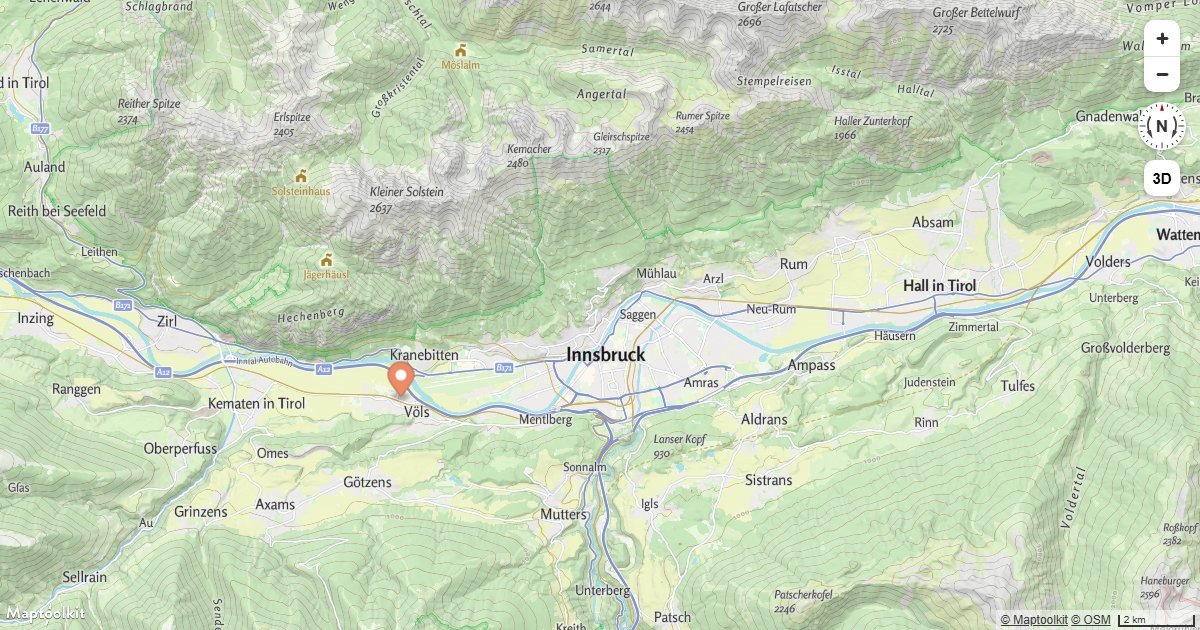
Animate a Marker
Smoothly animate a Maptoolkit Marker along a path by updating its position on each animation frame.
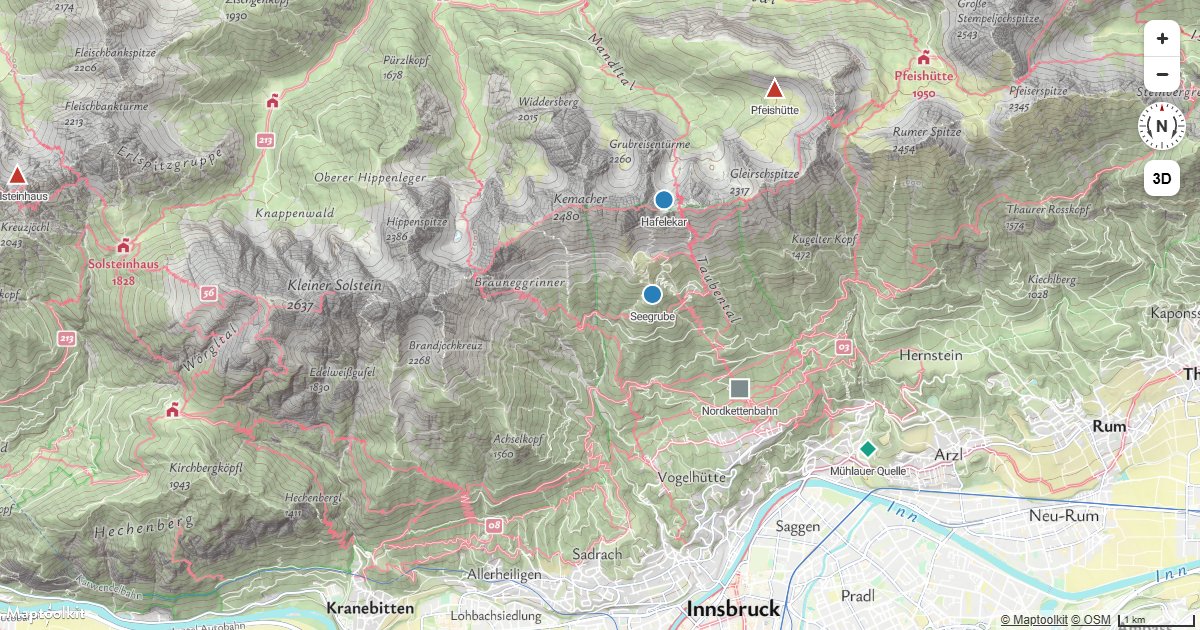
Icon per Feature
Select a different icon for each point from a property, so one symbol layer covers every category.
3D & Terrain
3D Terrain
Render real 3D terrain elevation on a Maptoolkit map using a raster-dem source and terrain exaggeration.
Add a Hillshade Layer
Add a hillshade layer to a Maptoolkit map to show terrain relief using shaded elevation data.
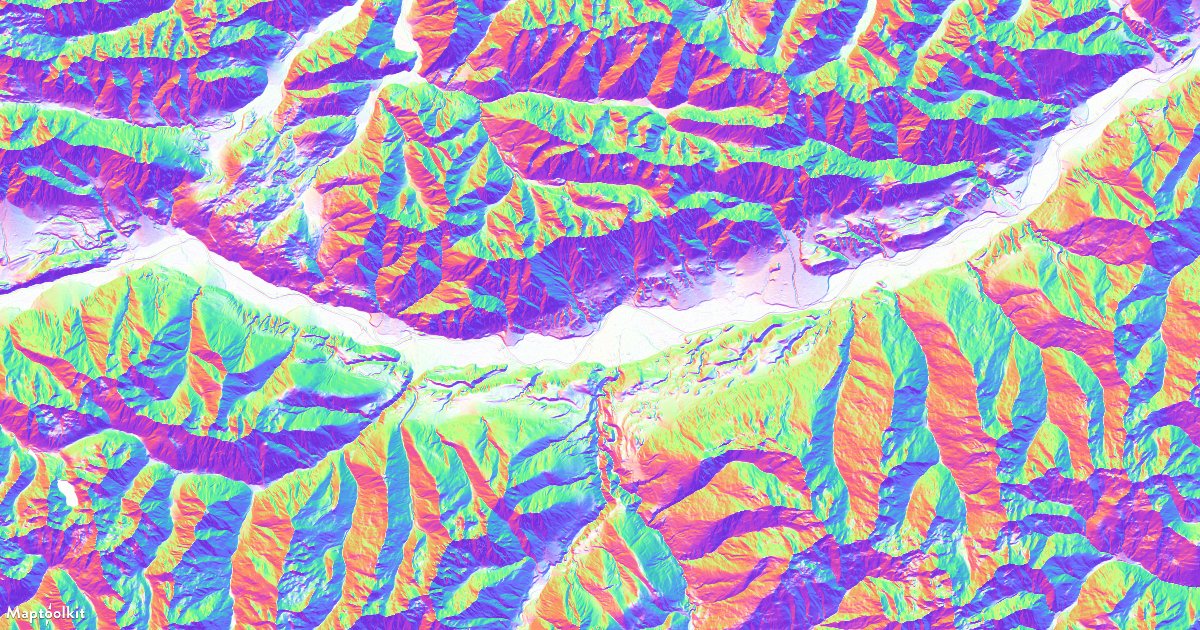
Add a Multidirectional Hillshade Layer
Render a multidirectional hillshade layer on a Maptoolkit map to reveal terrain detail from all directions.
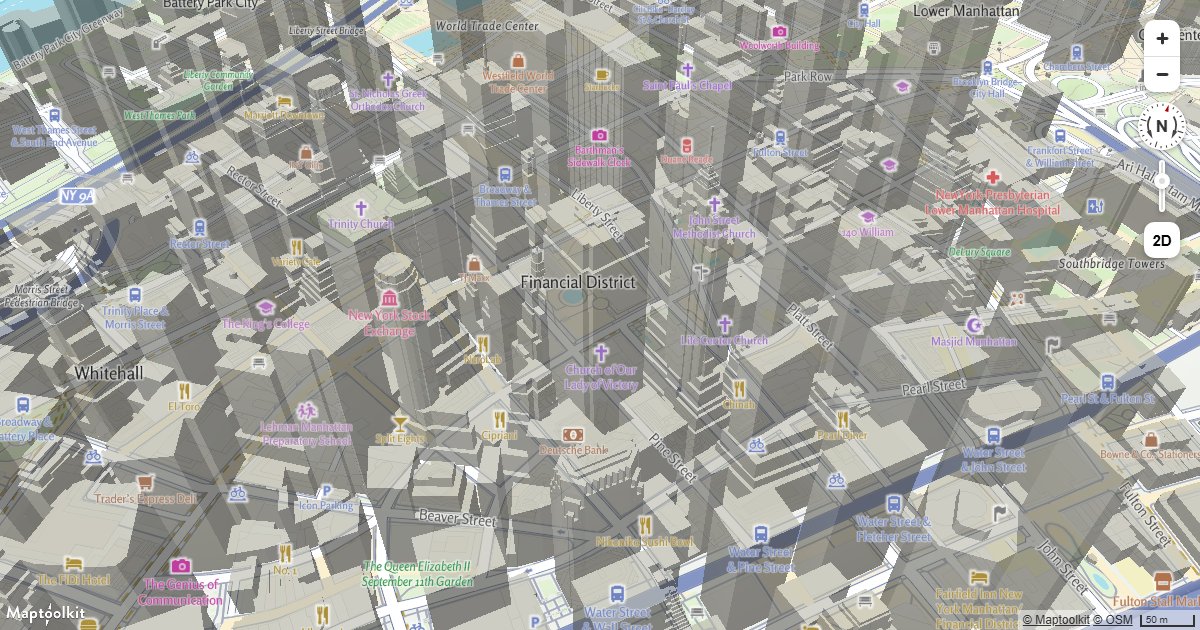
Display Buildings in 3D
Extrude building footprints into 3D on a Maptoolkit map using fill-extrusion layers and height data.
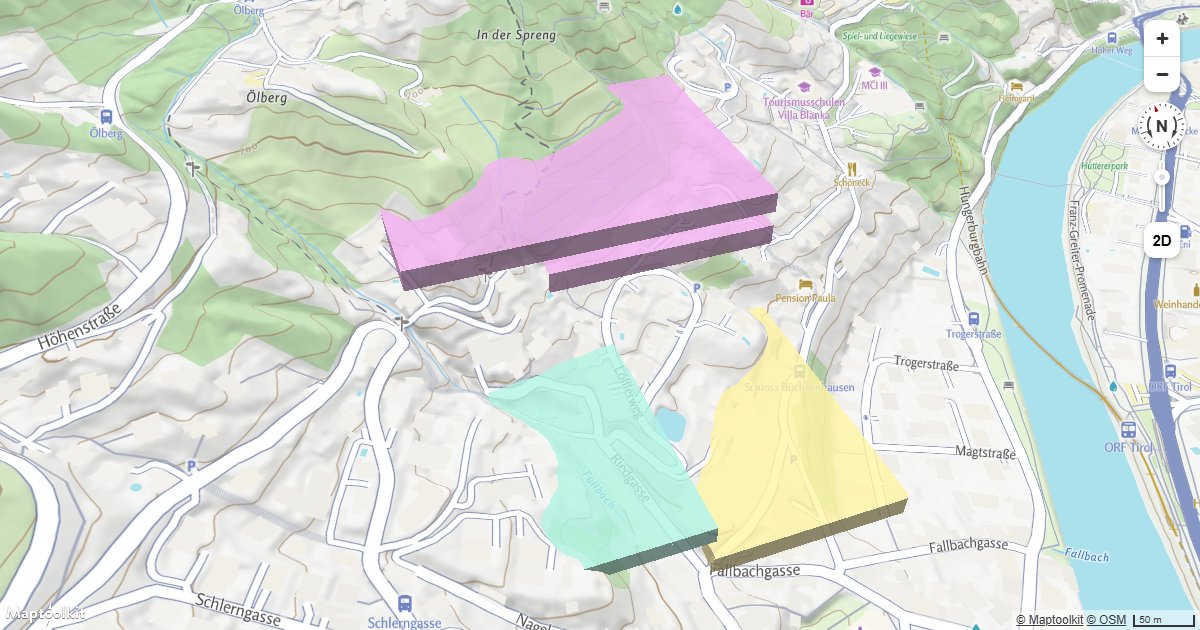
Extrude Polygons for 3D Indoor Mapping
Create a 3D indoor floor plan on a Maptoolkit map by extruding GeoJSON room polygons with fill-extrusion layers.

Display a Hybrid Satellite Map with Terrain Elevation
Combine Maptoolkit raster satellite tiles with 3D terrain elevation for a photorealistic mountain map view.
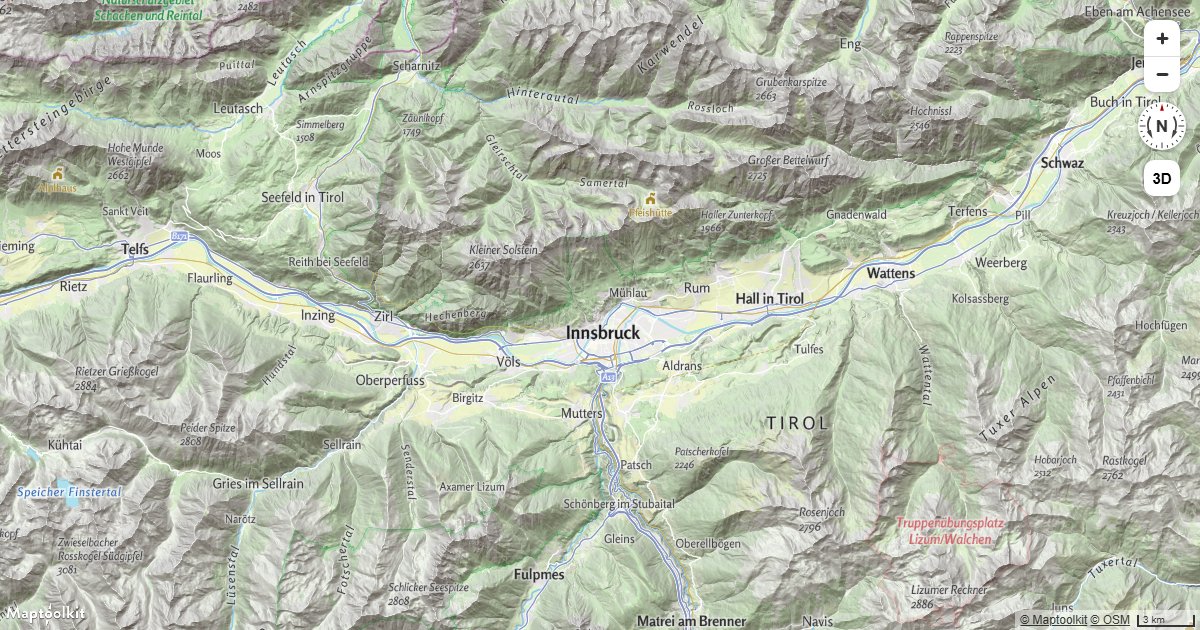
Add Contour Lines
Draw labelled elevation contour lines on a Maptoolkit map from the contours vector tile source, with heavier index contours.
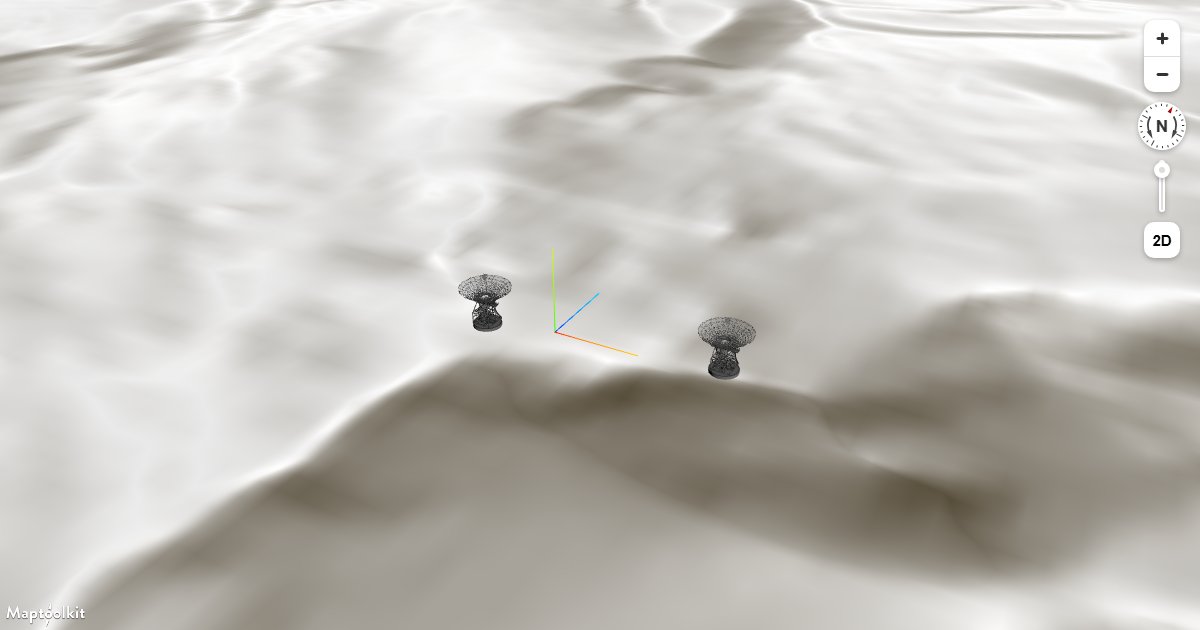
Adding 3D Models Using three.js on Terrain
Place three.js GLTF models on a Maptoolkit map that has 3D terrain enabled, keeping models anchored to the elevated surface.
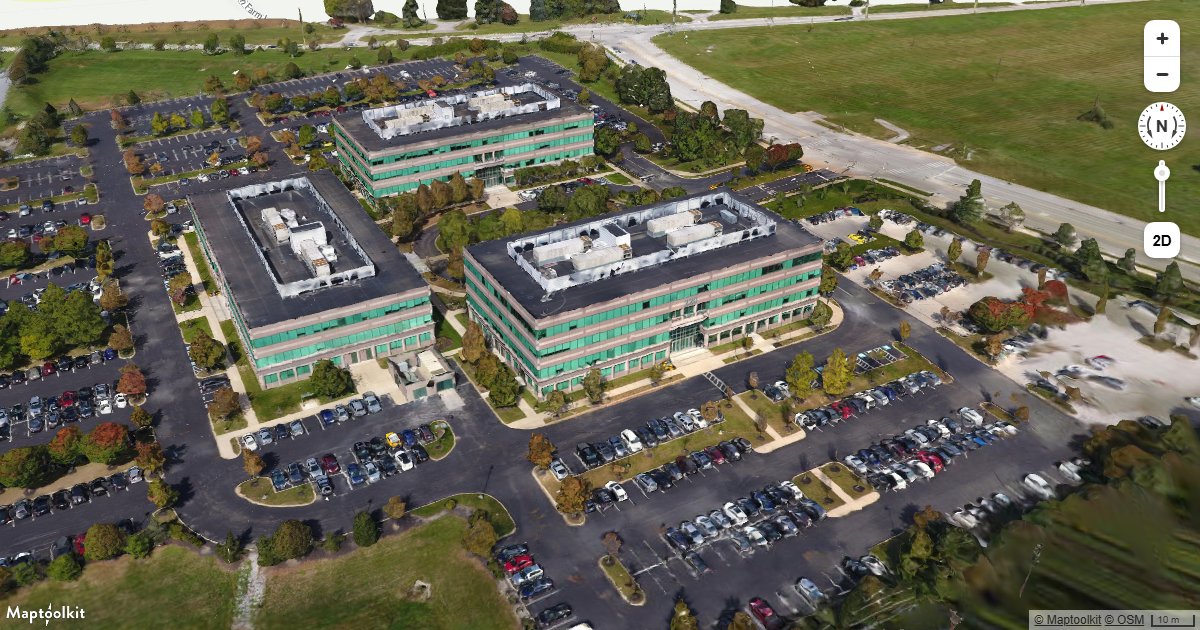
Add 3D Tiles Using three.js
Load and render a 3D Tiles dataset on a Maptoolkit map using a three.js custom layer.
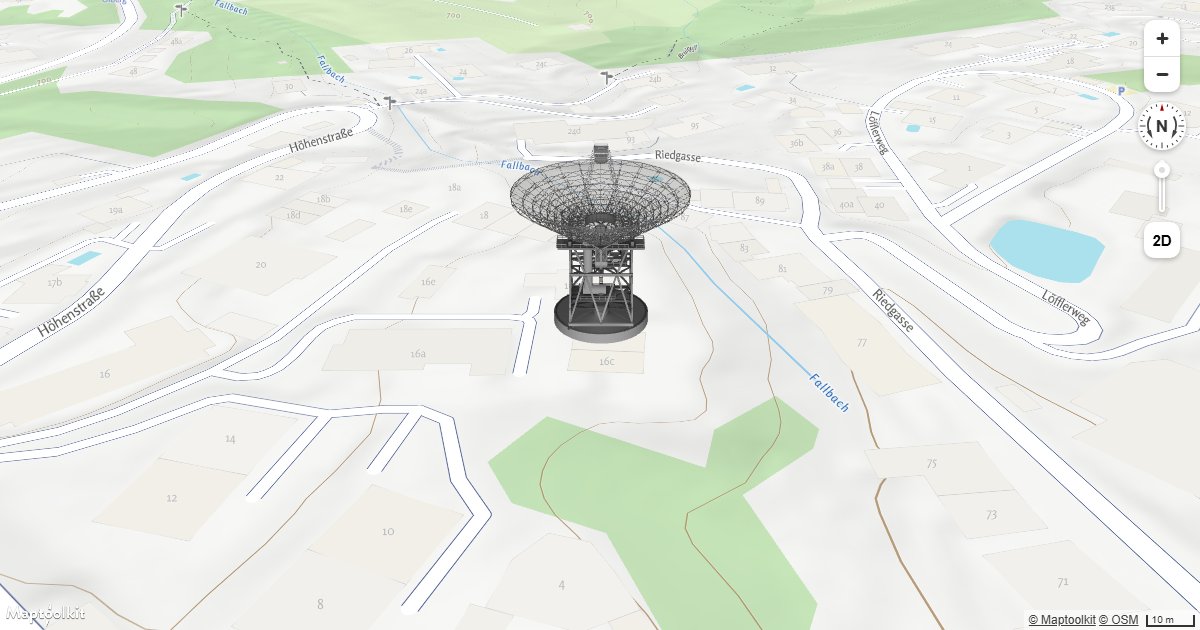
Add a 3D Model Using three.js
Place a GLTF 3D model at a geographic location on a Maptoolkit map using a three.js custom layer.
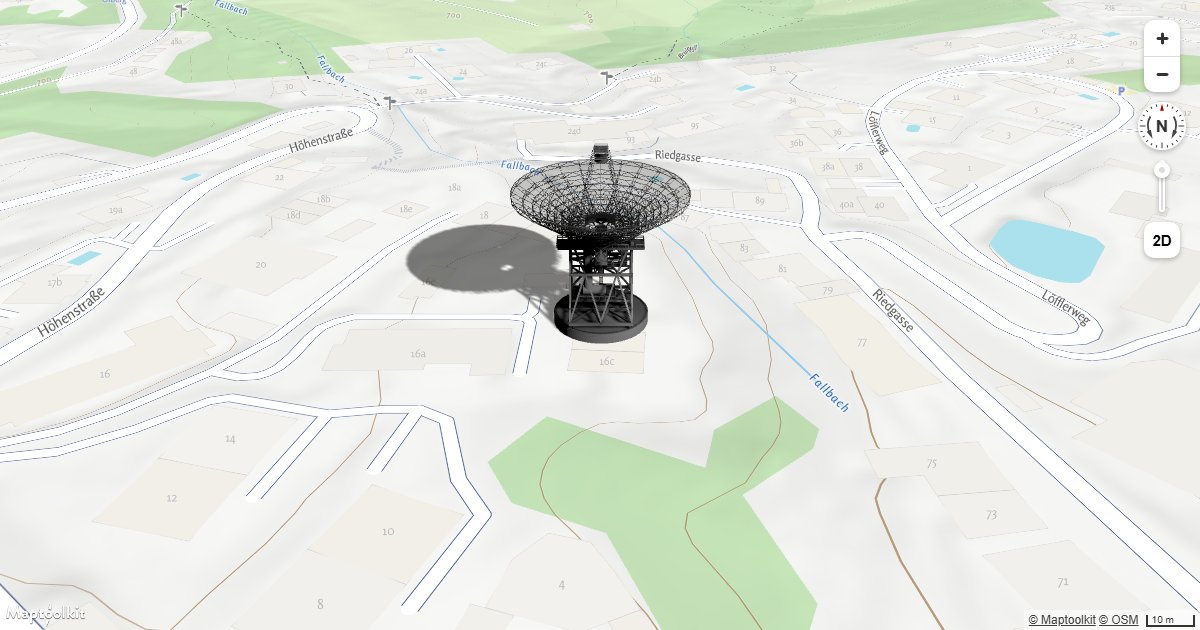
Add a 3D Model with Shadow Using three.js
Render a GLTF 3D model with realistic shadow casting on a Maptoolkit map using three.js.
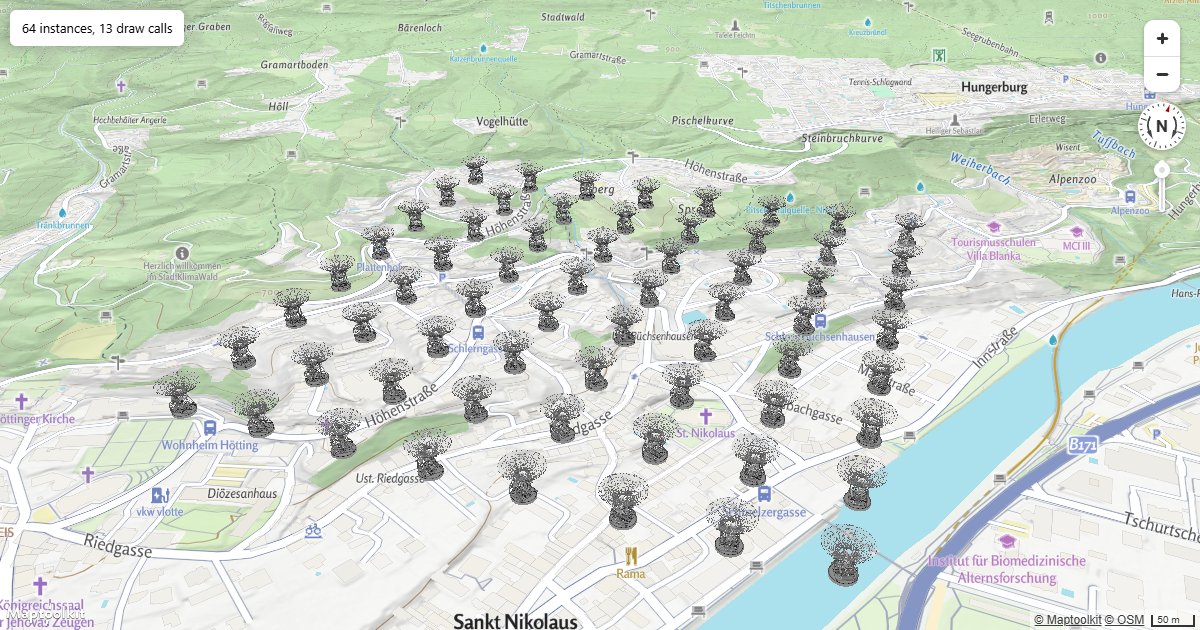
Many 3D Models
Load one model and draw it at hundreds of positions with instanced rendering, in a single custom layer.
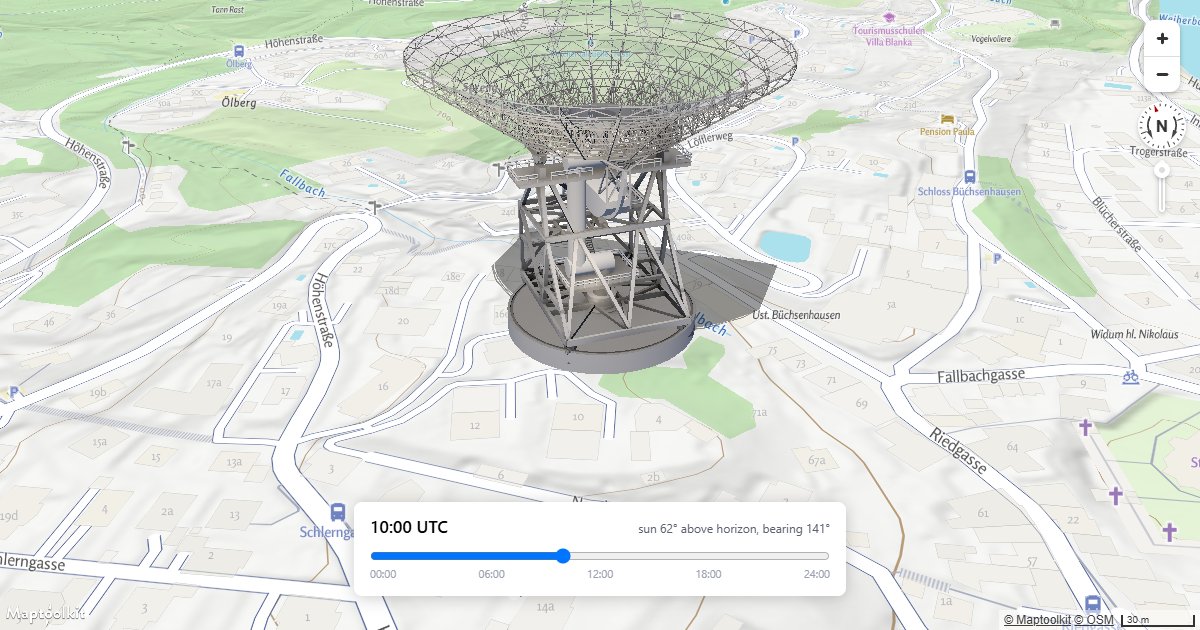
Shadows from the Sun
Drive a three.js light from the real solar position for a date, time and location, so the shadow means something.
API Integrations
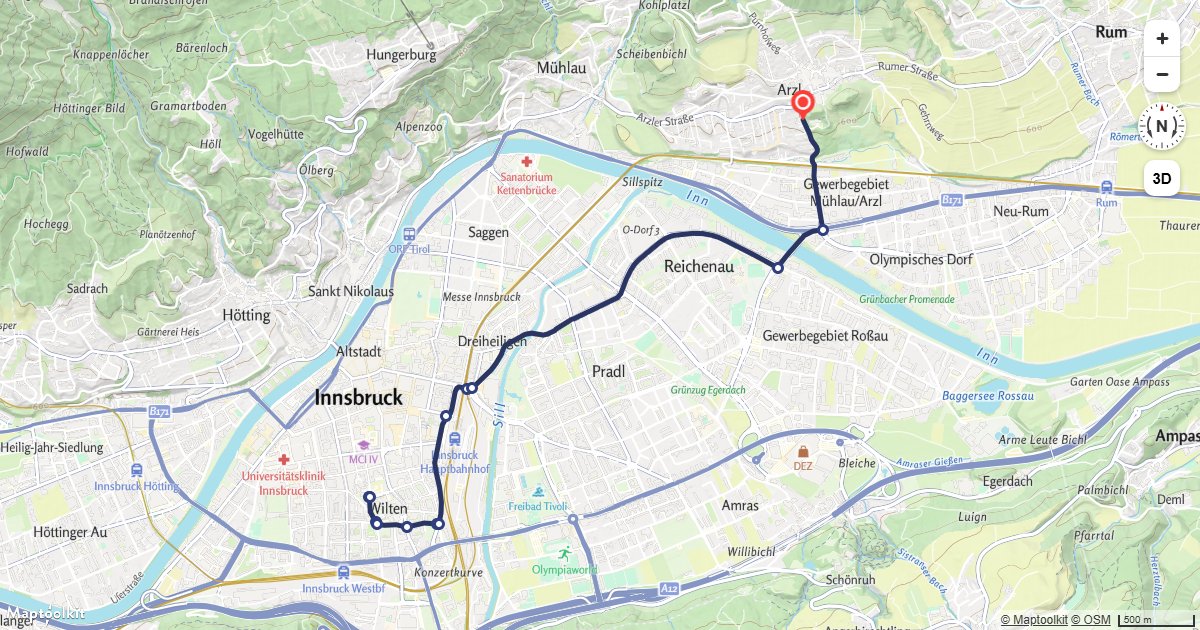
Routing - Route Display
Calculate a car route and draw it on a Maptoolkit map with turn-by-turn markers.
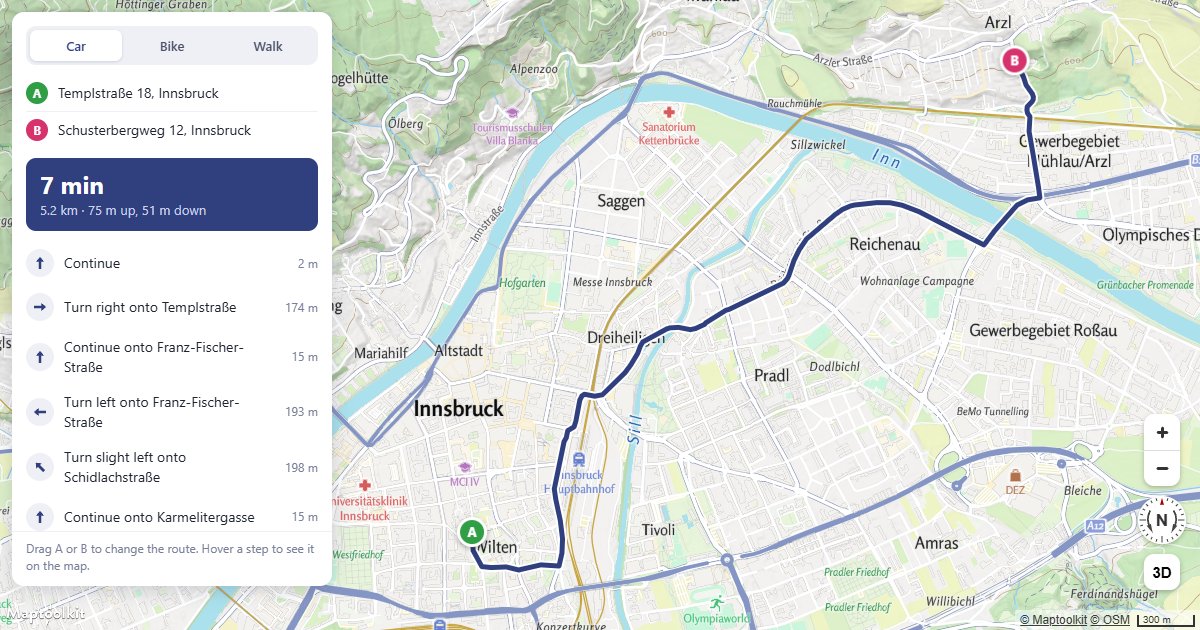
Build a Route Planner
Drag A or B to reroute, and hover a step to see it on the map.
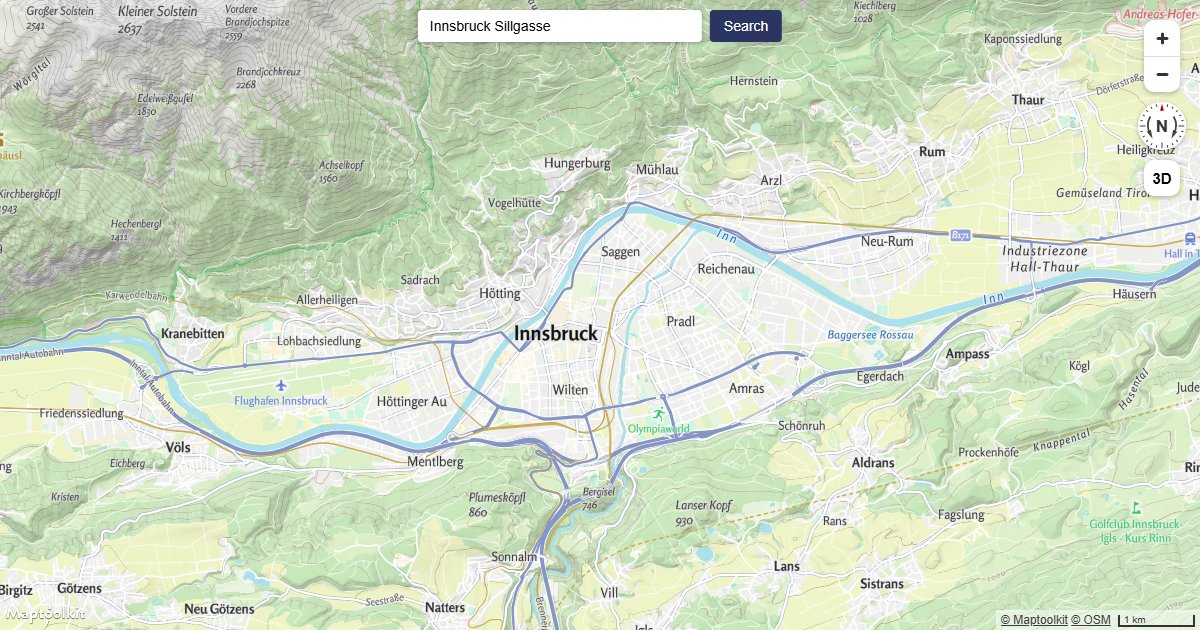
Geocoding - Geocoder Search
Search for a place using the Geocoding API and fly to the result on a Maptoolkit map.
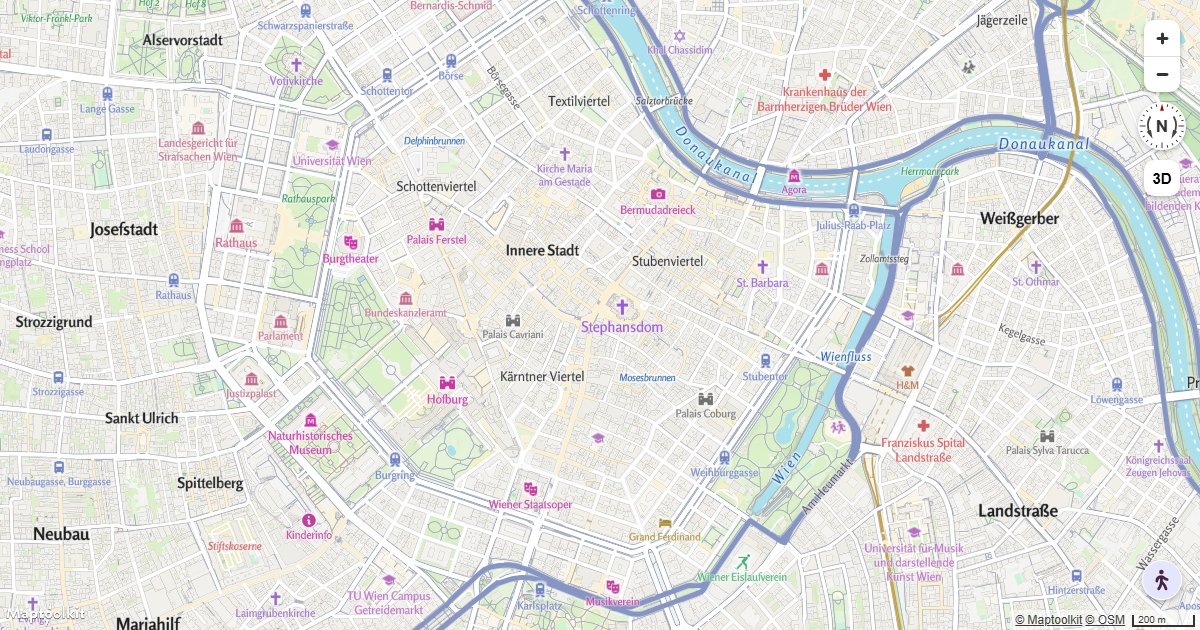
Isochrone - Walking Area
Show a draggable isochrone area on a Maptoolkit map using the built-in IsochroneControl.
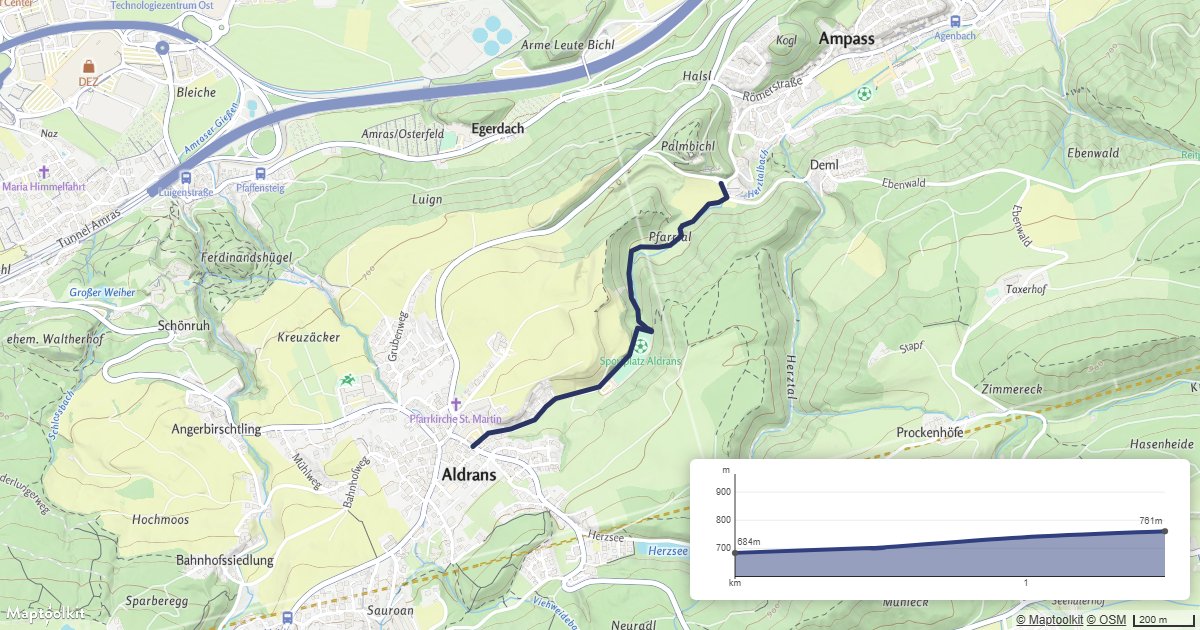
Elevation - Elevation Profile
Show a route with an interactive elevation profile on a Maptoolkit map.
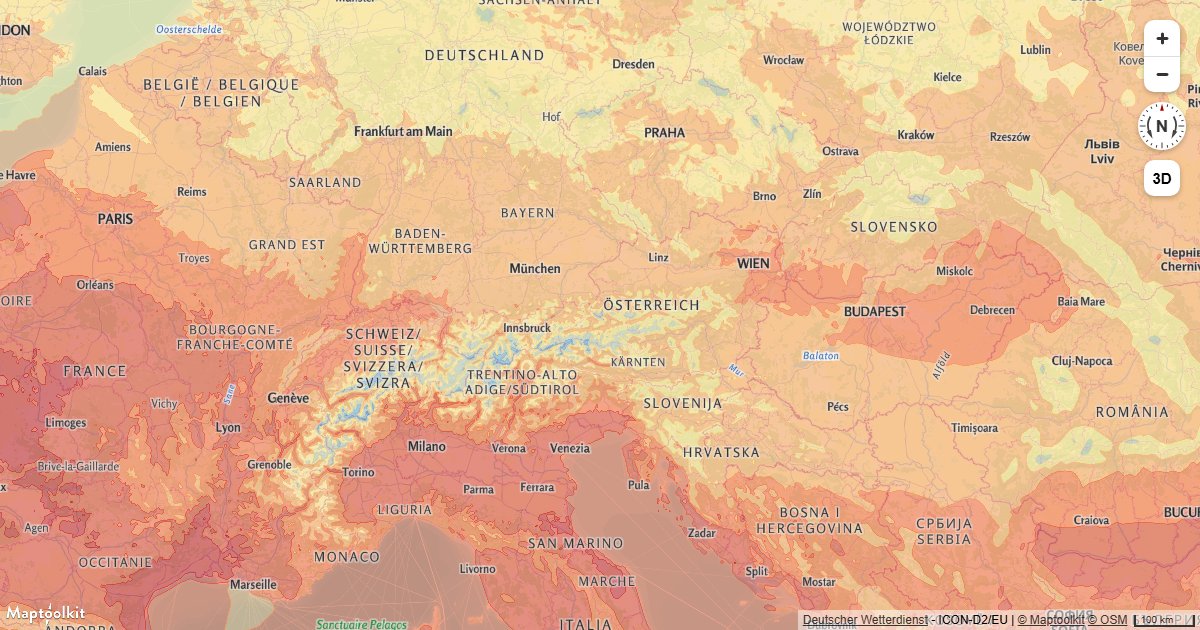
Weather - Temperature Layer
Add a temperature heat map layer from the Weather API to a Maptoolkit map.
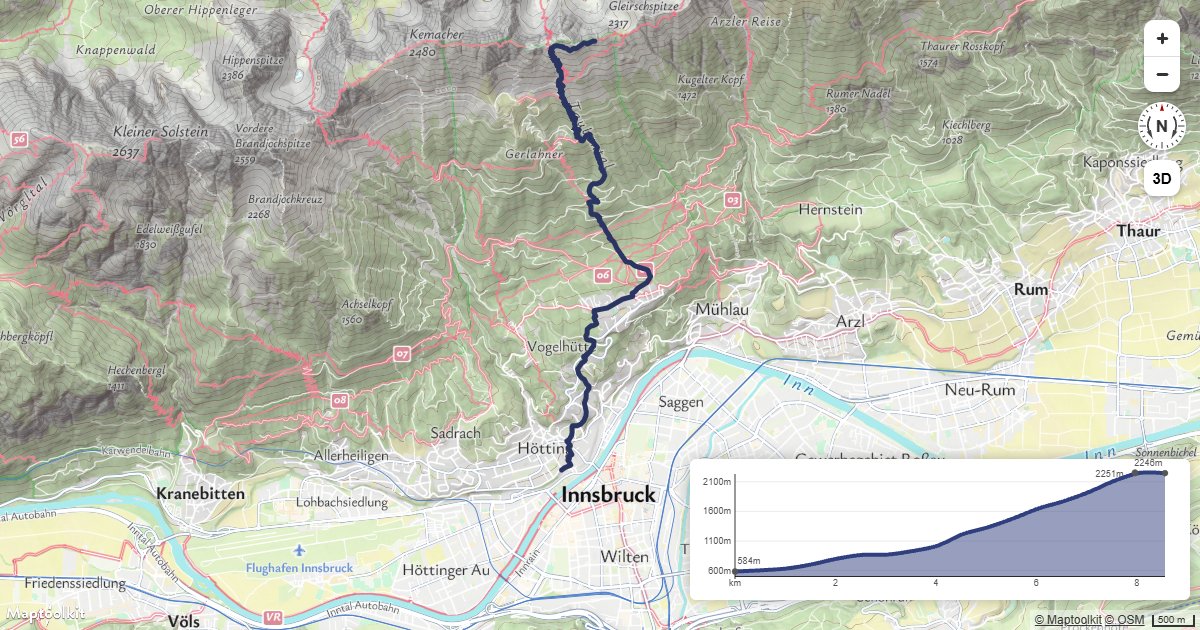
Route with Elevation Profile
Request a hiking route from the Routing API and chart its climb with the Maptoolkit elevation profile widget.
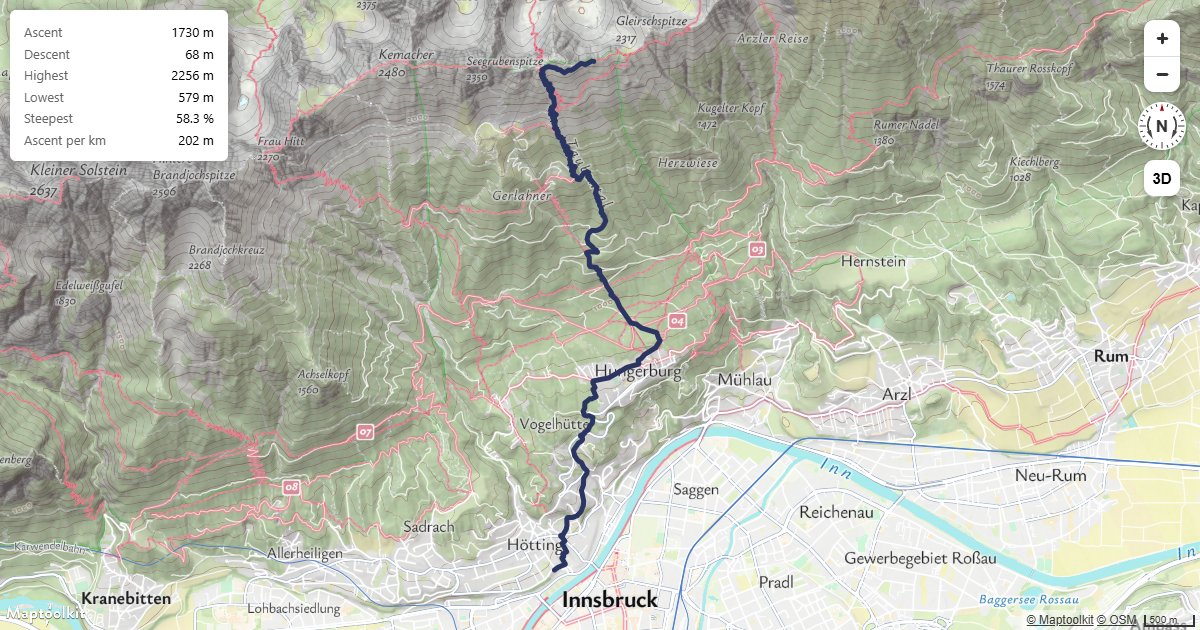
Climb Statistics
Calculate total ascent, descent and the steepest section of a route from one Elevation API request.
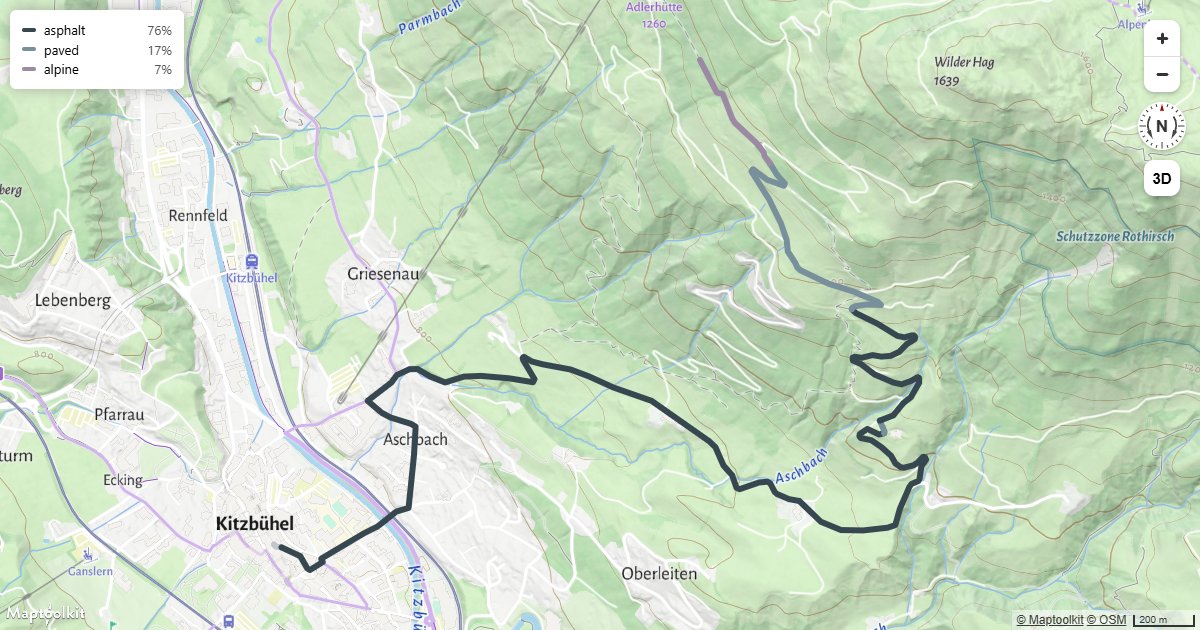
Route by Surface Type
Colour a cycling route by what it runs on, using road surface data from the Route Enhancement API.
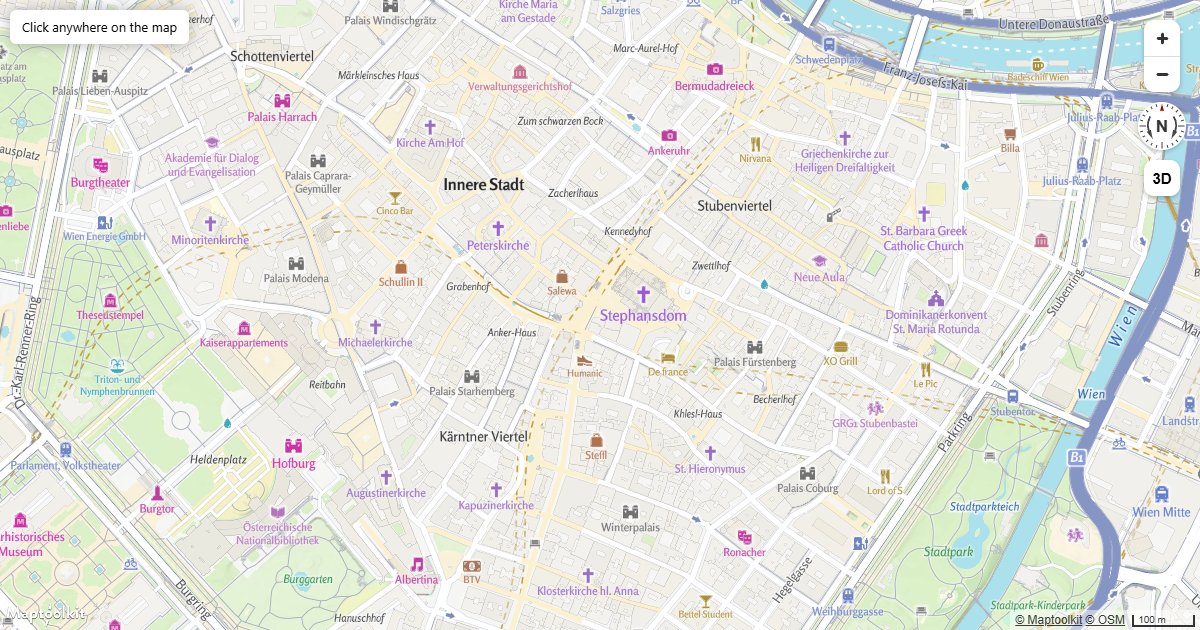
Reverse Geocoding on Click
Turn a clicked coordinate into a street address with the Geocoding API reverse endpoint, and show it in a popup.
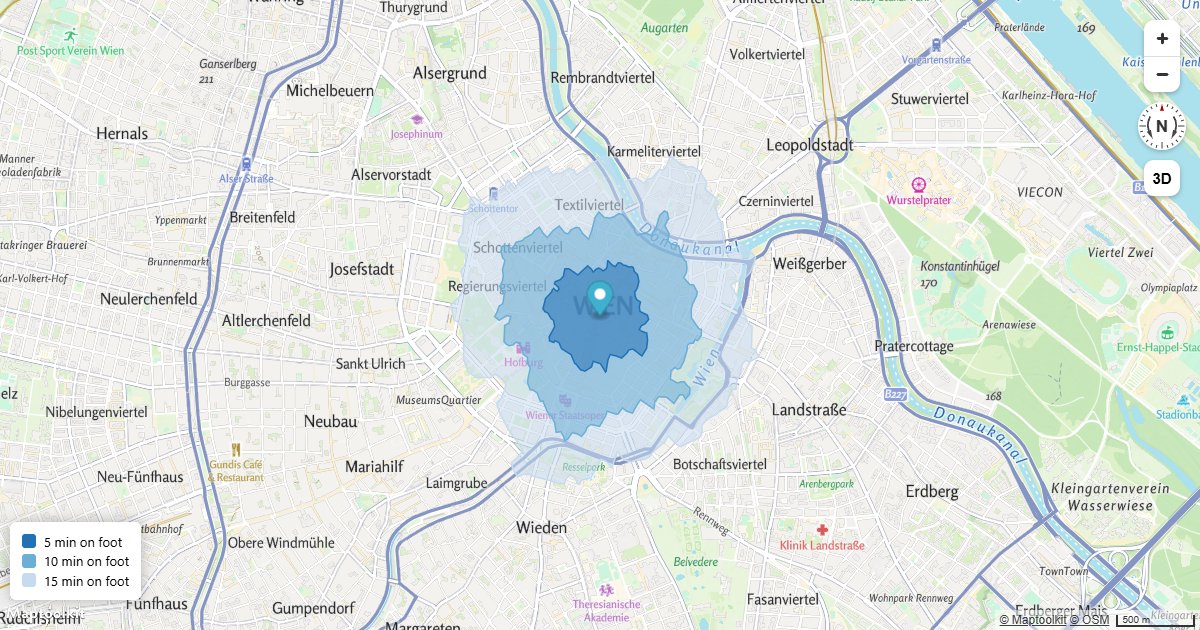
Travel Time Bands
Stack several isochrones as shaded bands to show 5, 10 and 15 minutes on foot from one point.
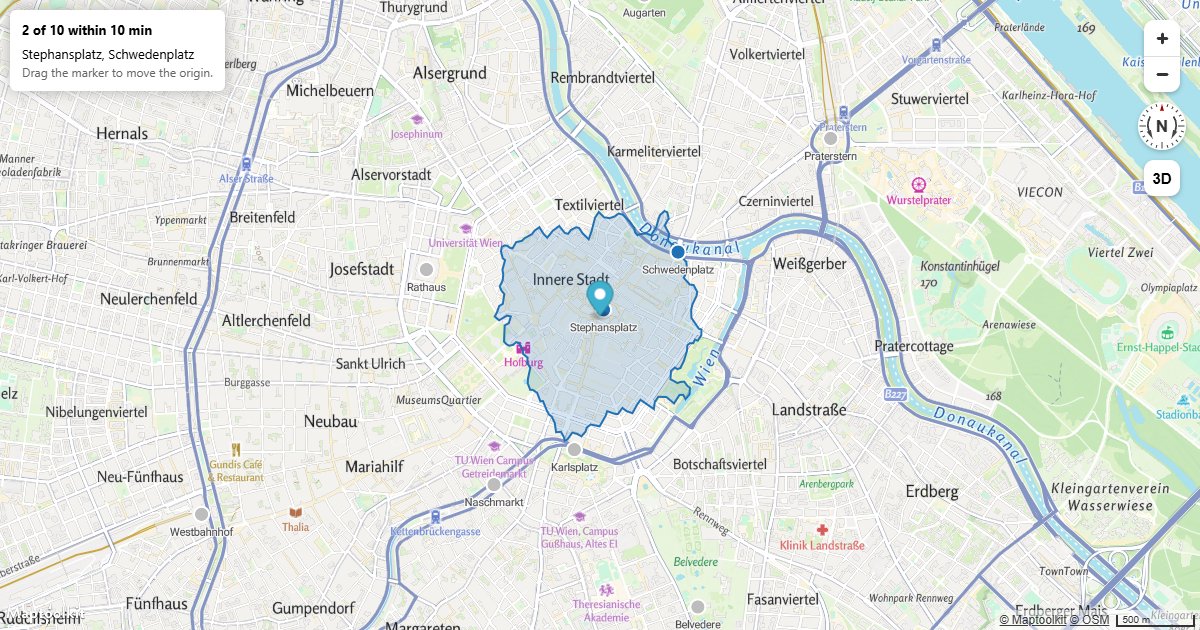
Locations Inside an Isochrone
Test your own points against an isochrone polygon to find which of them are reachable in time.
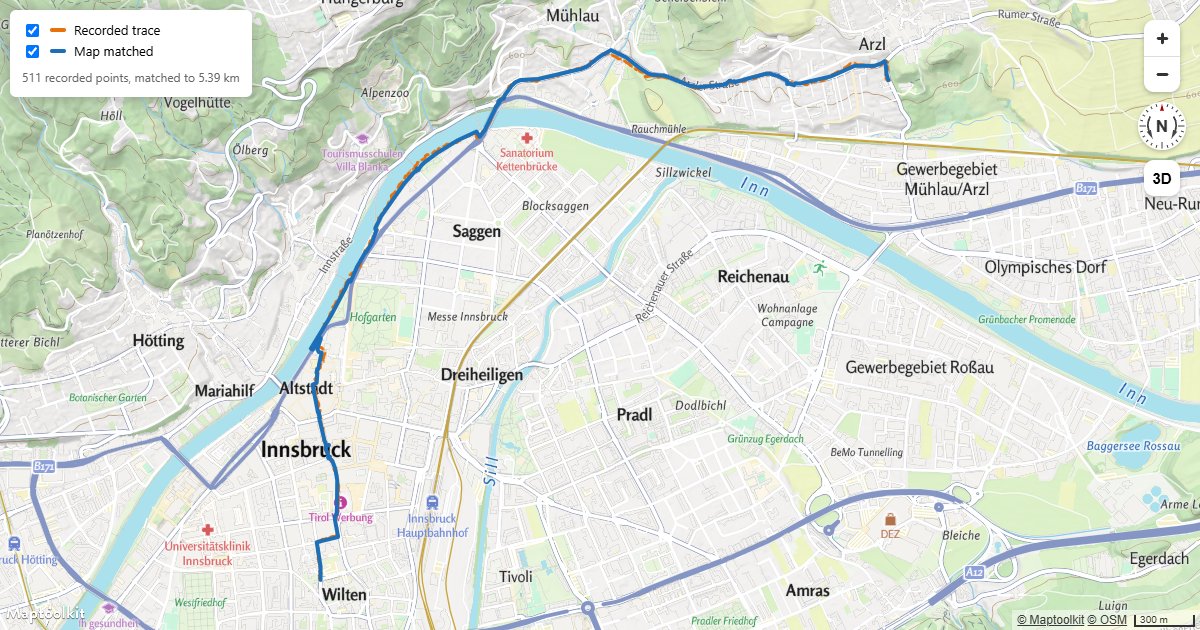
Snap a GPS Track
Clean a recorded GPX trace with the Map Matching API and draw the raw and matched lines together.
Events & Interaction
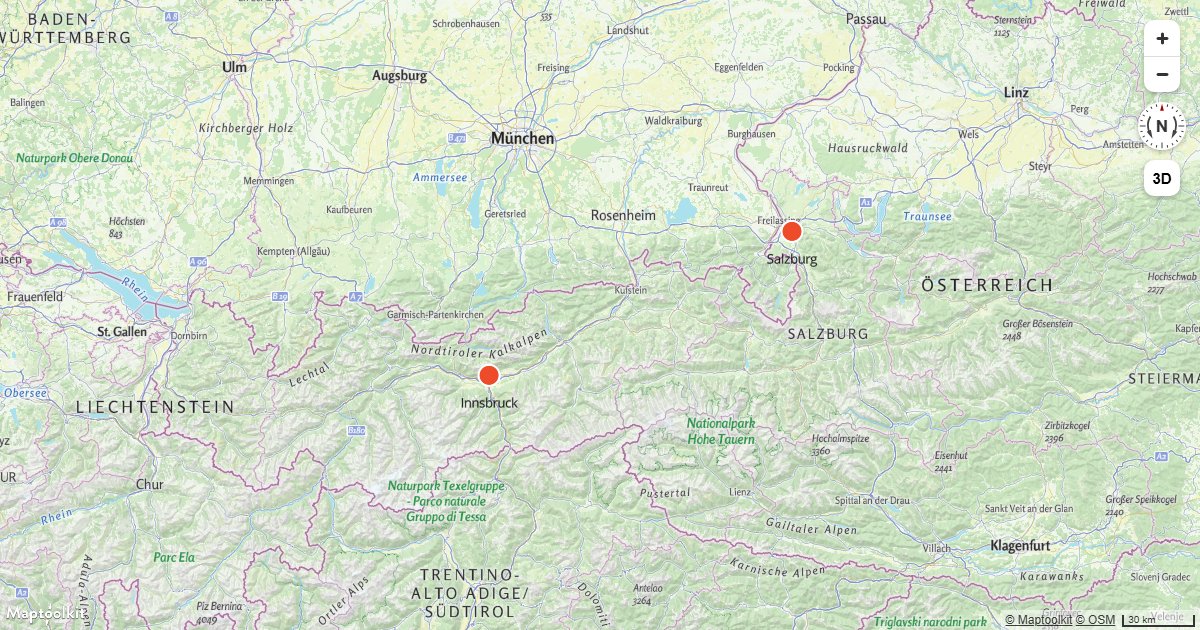
Center the Map on a Clicked Symbol
Fly the Maptoolkit map camera to a symbol feature's location when the user clicks on it.
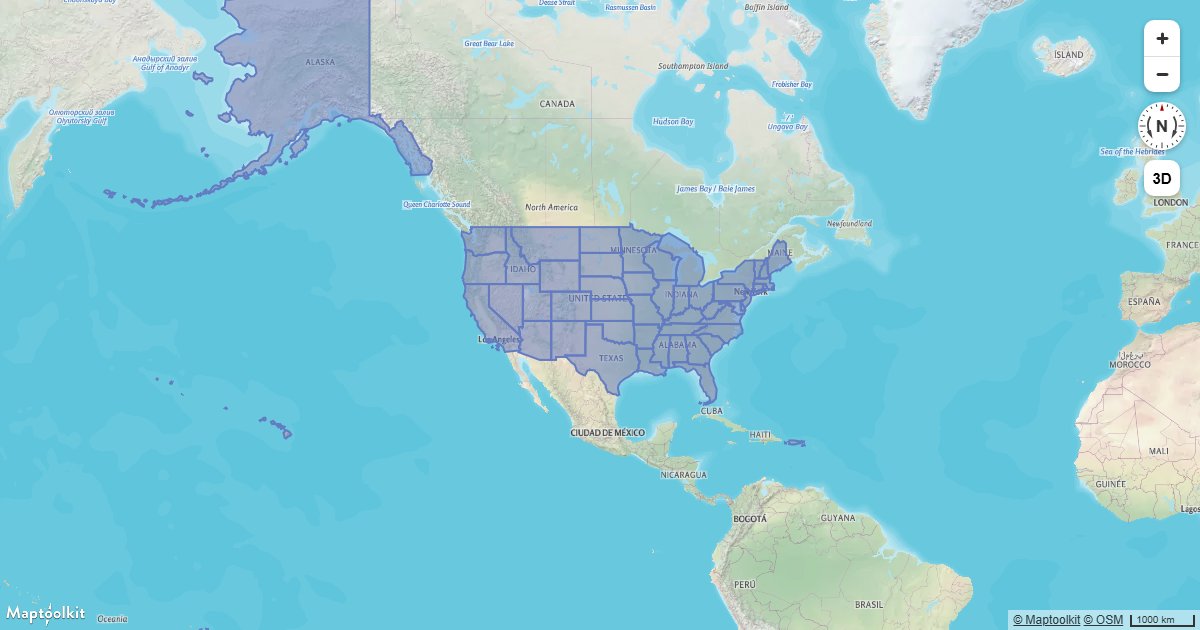
Create a Hover Effect
Highlight a map feature on hover using Maptoolkit feature state and a data-driven paint expression.
Display a Popup on Click
Show a Maptoolkit Popup with the clicked coordinates whenever a user clicks anywhere on the map.
Display a Popup on Hover
Show a Maptoolkit Popup with feature properties when the user hovers over a point on the map.
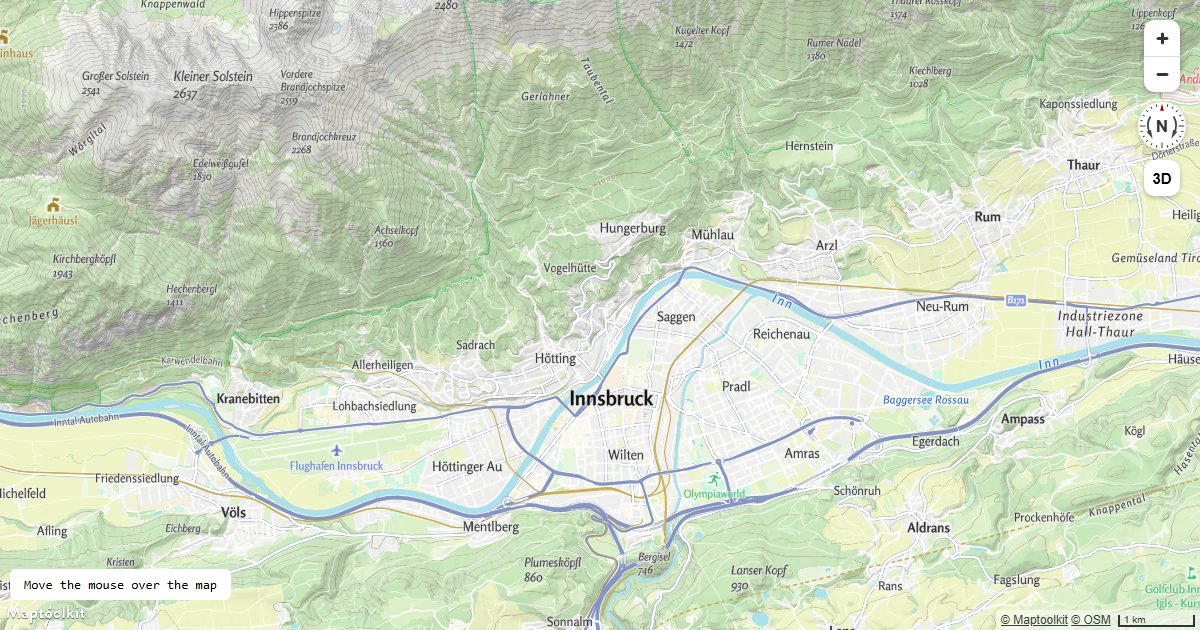
Get Coordinates of the Mouse Pointer
Display the longitude and latitude under the cursor in real time as the user moves the mouse over a Maptoolkit map.
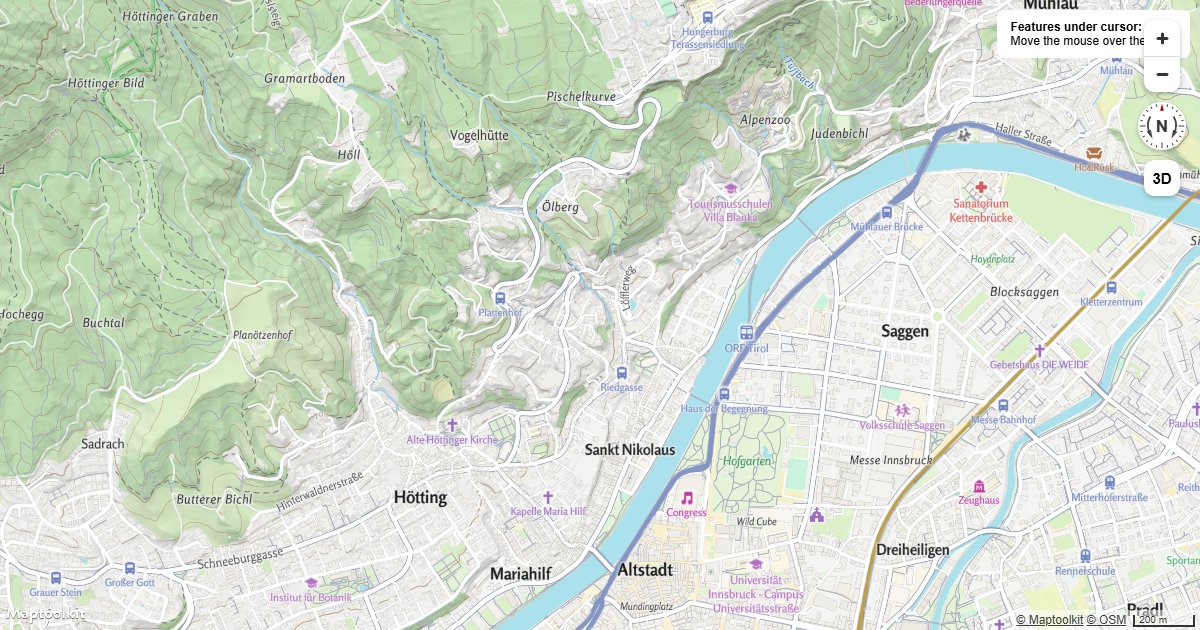
Get Features Under the Mouse Pointer
Query all rendered Maptoolkit map features under the mouse cursor and display their properties on hover.
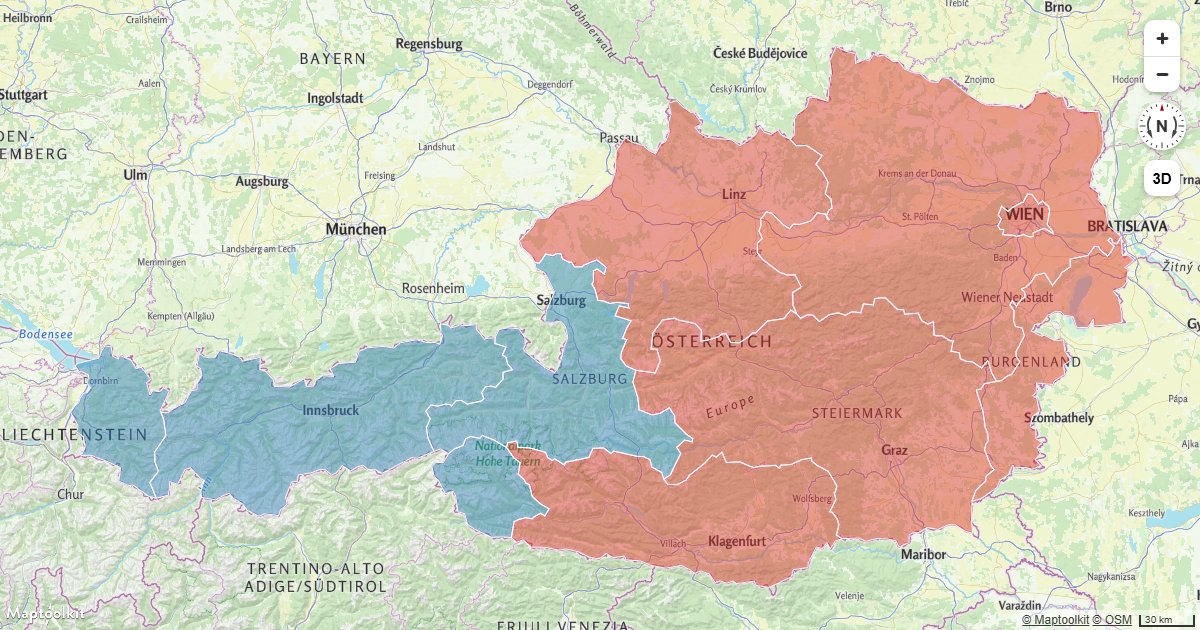
Show Polygon Information on Click
Display a Maptoolkit Popup with GeoJSON feature properties when the user clicks on a polygon layer.
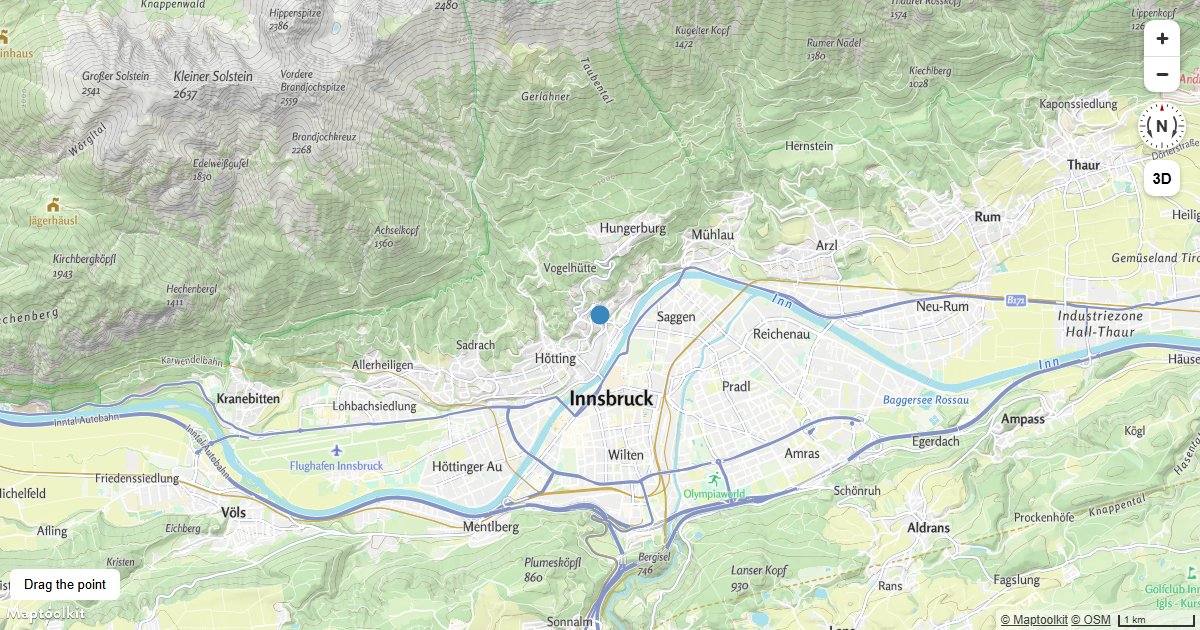
Create a Draggable Point
Create a draggable GeoJSON point on a Maptoolkit map layer using mousedown, mousemove, and mouseup events.
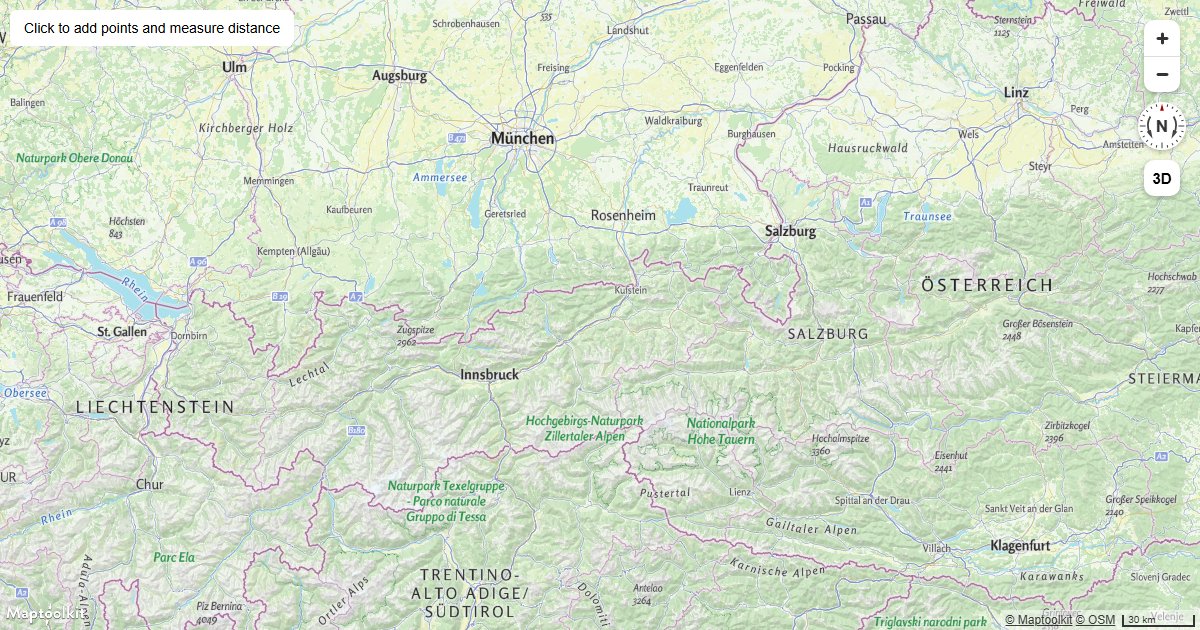
Measure Distances
Place points by clicking a Maptoolkit map and measure the total distance between them using Turf.js.
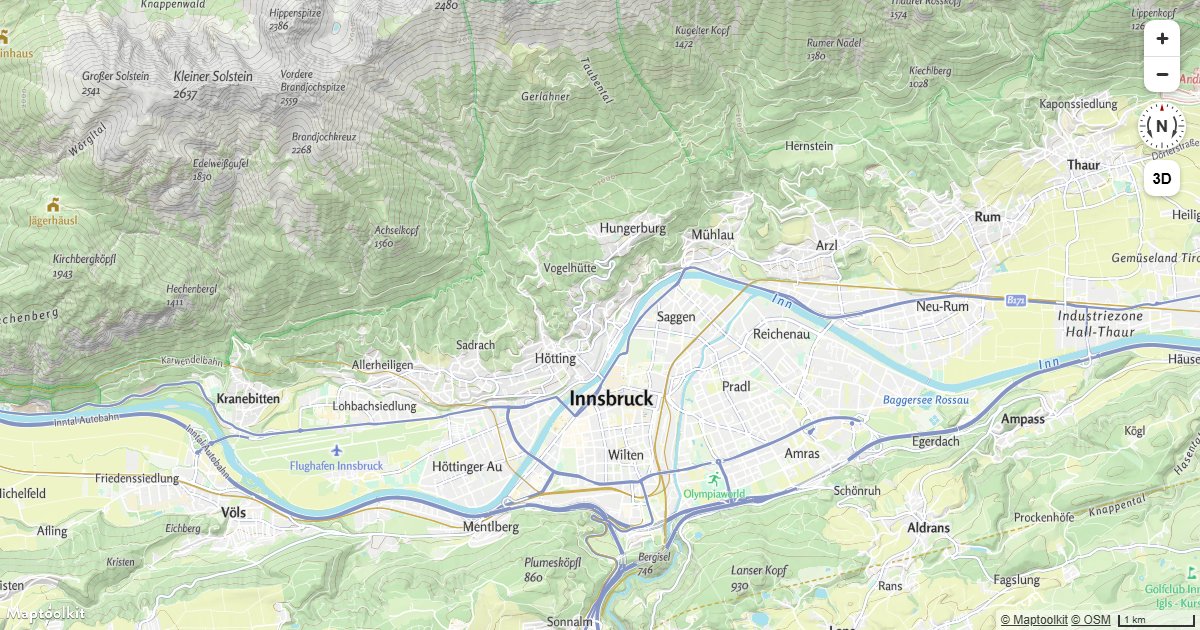
Animate a Symbol to Follow the Mouse
Move a symbol layer feature to the current mouse position on every mousemove event on a Maptoolkit map.
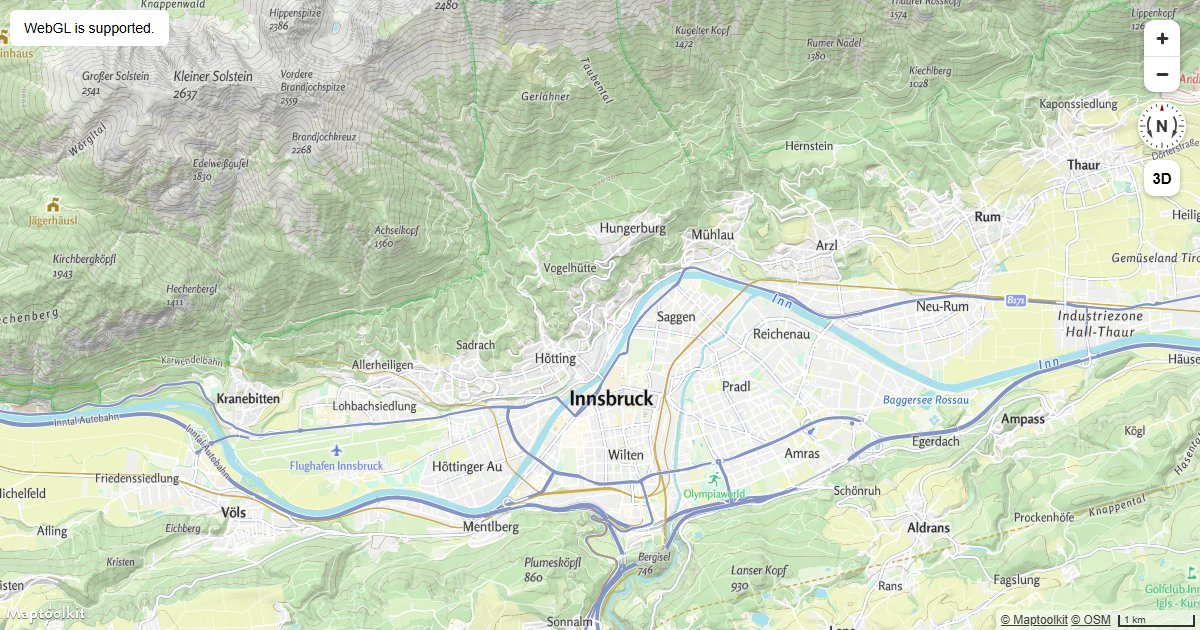
Check if WebGL is Supported
Detect WebGL support before initializing a Maptoolkit map and show a fallback message when it is unavailable.
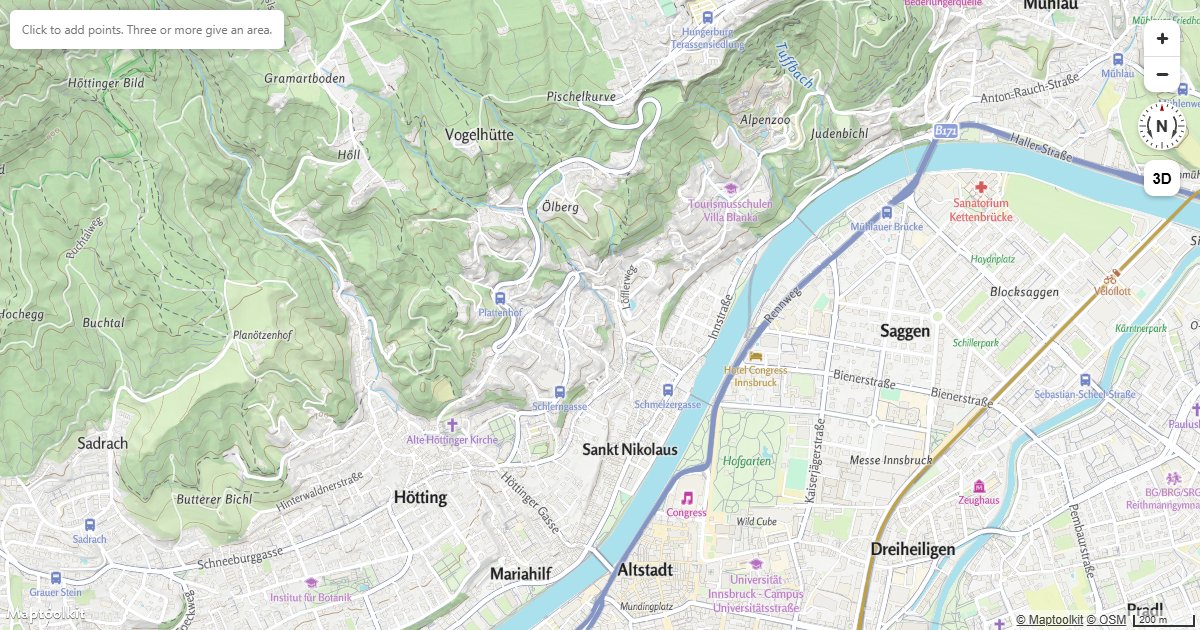
Measure Area and Bearing
Click to draw a polygon and read back its area in hectares, its perimeter and the bearing of each leg.
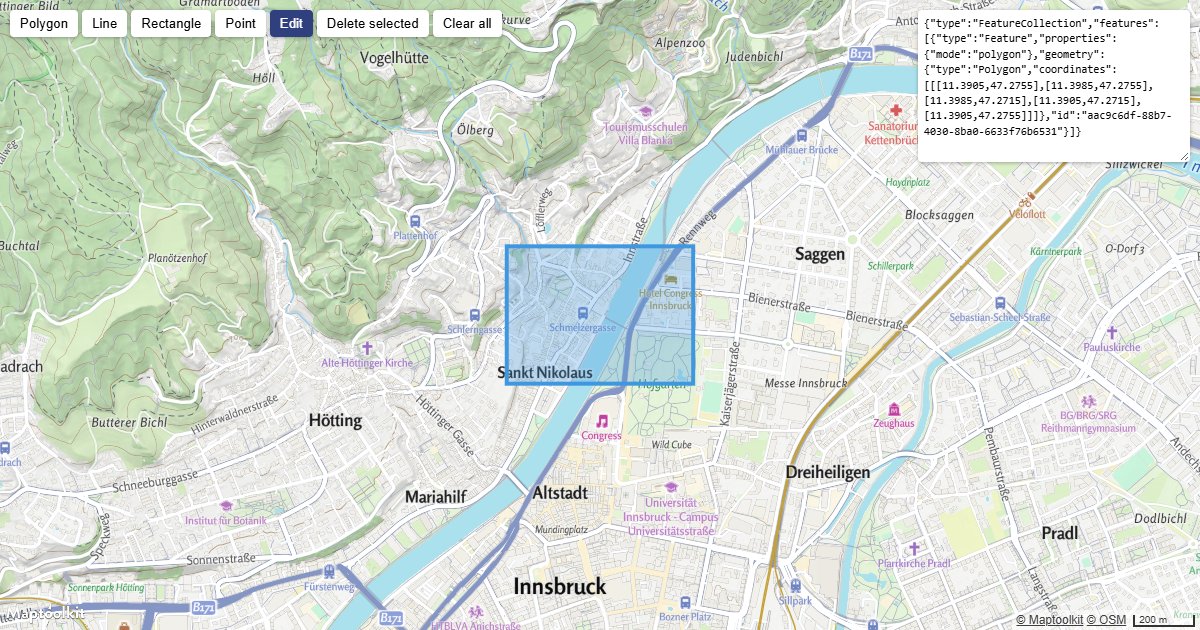
Draw and Edit Shapes
Draw, edit and delete shapes on the map, and export them as GeoJSON.
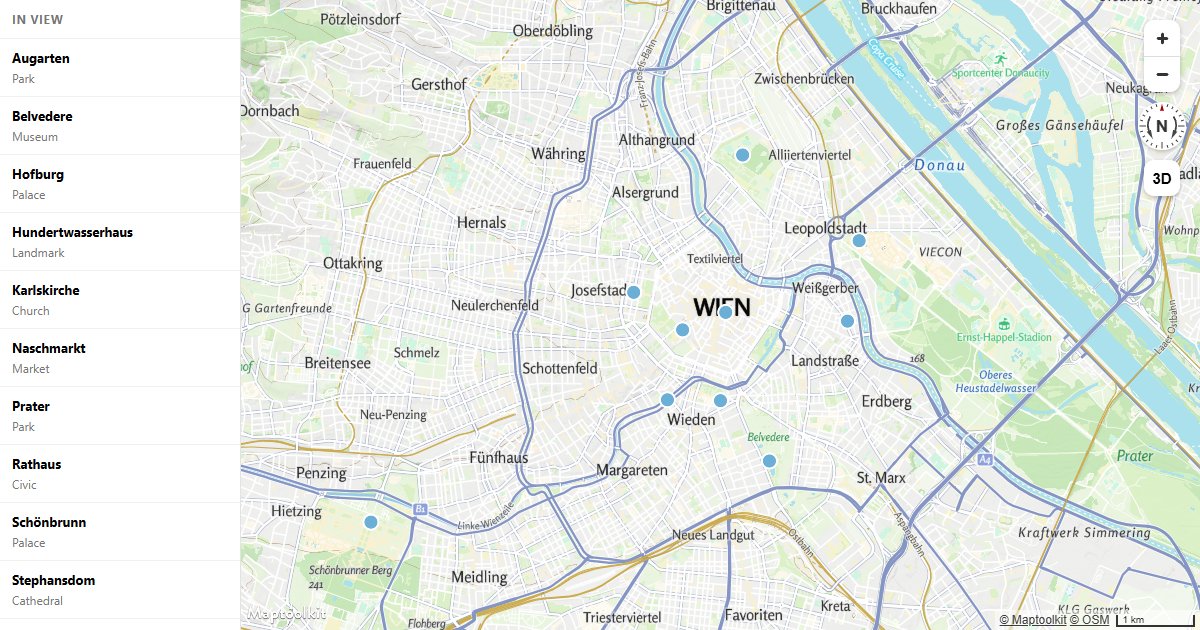
Sync a List with the Map
Wire a sidebar list to the map in both directions: hover and click either one, and the other responds.
Camera & Navigation
Pitch and Bearing
Initialize a Maptoolkit map with a custom pitch and bearing to set a tilted or rotated starting view.
Fit a Map to a Bounding Box
Fit a Maptoolkit map view to a geographic bounding box using fitBounds with optional padding.
Fly to a Location
Animate the Maptoolkit map camera to a new location with a smooth arc-based fly-to transition.
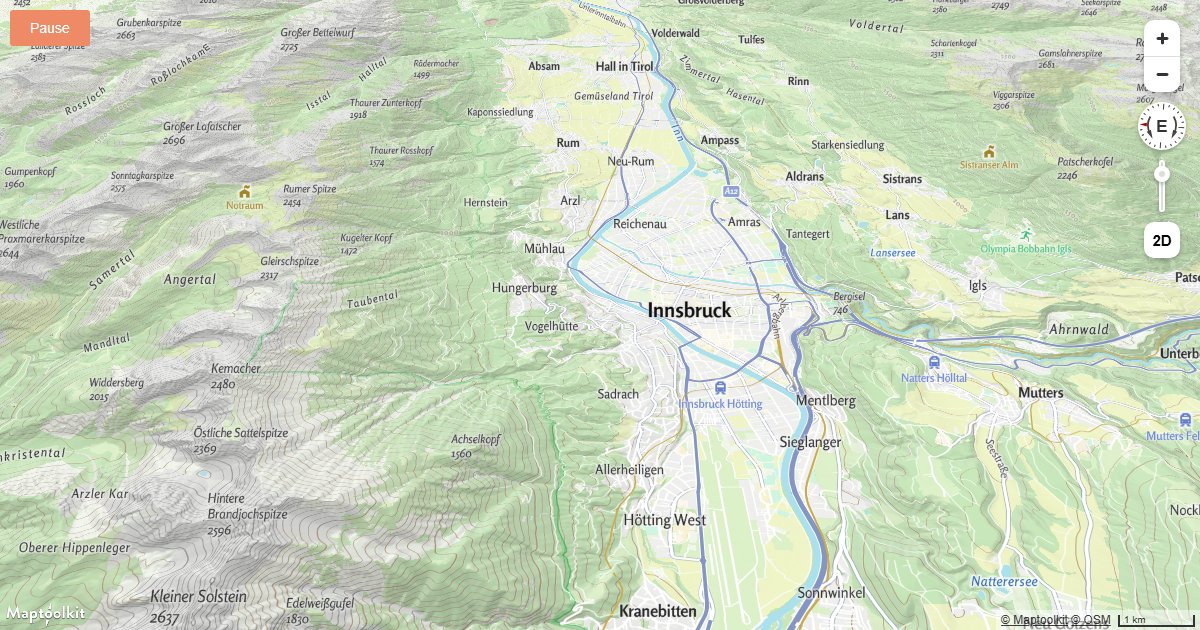
Animate Map Camera Around a Point
Continuously rotate the Maptoolkit map camera around a fixed center point using a requestAnimationFrame loop.
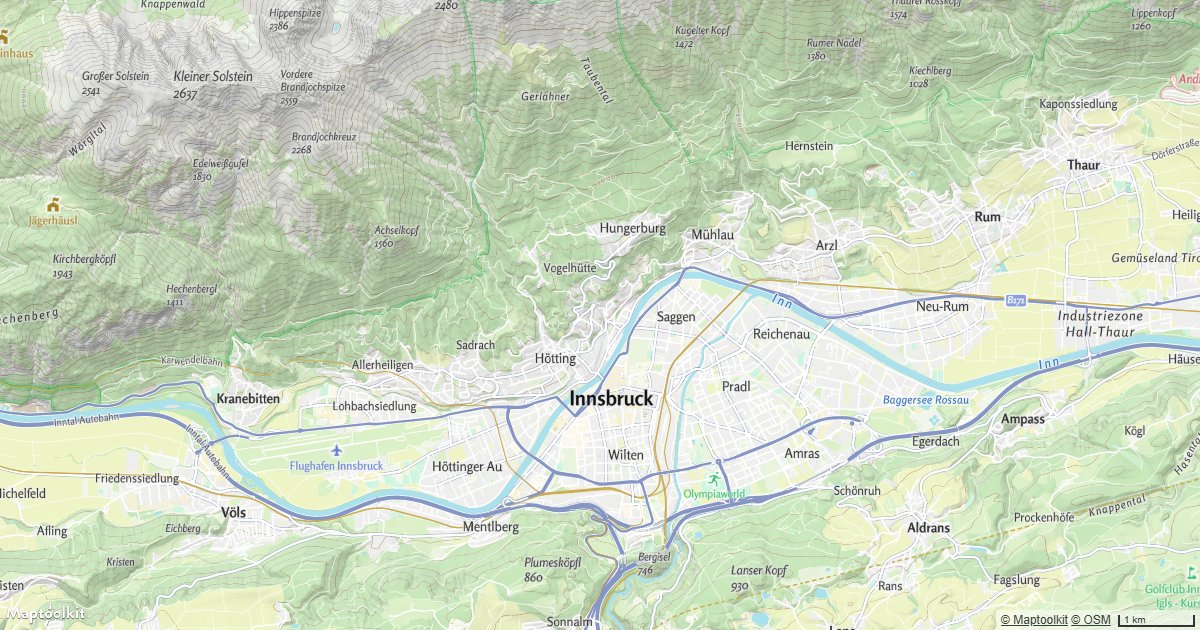
Fly to a Location Based on Scroll Position
Drive Maptoolkit map camera movements by scroll position to create a scroll-linked map storytelling effect.
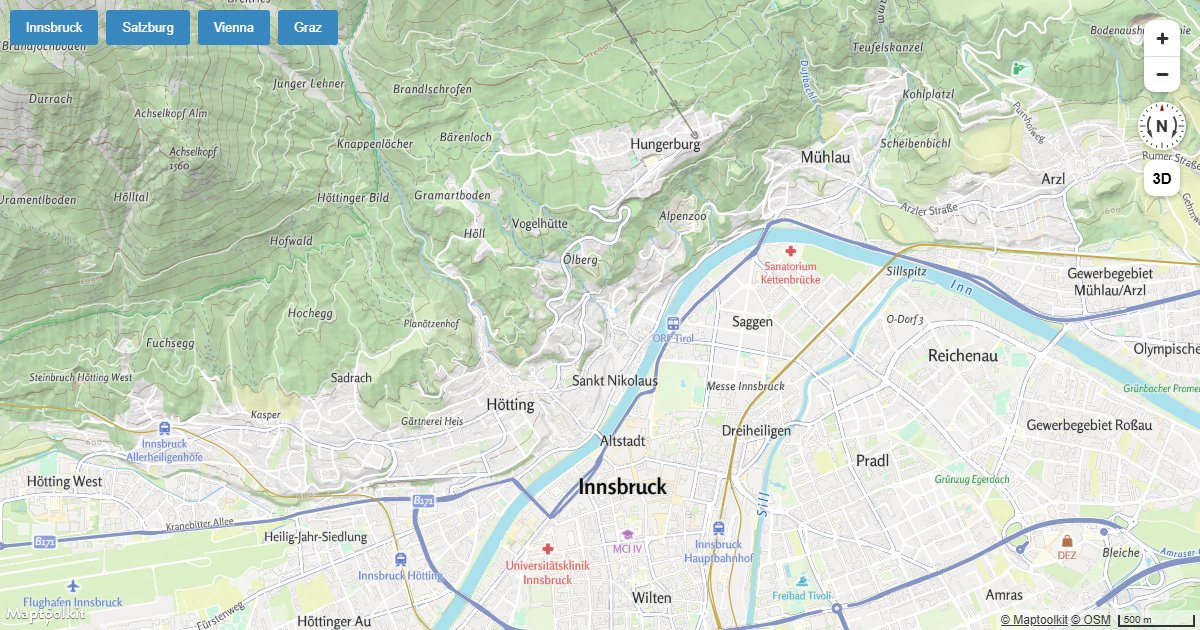
Jump to a Series of Locations
Instantly jump the Maptoolkit map camera through a sequence of locations using map.jumpTo.
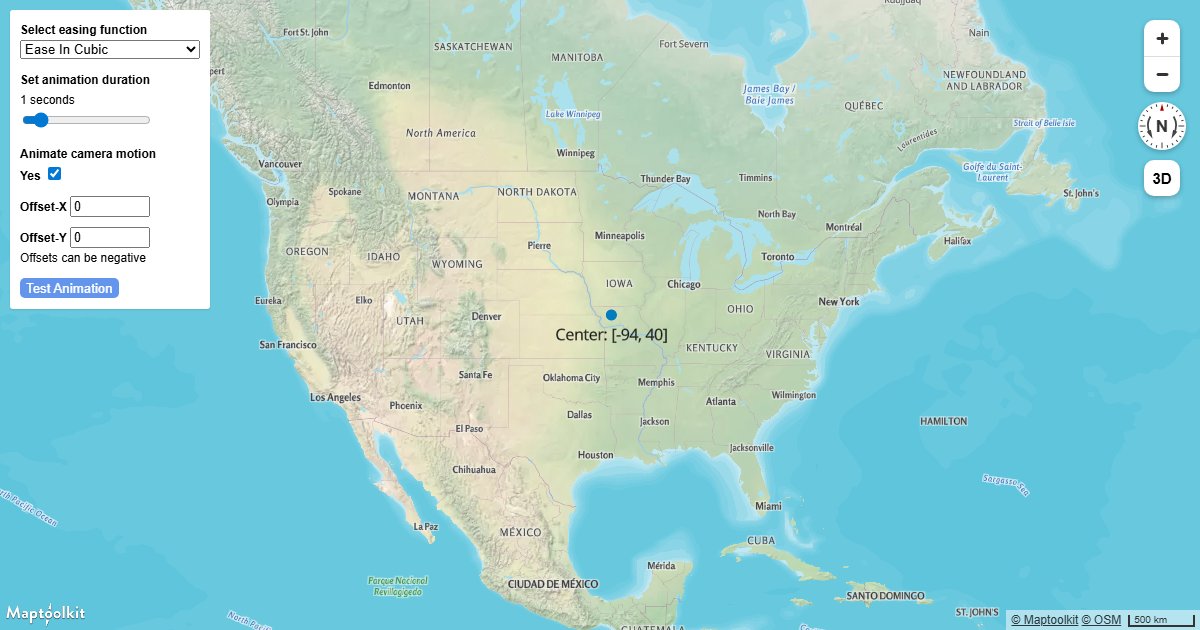
Customize Camera Animations
Customize the speed, easing, and duration of Maptoolkit camera transitions using AnimationOptions.
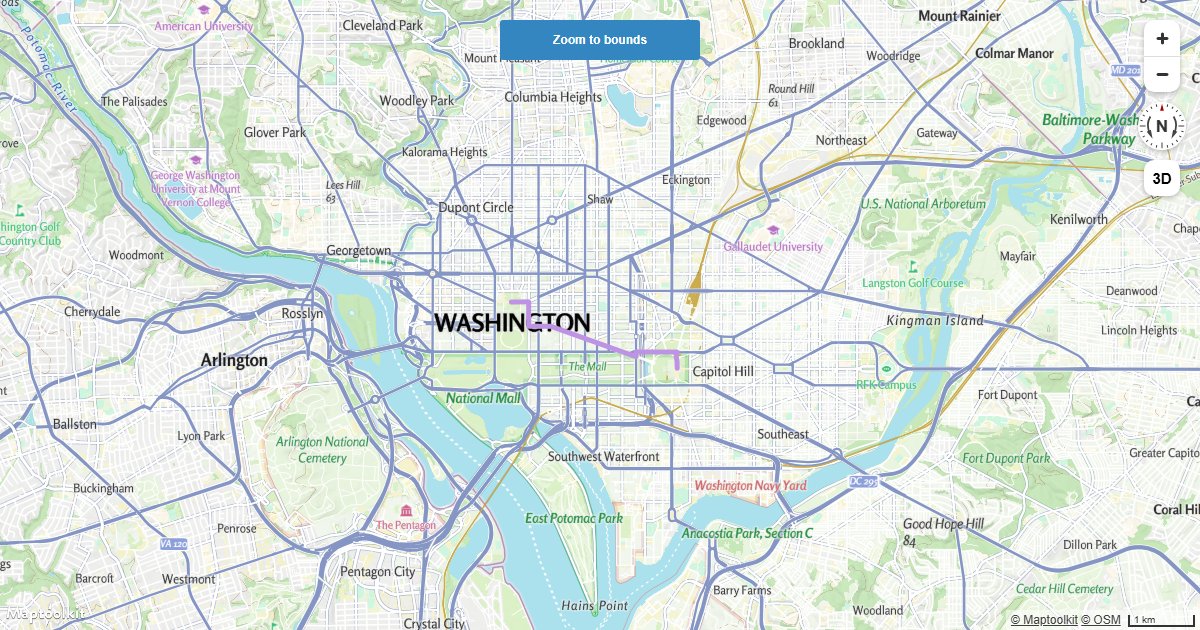
Fit to the Bounds of a LineString
Automatically fit a Maptoolkit map to the bounding box of a GeoJSON LineString using fitBounds.
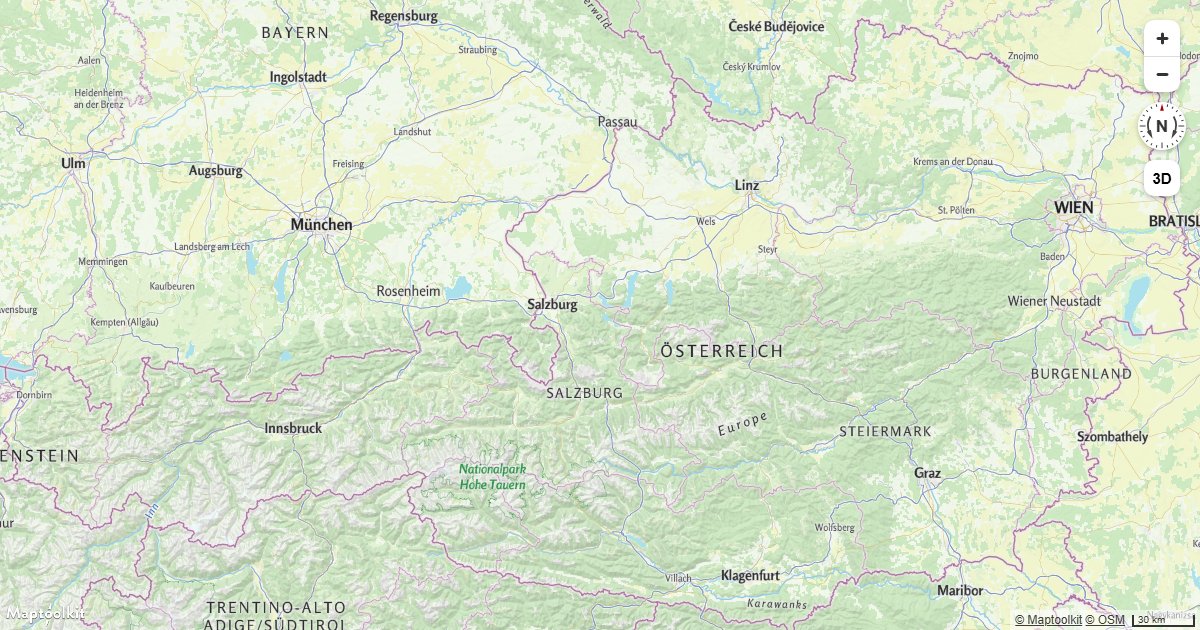
Restrict Map Bounds
Lock a Maptoolkit map to a geographic bounding box so users cannot pan or zoom outside the defined area.
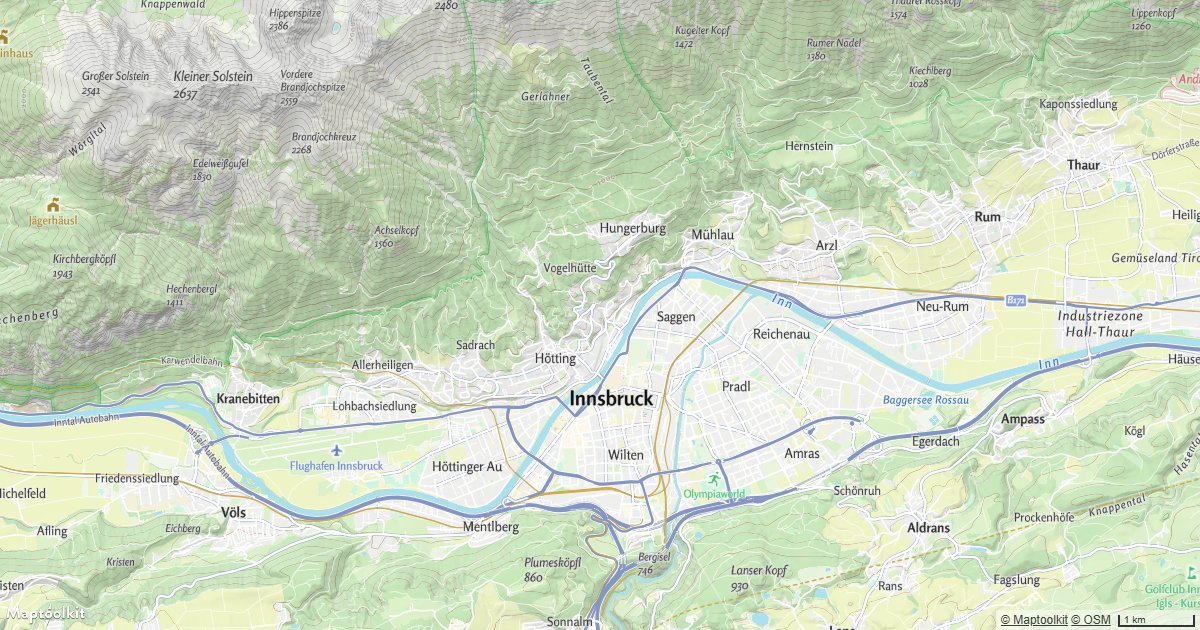
Disable Map Rotation
Prevent users from rotating a Maptoolkit map so it always stays oriented north-up.
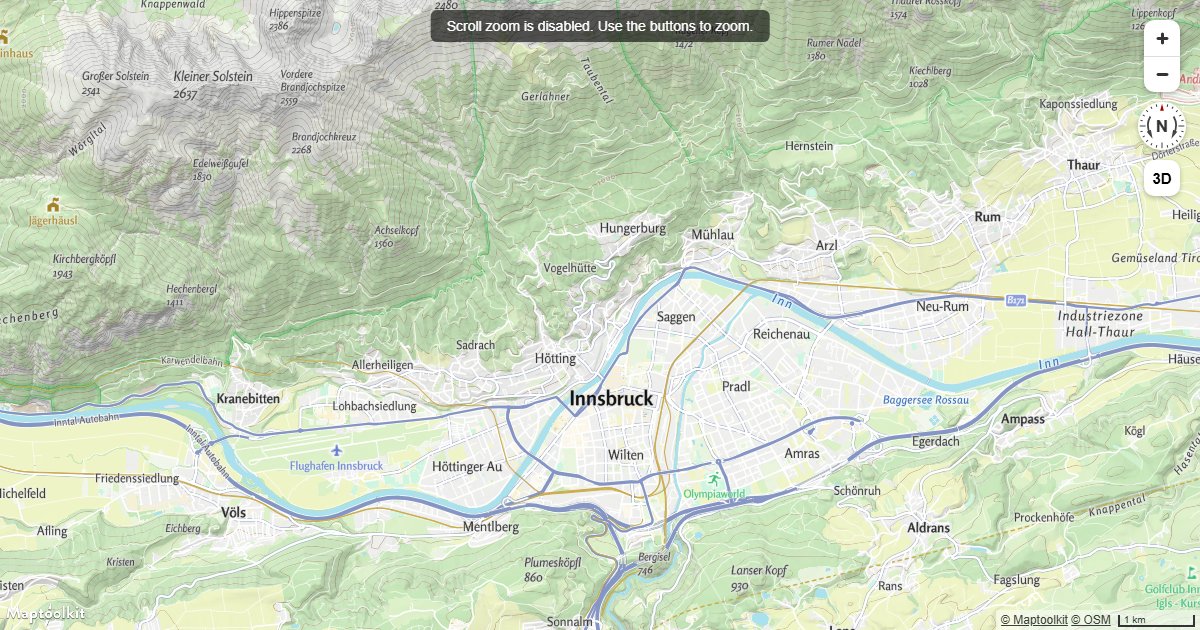
Disable Scroll Zoom
Disable scroll wheel zoom on a Maptoolkit map so mouse scrolling over the map navigates the page instead.
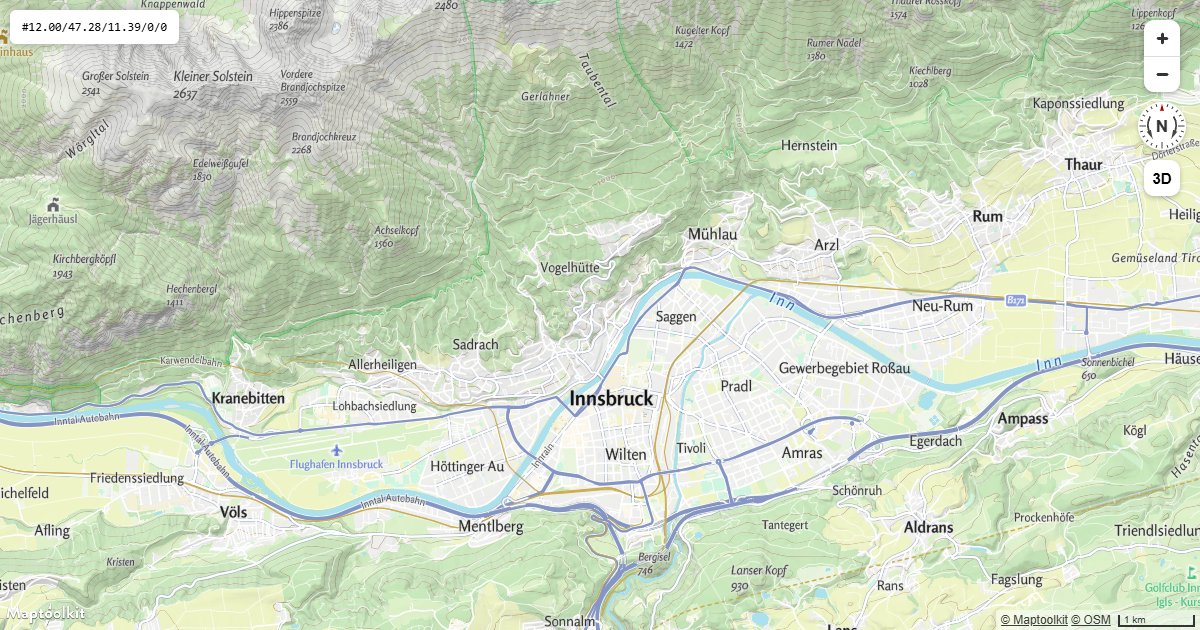
Map Position in the URL
Keep centre, zoom, pitch and bearing in the address bar so a view can be shared, bookmarked and reloaded.
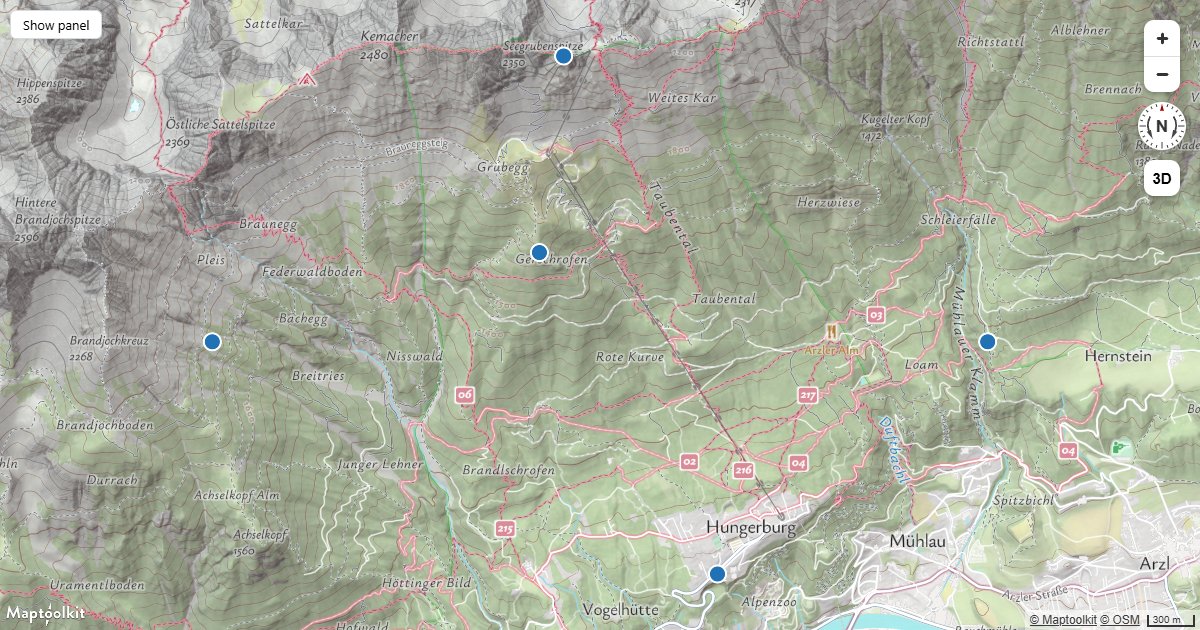
Refit on Resize
Keep a route or a set of markers framed when the container changes size, using a ResizeObserver.
Globe
Display a Globe with a Vector Map
Render a Maptoolkit vector map as a 3D globe using the globe projection setting.
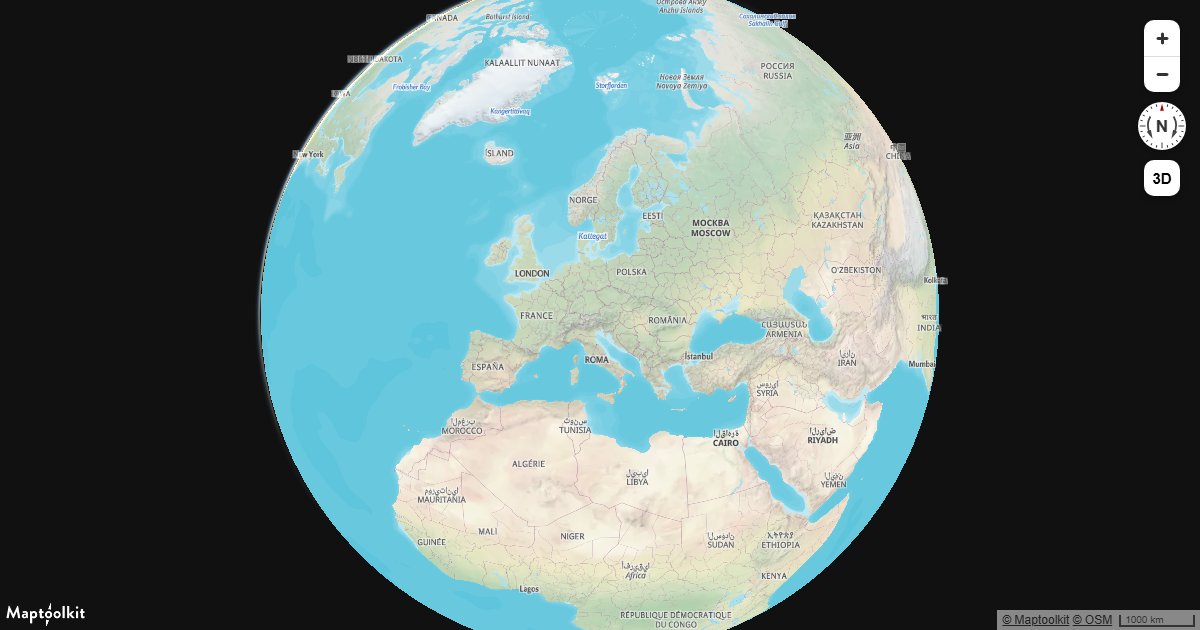
Display a Globe with an Atmosphere
Render a Maptoolkit globe with a realistic atmospheric haze and sky gradient using the fog style property.
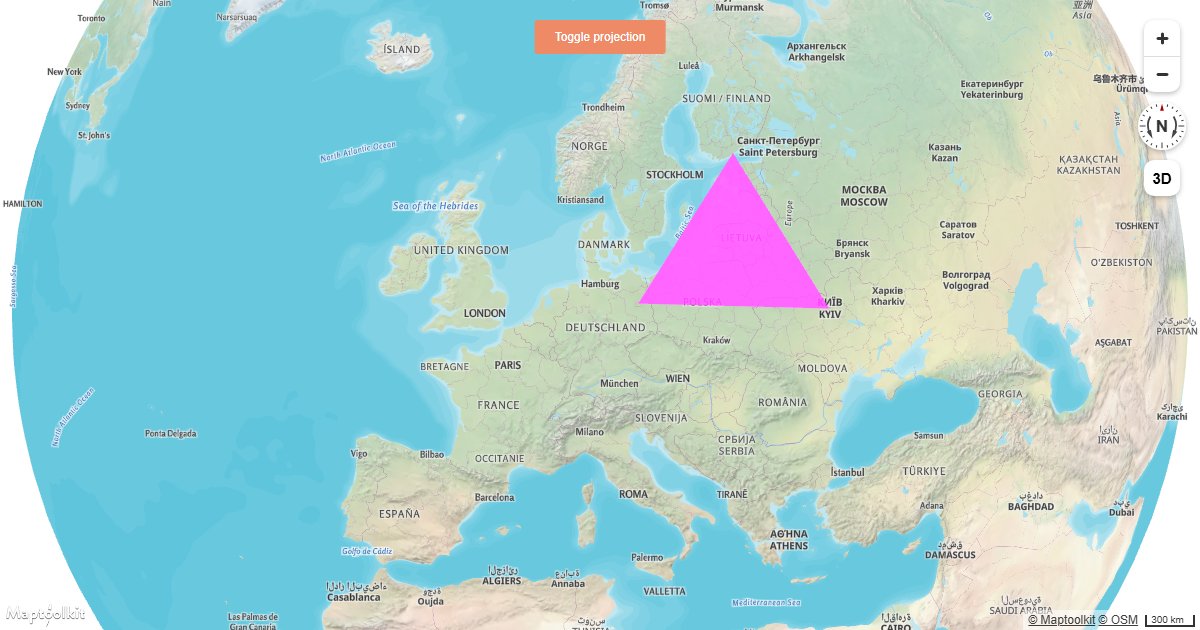
Add a Simple Custom Layer on a Globe
Draw custom WebGL content directly on a Maptoolkit globe using a custom layer and the map's render context.
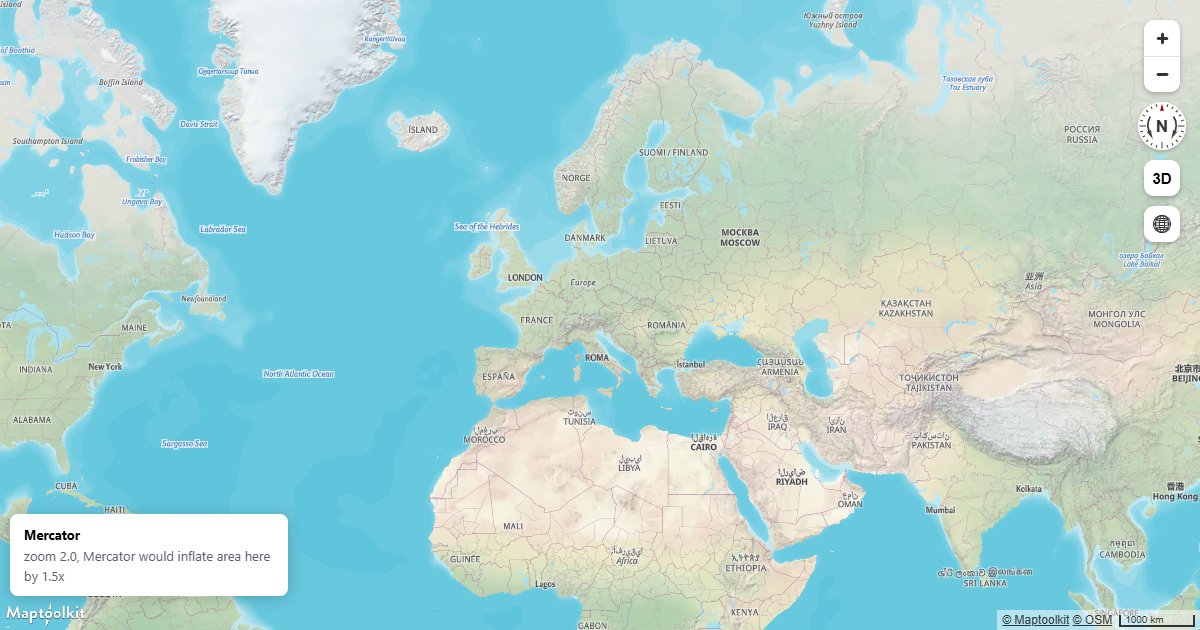
Globe and Mercator
Control the projection explicitly instead of leaving it to the automatic transition, and see where each one is right.
Styles & Expressions
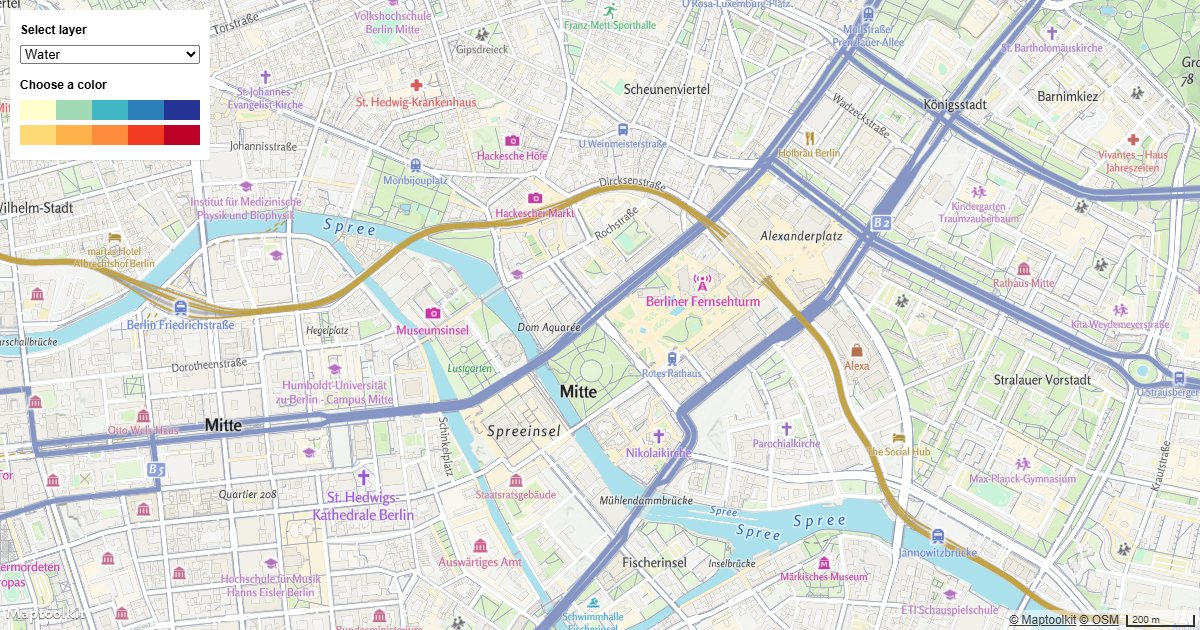
Change a Layer's Color with Buttons
Update a Maptoolkit map layer's fill color at runtime using UI buttons and setPaintProperty.
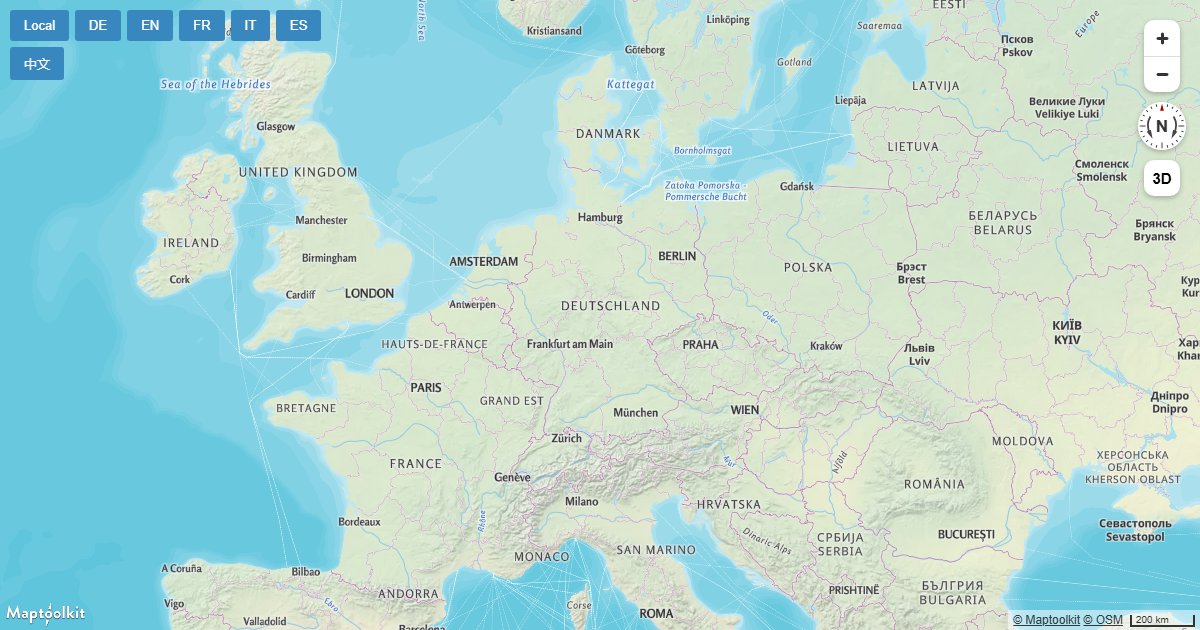
Change a Map's Language
Switch the display language of Maptoolkit map labels at runtime by updating the text-field expression on symbol layers.
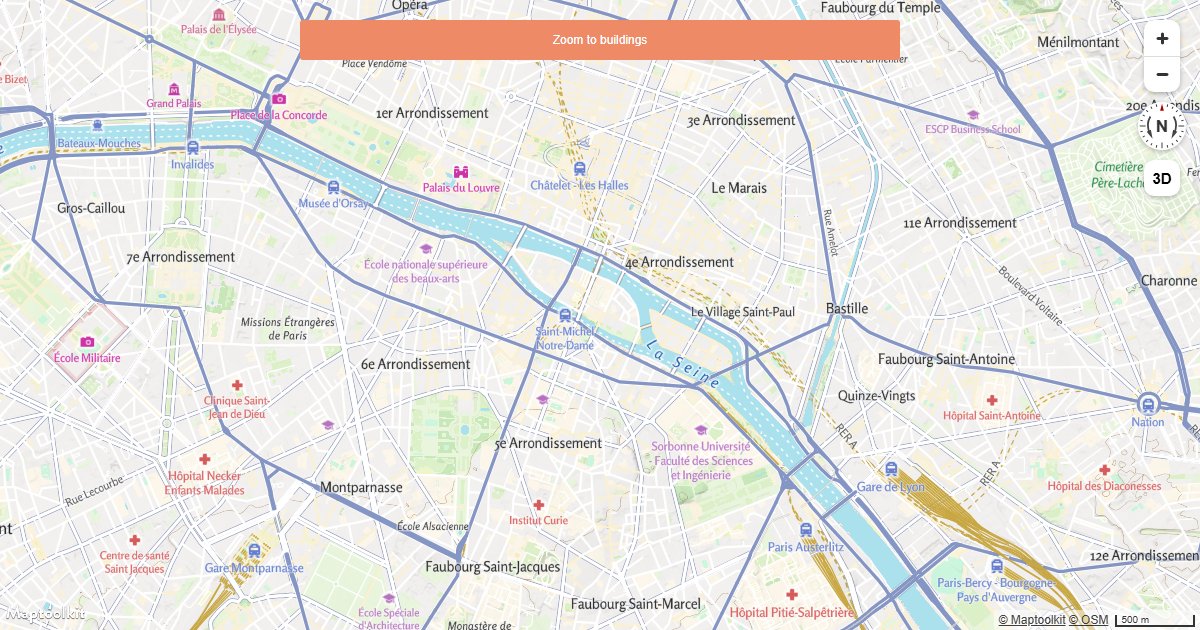
Change Building Color Based on Zoom Level
Apply zoom-dependent color expressions to Maptoolkit building layers using interpolate style expressions.
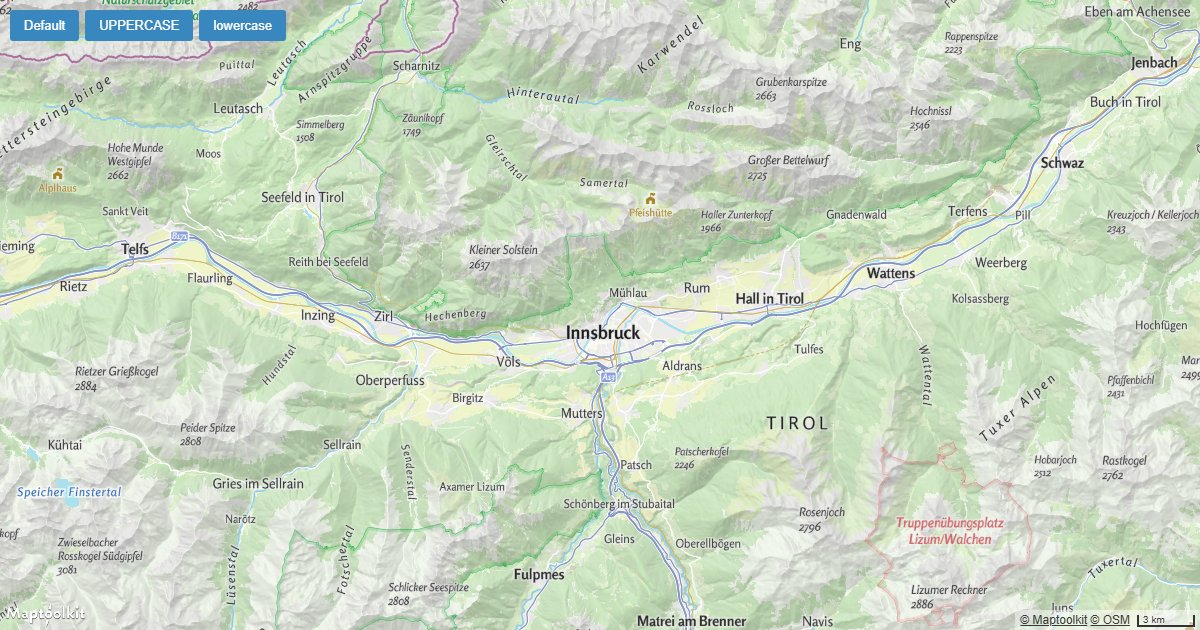
Change the Case of Labels
Set map label text to uppercase, lowercase, or title case on a Maptoolkit map using the text-transform layout property.
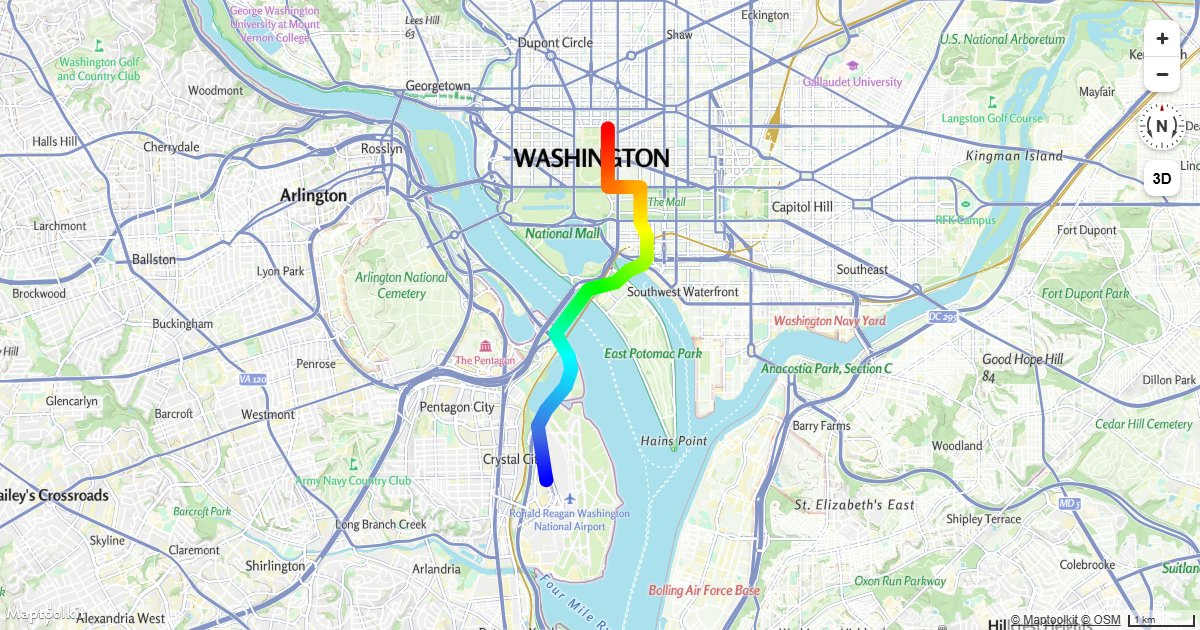
Create a Gradient Line Using an Expression
Apply a smooth color gradient along a line layer on a Maptoolkit map using a line-gradient style expression.
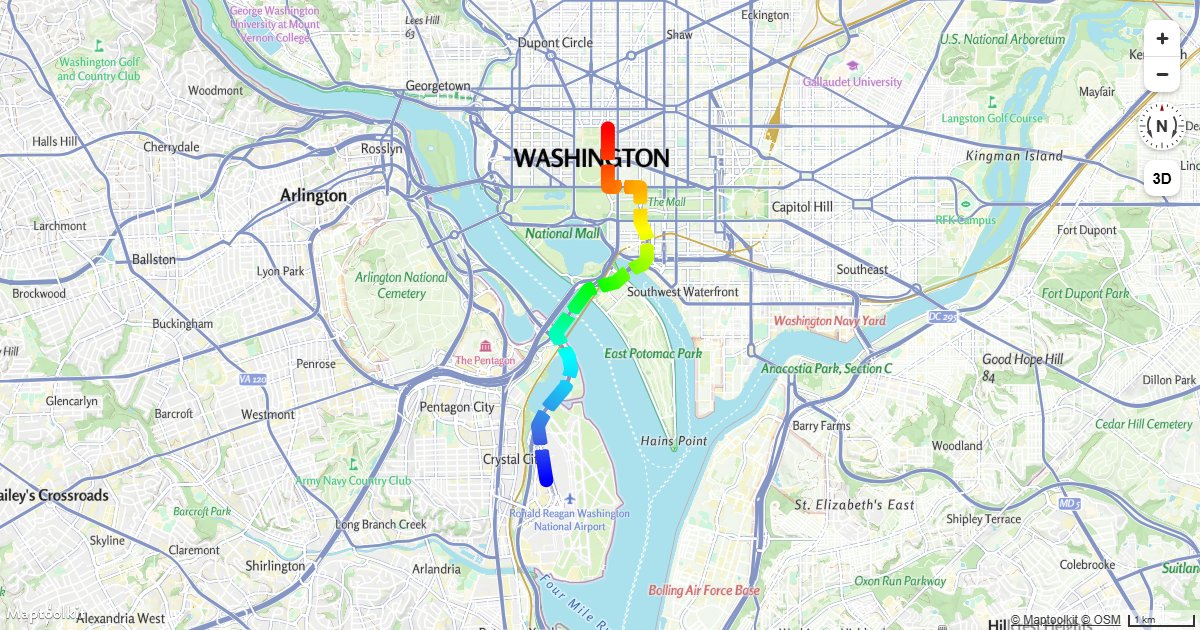
Create a Gradient Dashed Line Using an Expression
Combine a line-gradient expression with line-dasharray to render a color-gradated dashed line on a Maptoolkit map.
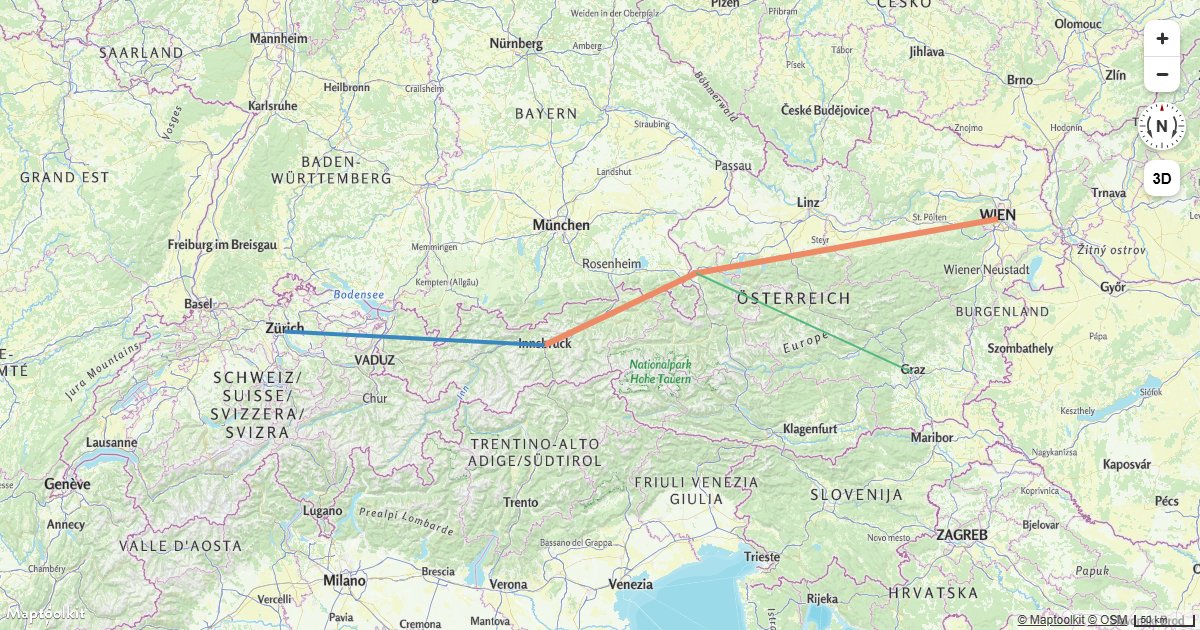
Style Lines with a Data-Driven Property
Style Maptoolkit line layers with variable width and color driven by GeoJSON feature properties.
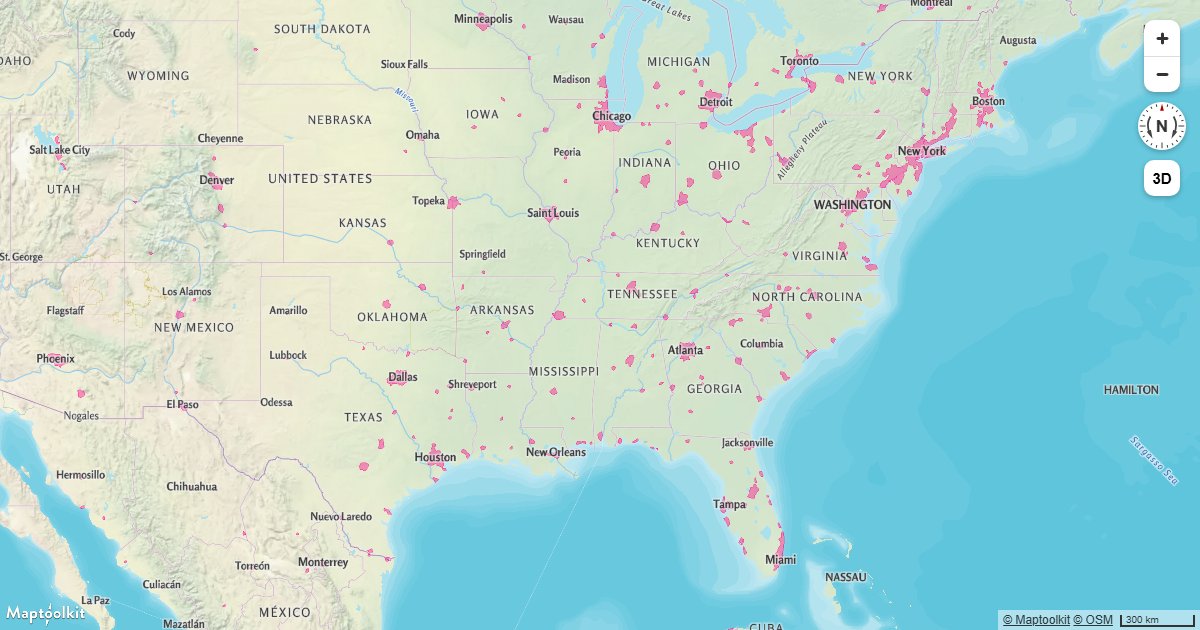
Add a New Layer Below Labels
Insert a fill or line layer below Maptoolkit map labels to keep text legible over your data.
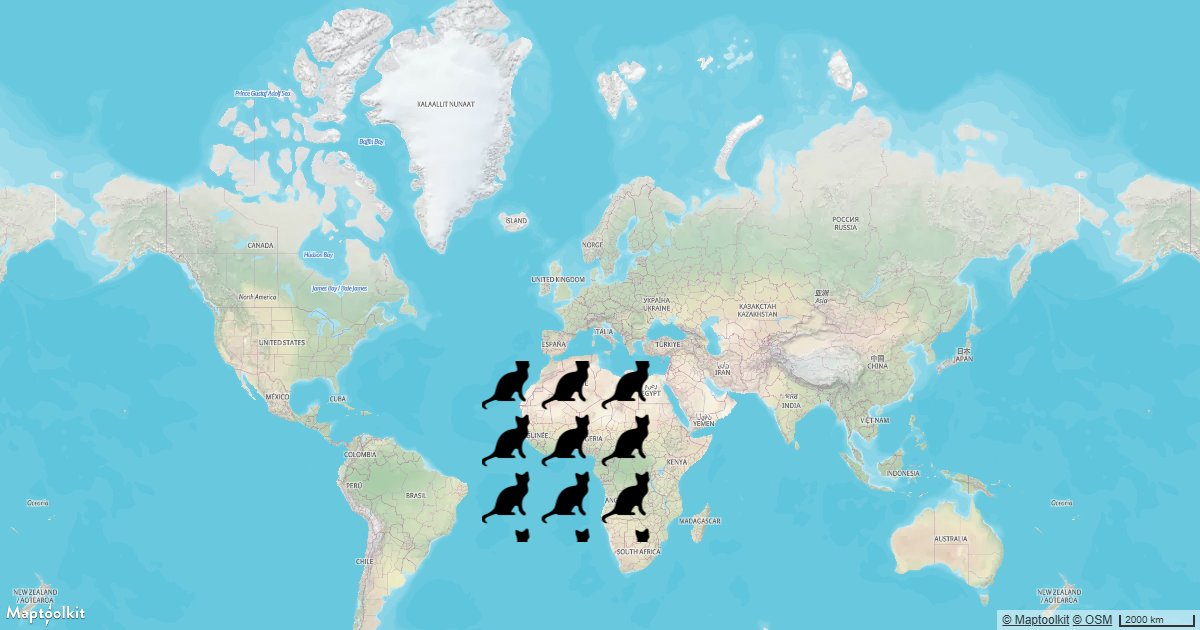
Add a Pattern to a Polygon
Fill a GeoJSON polygon with a repeating image pattern using a Maptoolkit fill-pattern layer.
Change the Default Position for Attribution
Reposition the Maptoolkit attribution control to any corner of the map container using the attributionControl option.
Add a Legend
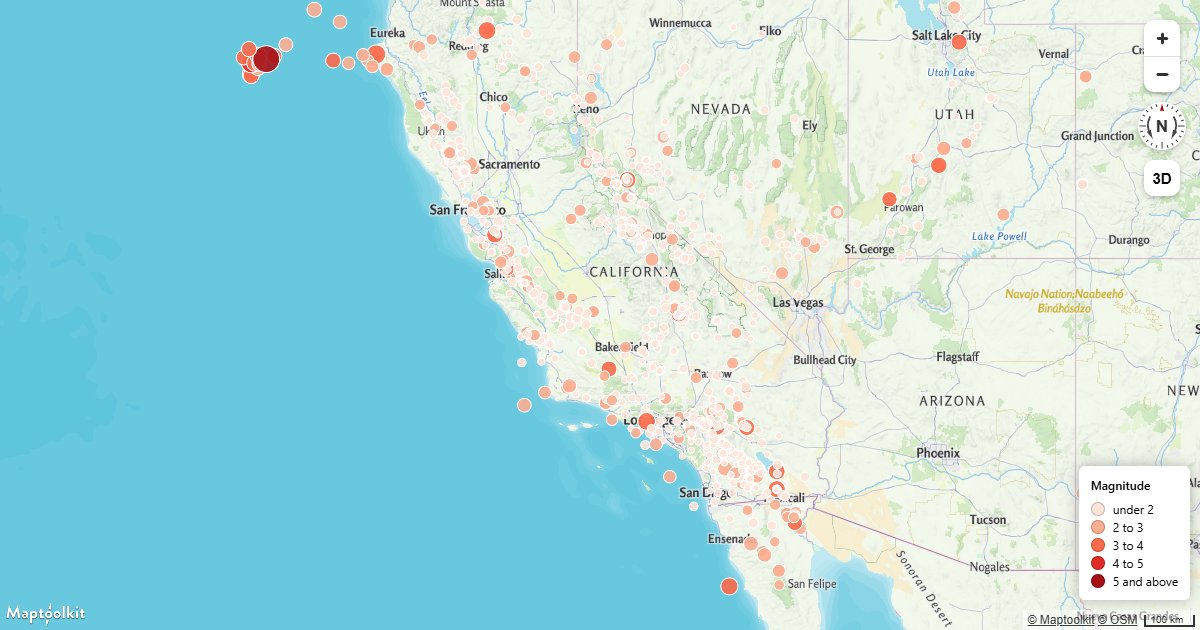
Build a map legend from the same expression stops that colour the layer, so the two cannot drift apart.
Labels from Browser Language
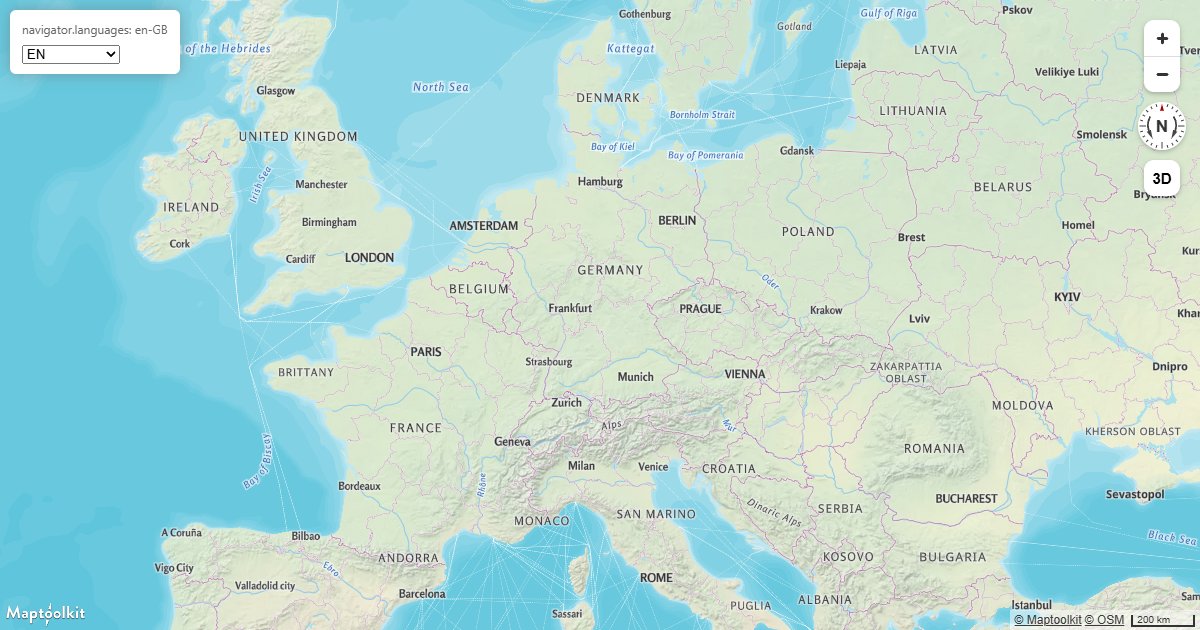
Detect the visitor's language once at load and set every symbol layer to the matching name field, with a manual override.
Credit Third-Party Data
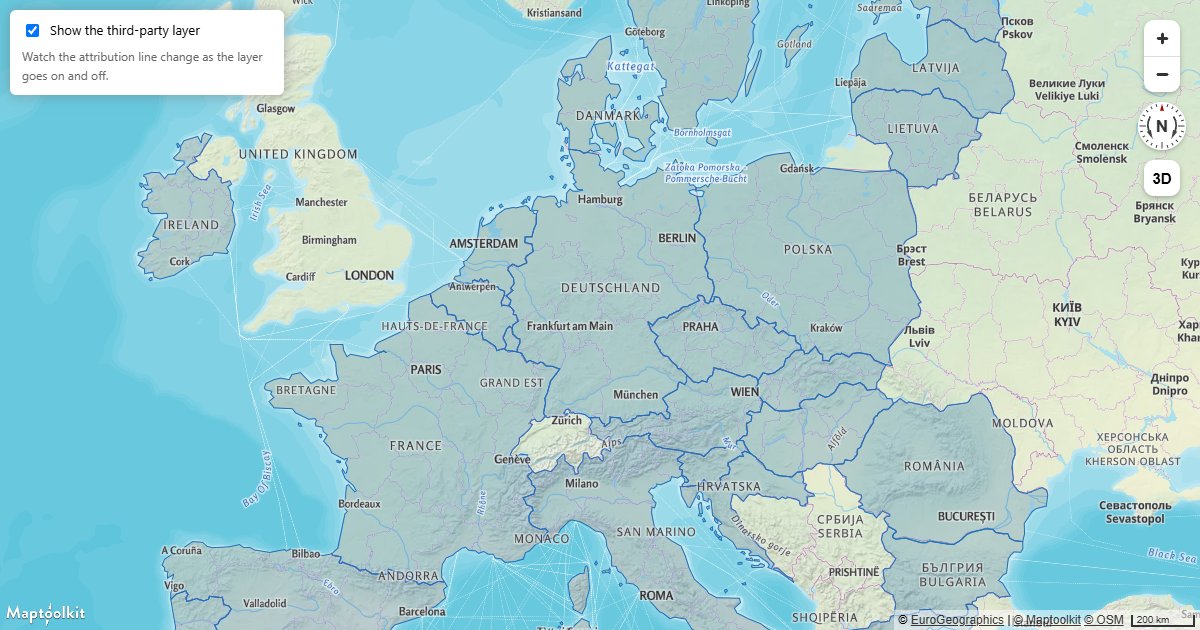
Attach attribution to your own sources so every credit on the map is correct, and keep the line from collapsing.
Layers & Data
Add a Vector Tile Source
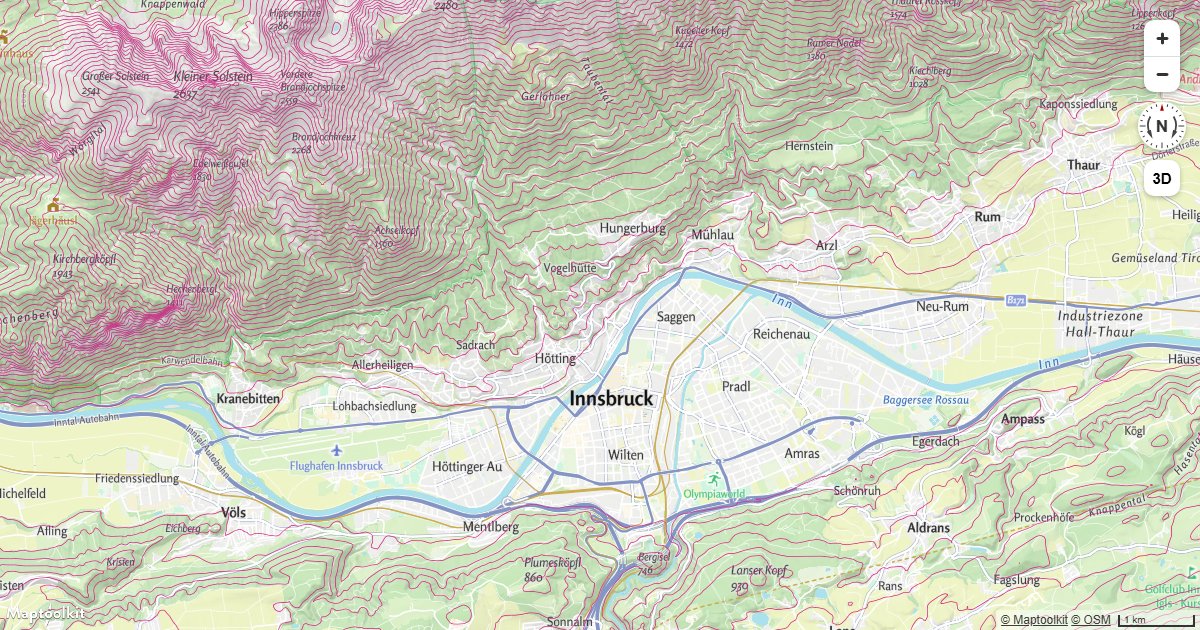
Add an external vector tile source to a Maptoolkit map and apply custom styles to its layers.
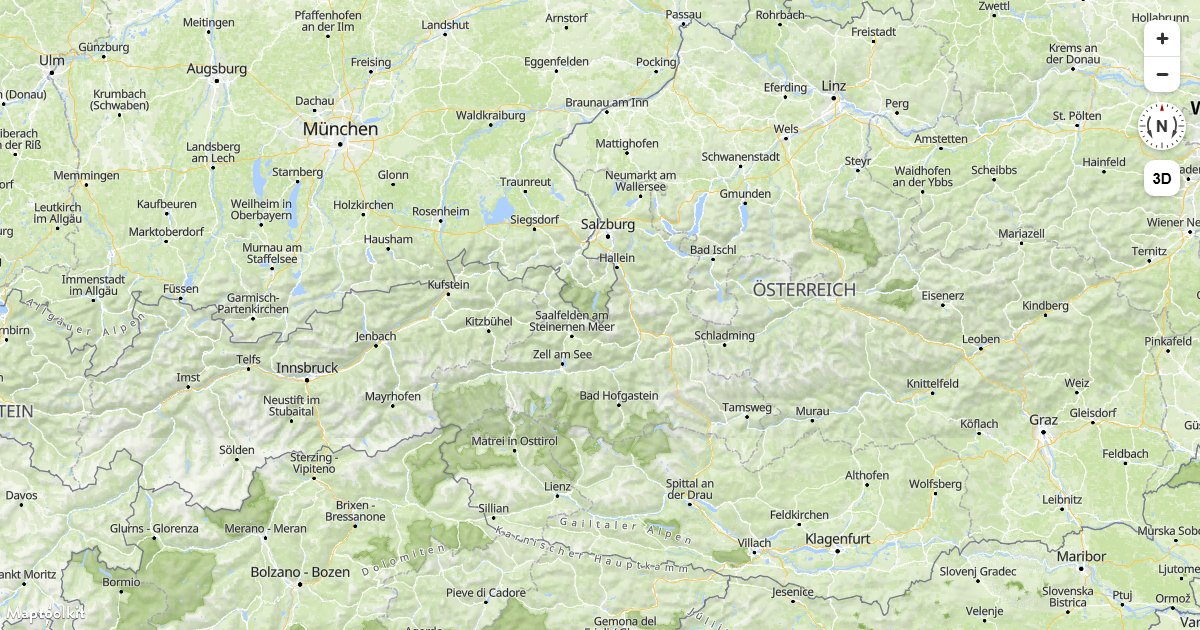
Add a Raster Tile Source
Add an external raster tile source and display it as a layer on a Maptoolkit map.
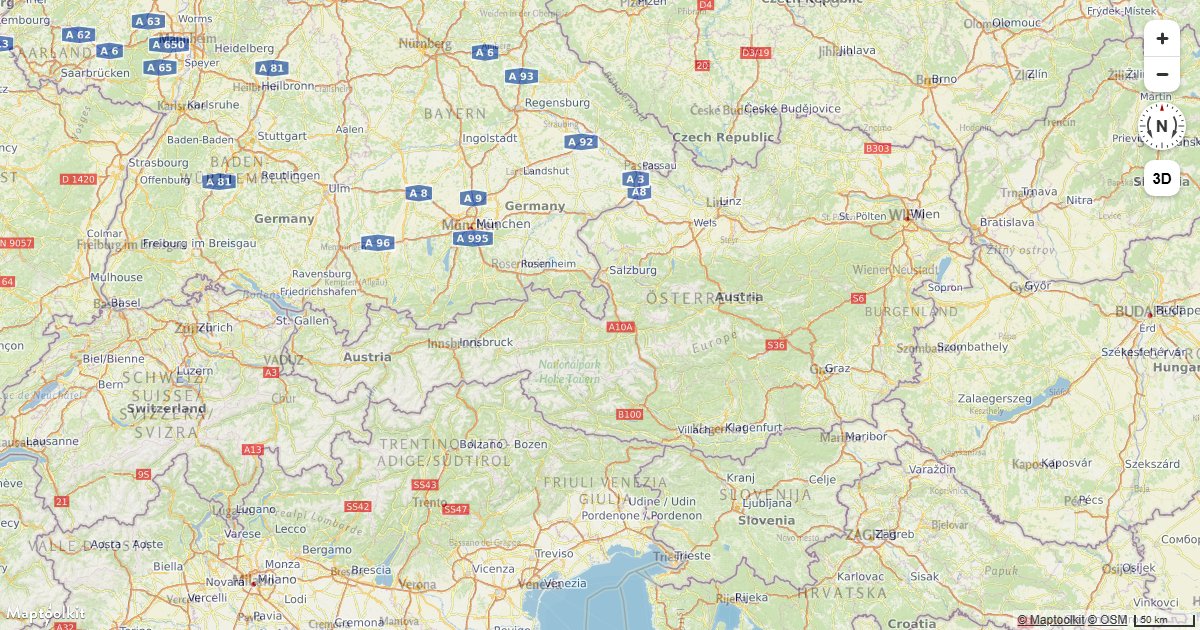
Add a WMS Source
Connect a WMS (Web Map Service) endpoint as a raster source on a Maptoolkit map.
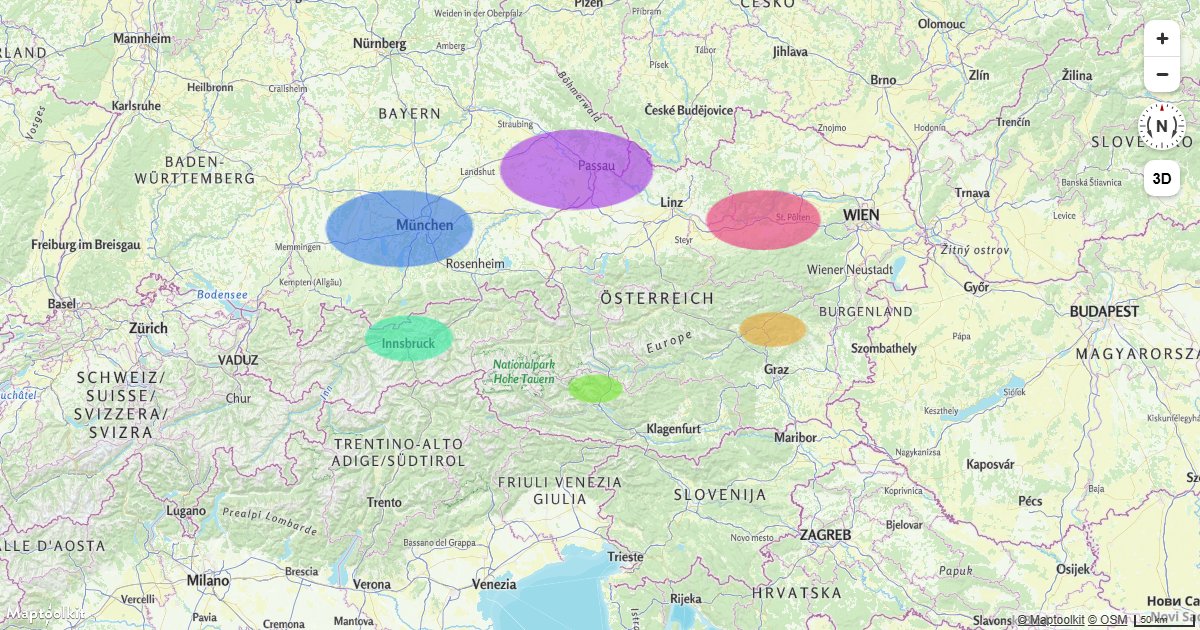
Add a Canvas Source
Use an HTML canvas element as a live animated map source to overlay dynamic graphics on a Maptoolkit map.
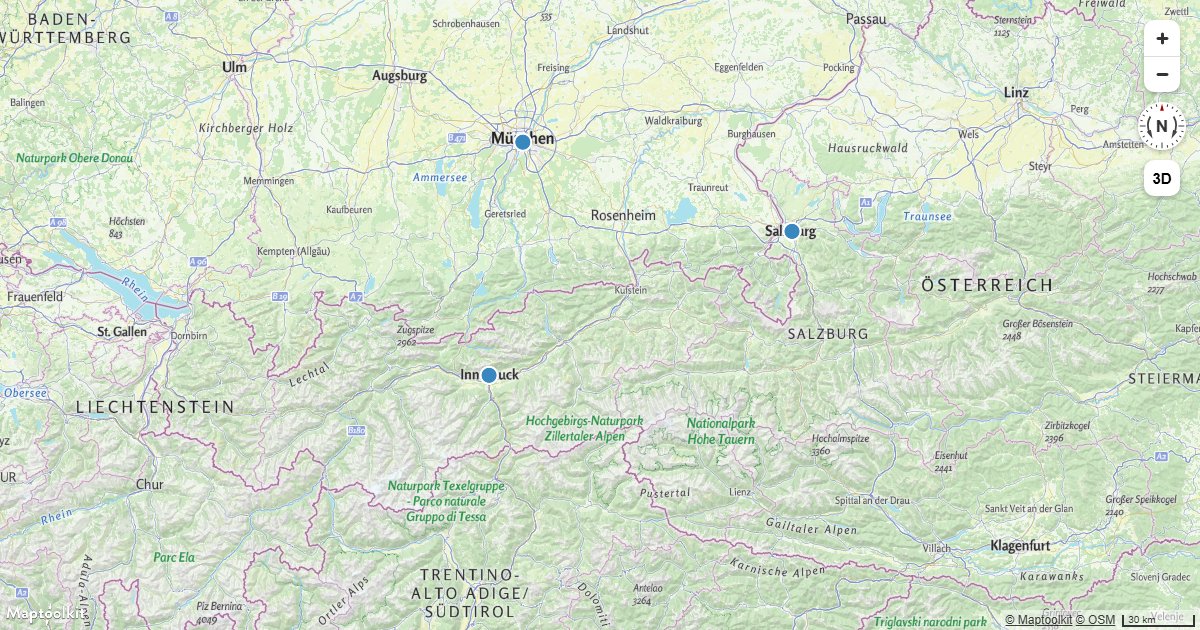
Draw GeoJSON Points
Add a GeoJSON point source to a Maptoolkit map and render the points as a styled circle layer.
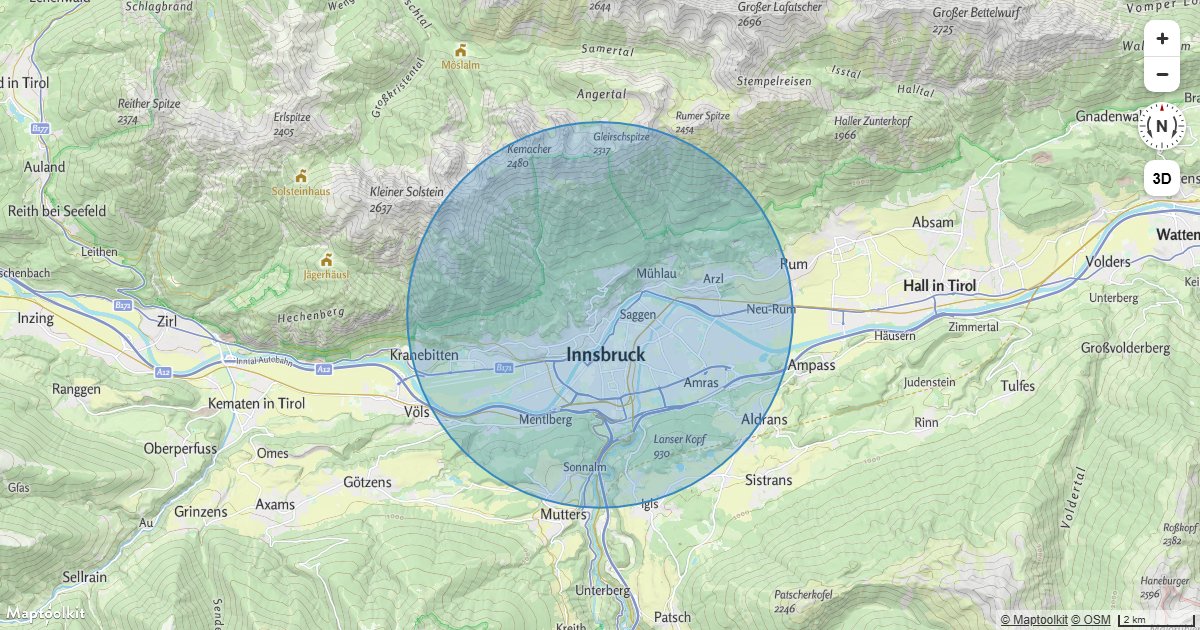
Draw a Circle
Draw a geographic circle at a radius in meters on a Maptoolkit map using a GeoJSON polygon approximation.
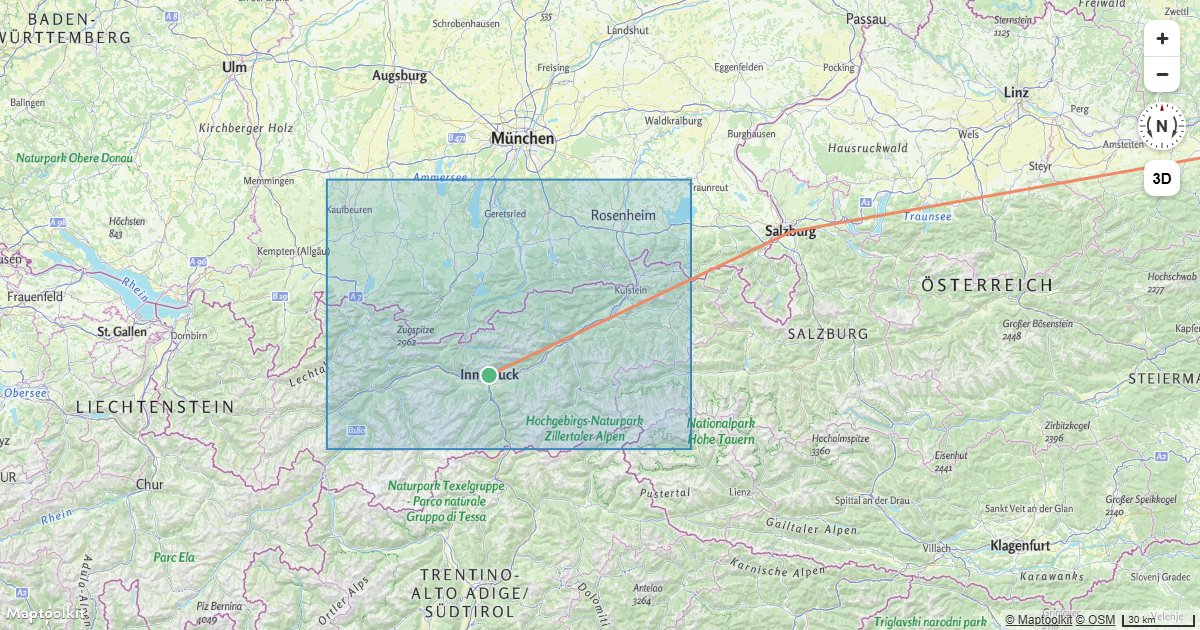
Add Multiple Geometries from One GeoJSON Source
Render points, lines, and polygons from a single GeoJSON source using multiple Maptoolkit layer types.
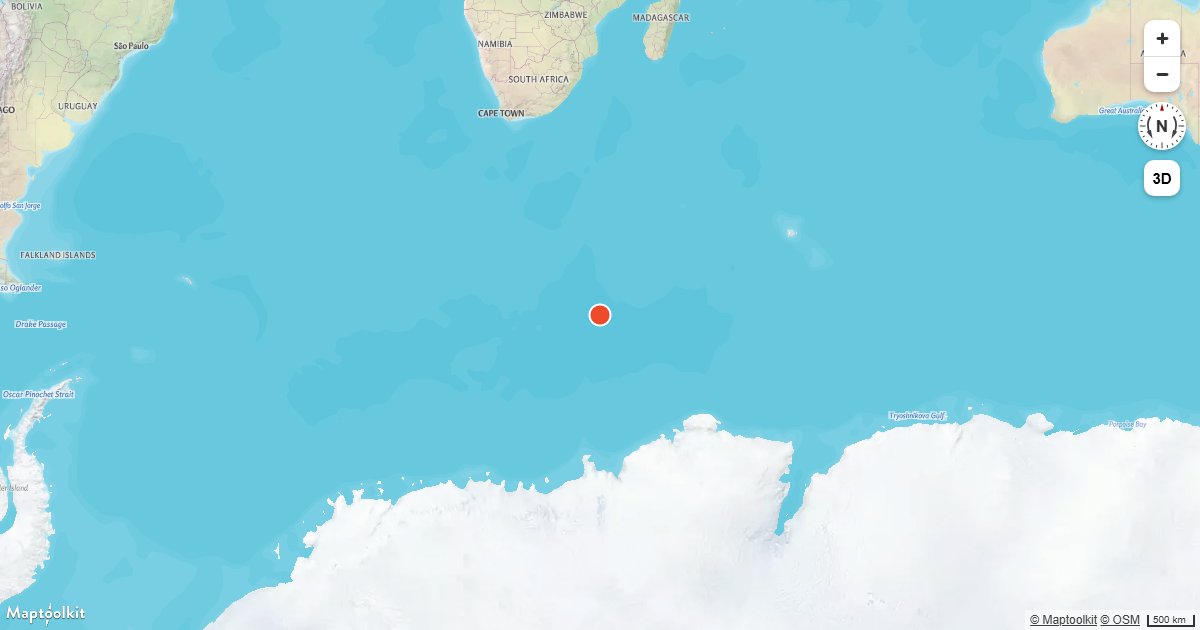
Add Live Realtime Data
Fetch live data from an external API on an interval and update a Maptoolkit map source in real time.
Update a Feature in Realtime
Update a GeoJSON feature's coordinates in real time on a Maptoolkit map by calling setData on the source.
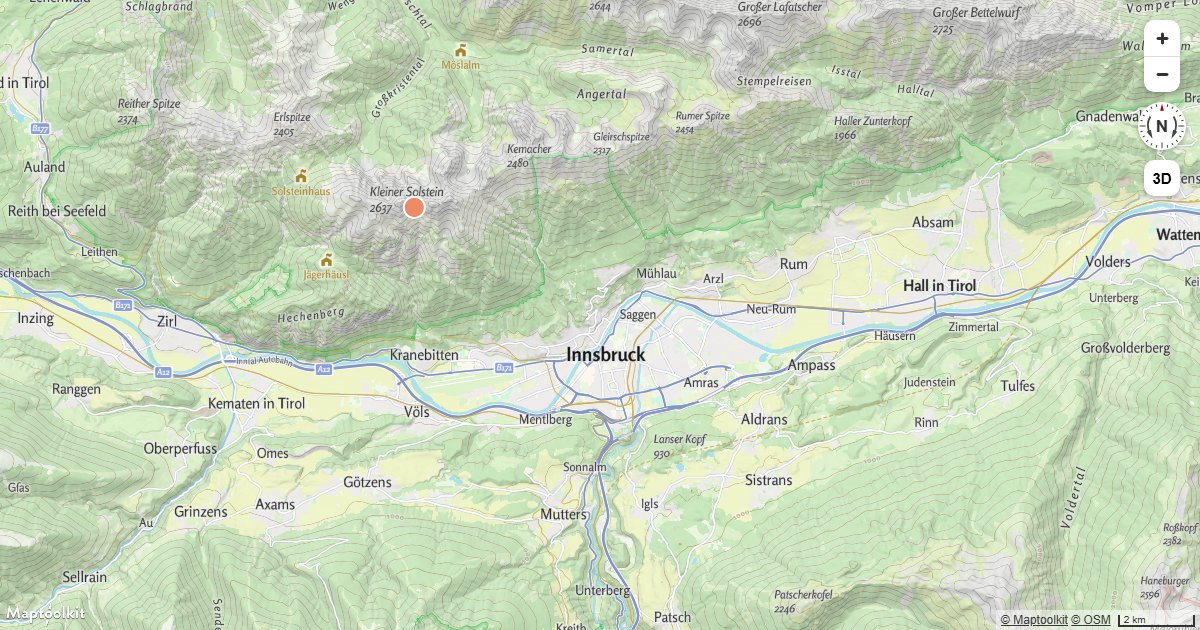
Animate a Point
Animate a GeoJSON point moving in a circle on a Maptoolkit map using requestAnimationFrame and setData.
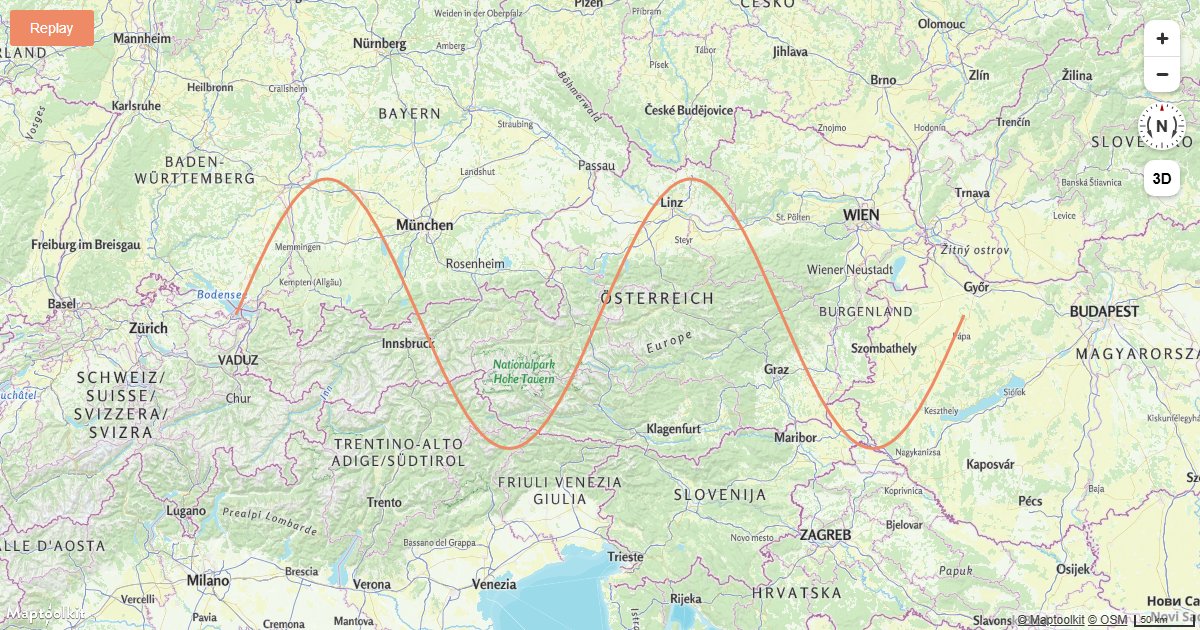
Animate a Line
Animate a growing line on a Maptoolkit map by progressively adding coordinates to a GeoJSON source.
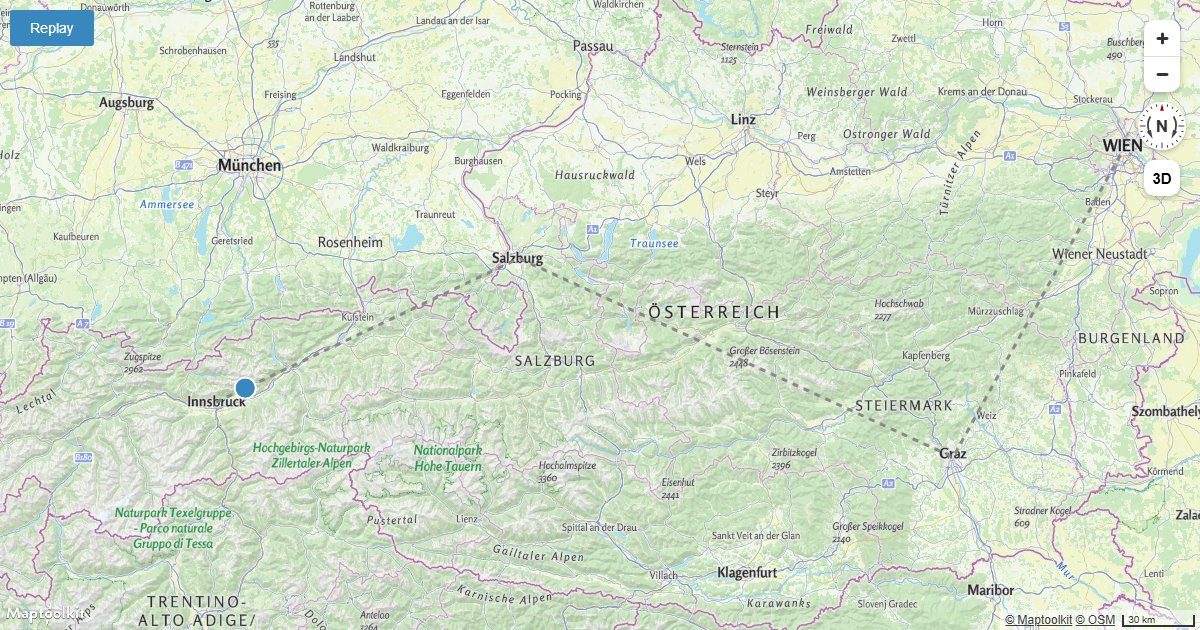
Animate a Point Along a Route
Animate a point icon moving along a fixed route on a Maptoolkit map using Turf.js for position interpolation.
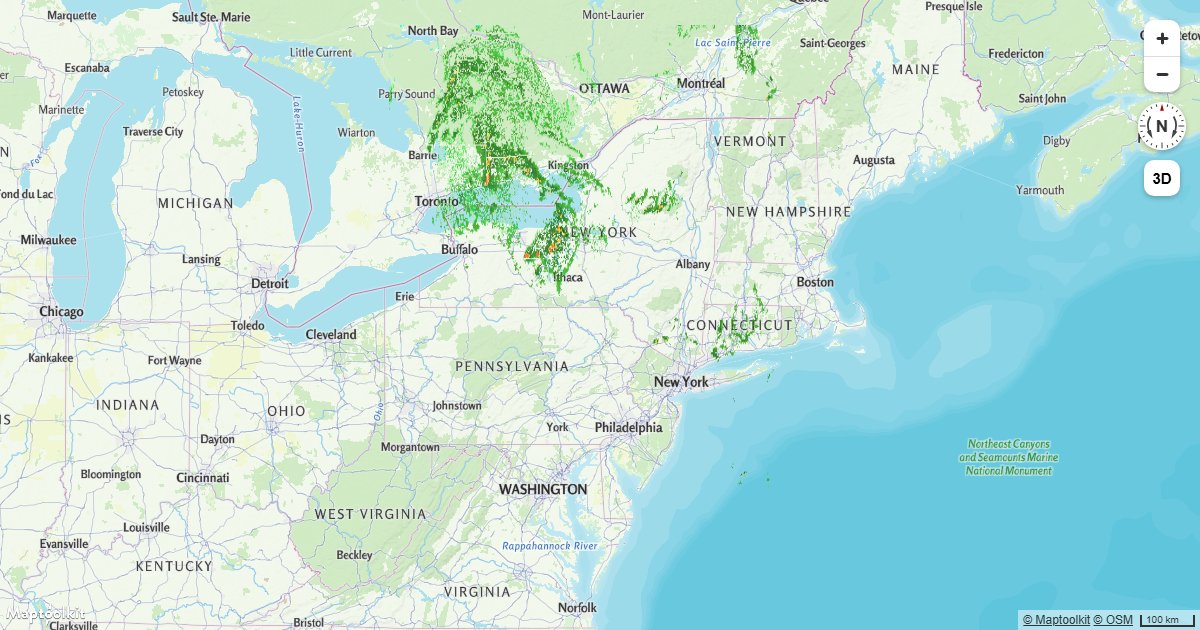
Animate a Series of Images
Cycle through a sequence of images on a Maptoolkit raster source to create a frame-by-frame map animation.
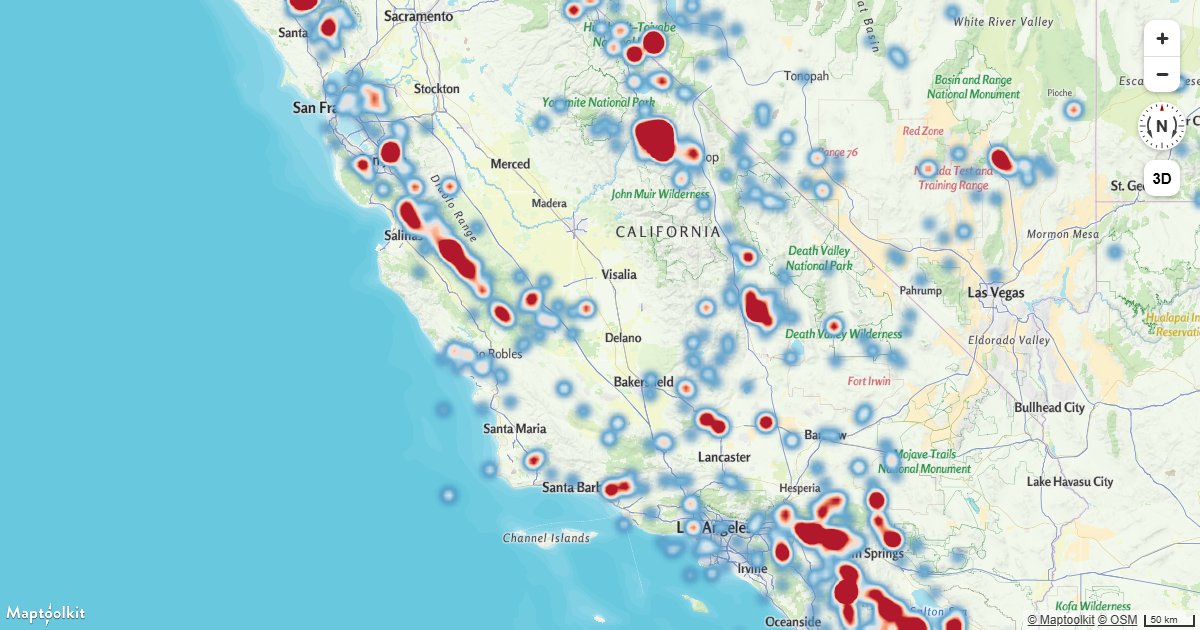
Create a Heatmap Layer
Visualize point density on a Maptoolkit map using a heatmap layer driven by data-driven style expressions.
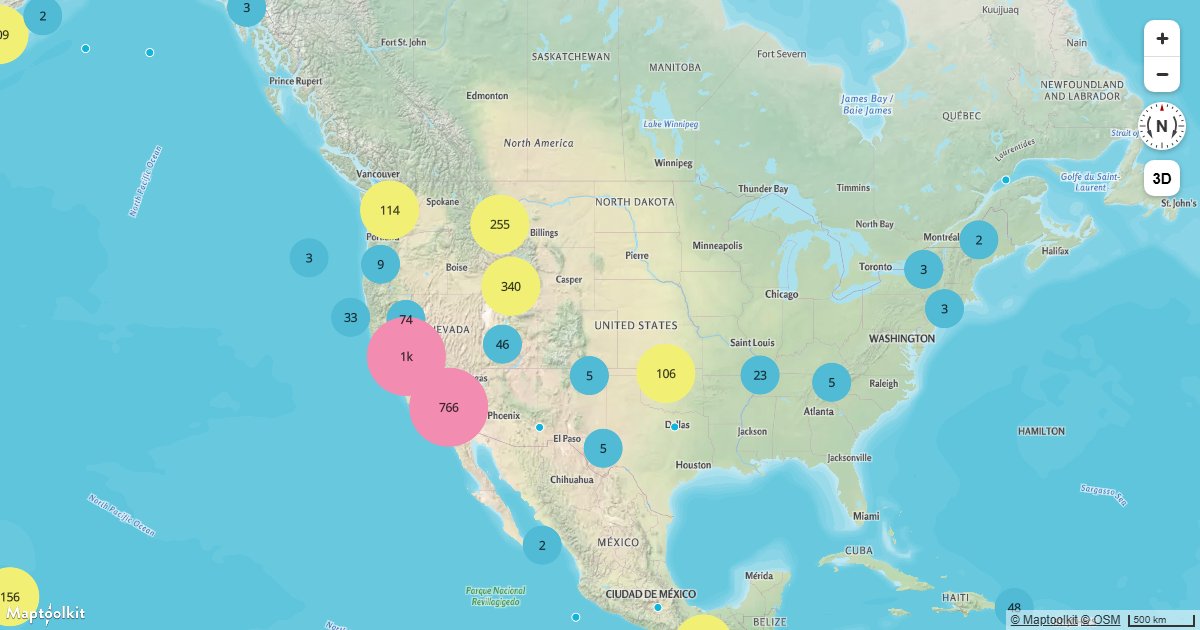
Create and Style Clusters
Group nearby point features into clusters on a Maptoolkit map and style them by cluster size using GeoJSON clustering.
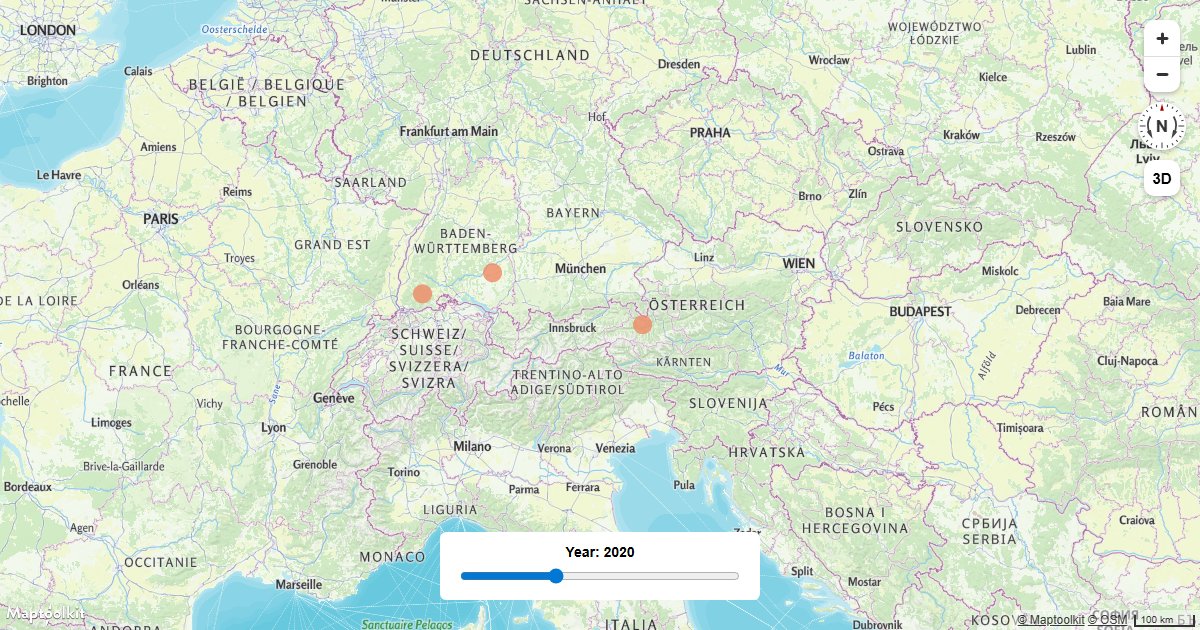
Create a Time Slider
Filter GeoJSON features on a Maptoolkit map by a time value using an HTML range slider and a filter expression.
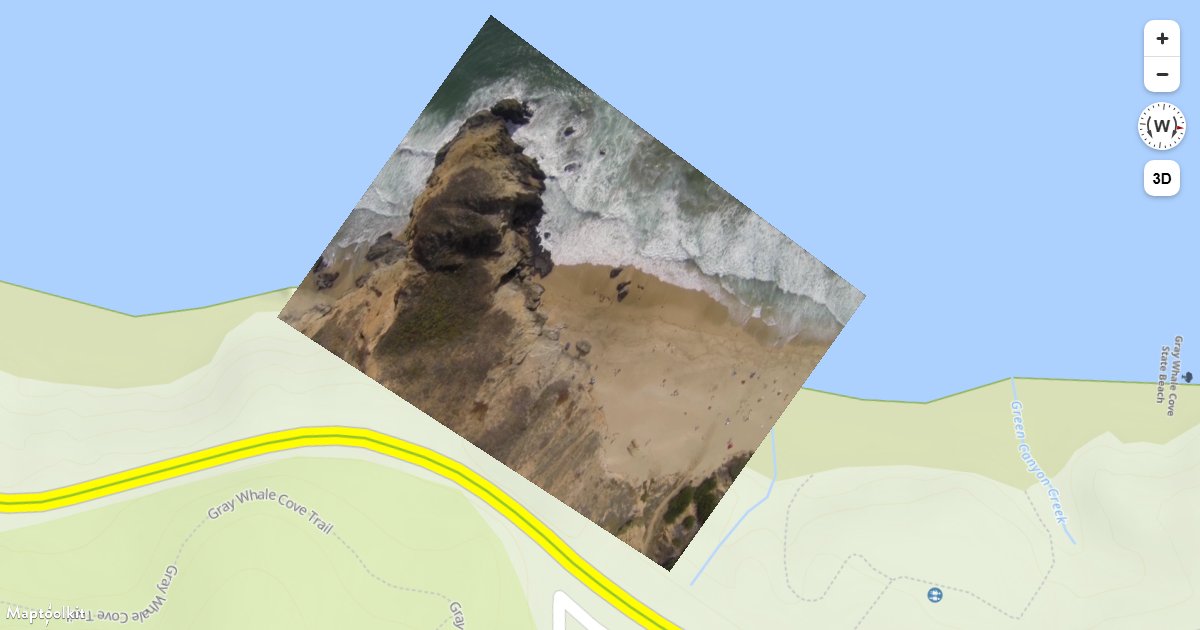
Add a Video
Overlay a video file at geographic bounds on a Maptoolkit map, with click-to-pause support.
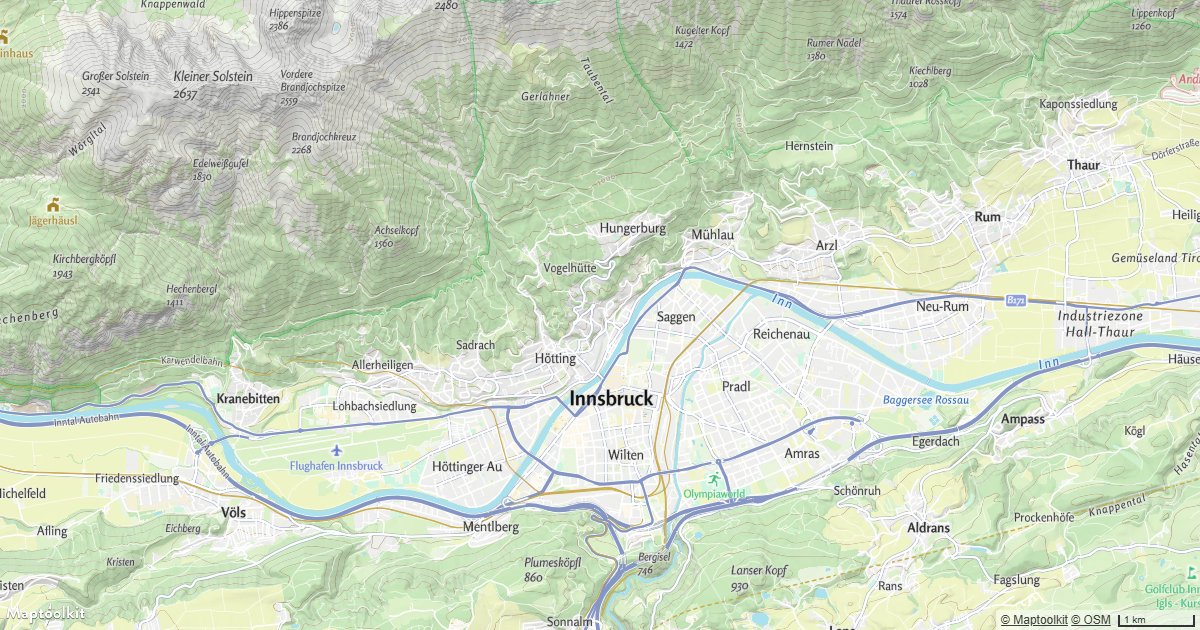
Display a Non-Interactive Map
Render a fully static, non-interactive Maptoolkit map by disabling all user input handlers.
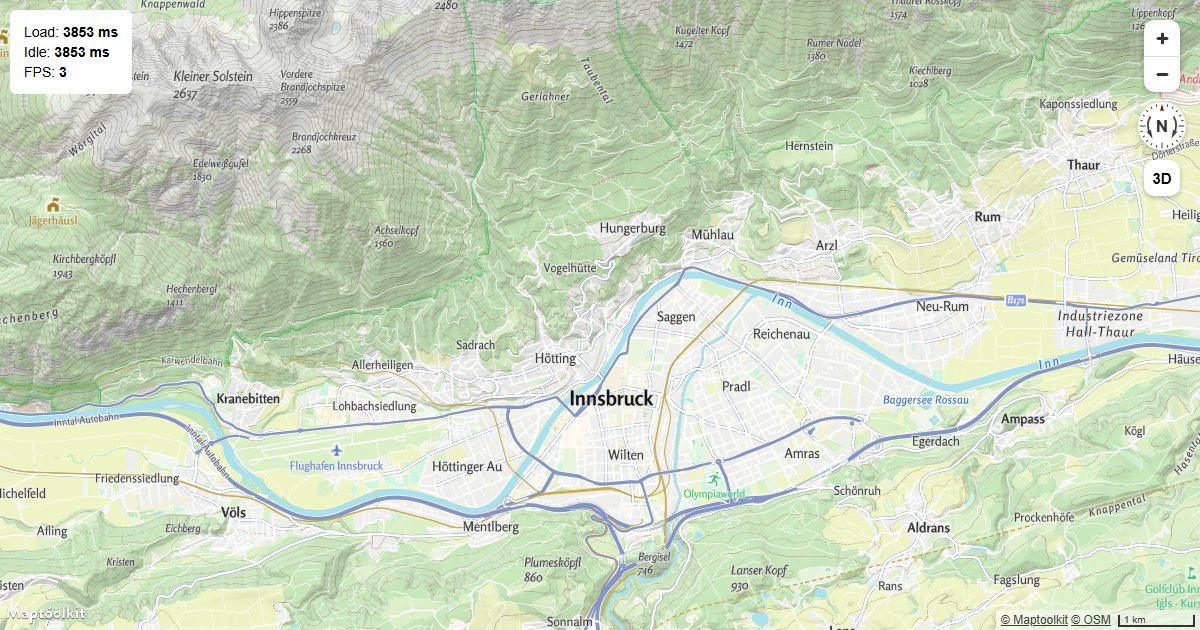
Display Map Performance Metrics
Measure Maptoolkit map load time, time to idle, and frames per second using built-in performance events.
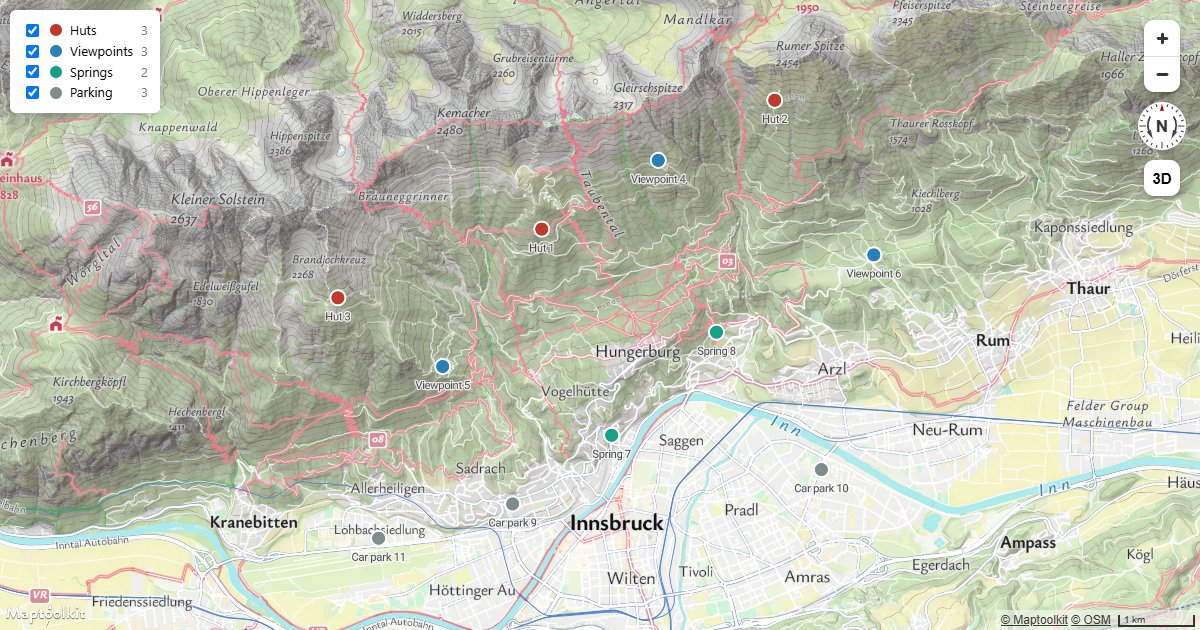
Filter by Category
Show and hide subsets of one source with checkbox filters, without touching the data or adding layers.
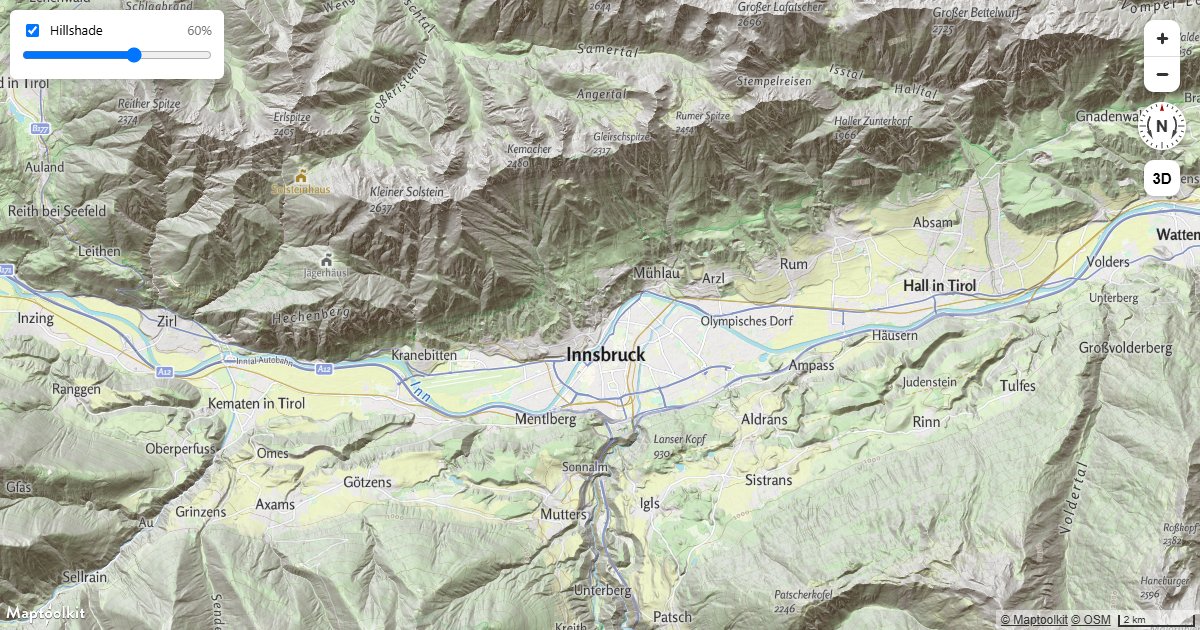
Hillshade Strength Slider
Let readers dial relief shading up and down, and switch it off, with a slider and a checkbox.
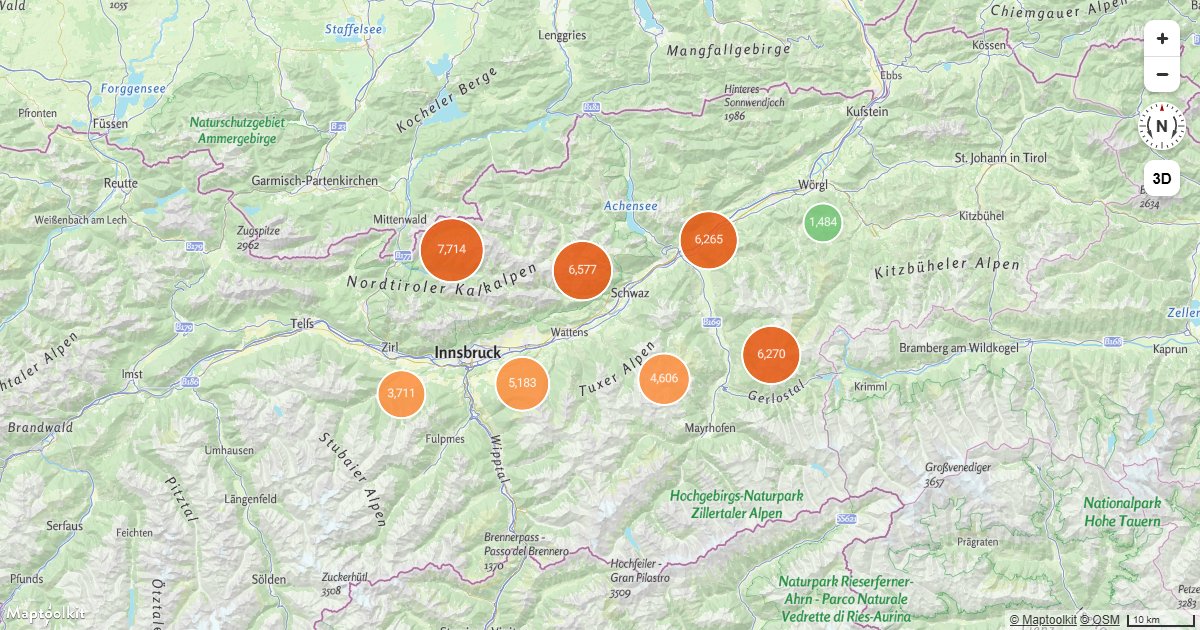
Aggregate Values in Clusters
Sum a property across the points in each cluster with clusterProperties, and zoom into a cluster on click.
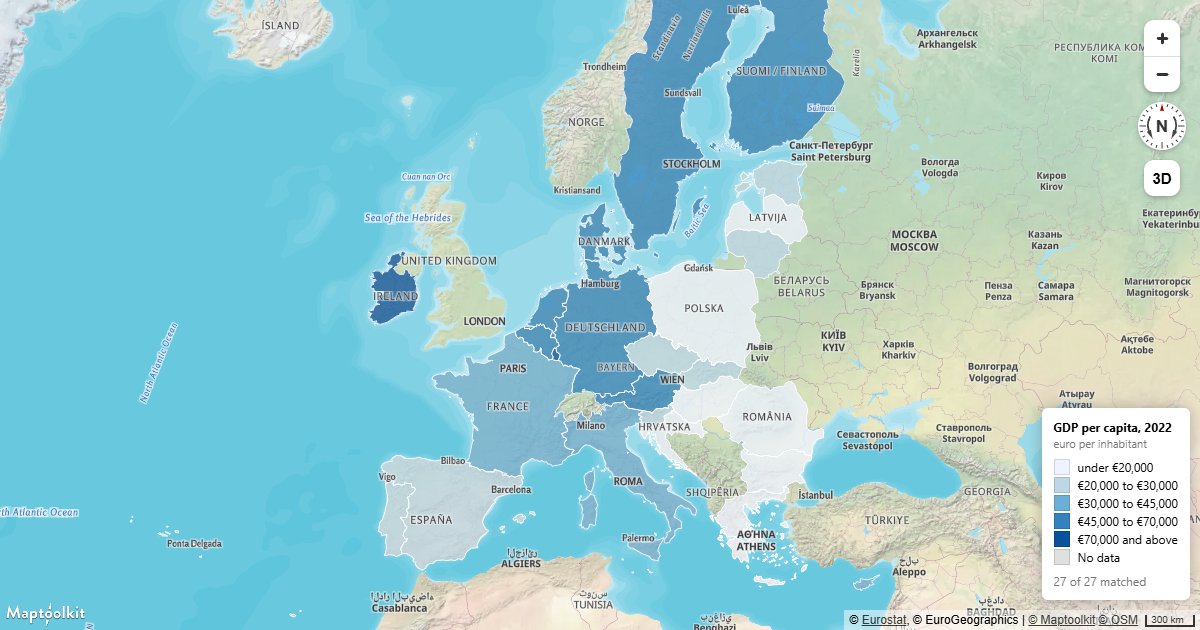
Build a Choropleth
Join a statistics table to boundary polygons by code and shade each region by its value.